Java Modify Array Element: Direct Assignment and Loops
java modify array element: Learn how to modify array elements in Java using direct index assignment, indexed loops, and ArrayList alternatives, including bounds and pe...
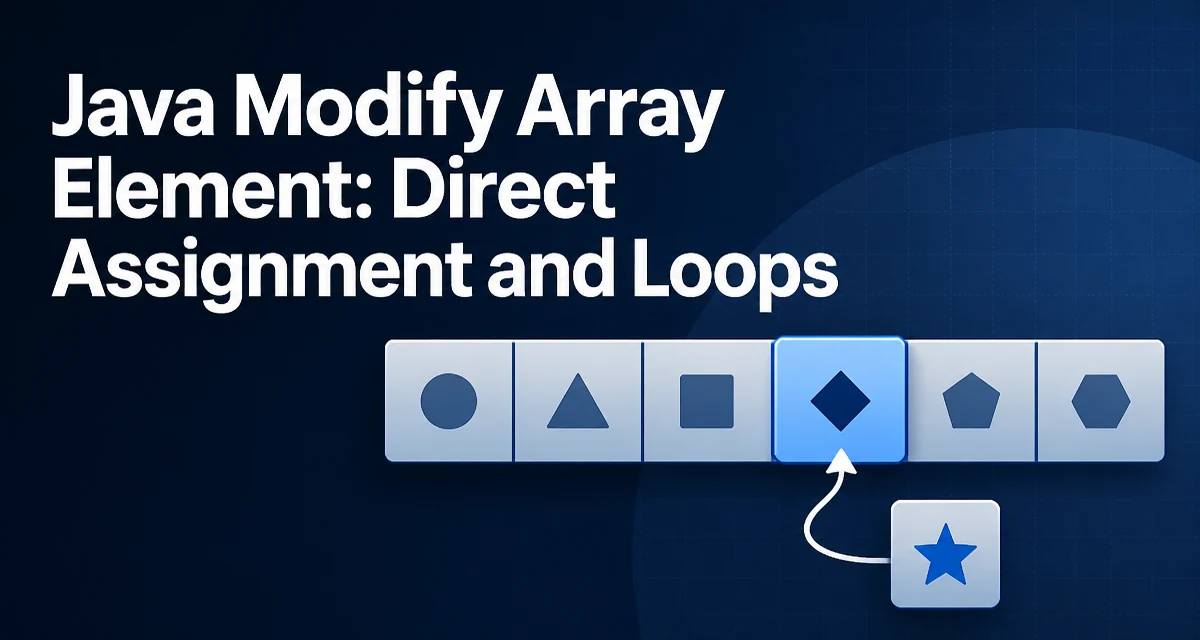
When you need to java modify array element, the core operation is direct index assignment. Java arrays are fixed-size objects whose elements are accessed by position, and changing one element is a single assignment statement:
int[] numbers = {10, 20, 30, 40};
numbers[2] = 35;
After this assignment, the array contains {10, 20, 35, 40}. Indexes are zero-based, so numbers[2] refers to the third element. The assignment replaces the old value in place; the array's length does not change. This is the foundation for every other modification technique in this article.
Direct Assignment by Index
When the index is known at the time you write the code, direct assignment is the clearest and fastest option. The right-hand side can be a literal, a variable, or the result of an expression:
String[] names = {"ada", "grace", "linus"};
names[1] = "grace hopper";
names[0] = names[2].toUpperCase();
The second line updates one element. The third line reads names[2], transforms it, and stores the result back into names[0]. Both operations run in constant time because array access is O(1); the JVM computes the memory address from the base pointer and the index.
Modifying Elements in a Loop
When the update rule applies to many elements, a standard for loop is the most direct tool:
int[] scores = {72, 85, 90, 68};
for (int i = 0; i < scores.length; i++) {
    if (scores[i] < 80) {
        scores[i] = 80;
    }
}
The loop variable i is the index, so each iteration reads the current value, applies the condition, and writes back through the same index. This pattern is useful for clamping values, applying a transformation to every element, or updating elements that match a predicate.
Why the Enhanced For-Each Loop Does Not Modify the Array
The enhanced for loop is a common source of confusion here:
for (int value : scores) {
    value = value + 10; // no effect on the array
}
value is a local copy of the array element. For primitive arrays, assigning to value changes only the local variable. For object arrays, value is a copy of the reference; assigning a new object to value does not change the array slot. The enhanced loop is safe for reading, but it cannot be used to replace elements. If you need to write back, use an indexed loop.
Modifying Object Arrays
Arrays of objects store references, so modification has two distinct forms. You can replace the reference in a slot:
User[] users = new User[3];
users[0] = new User("alice");
users[1] = new User("bob");
users[2] = users[0]; // same object as users[0]
Or you can mutate the object that the slot points to:
users[0].setActive(false);
The second form does not change the array structure; it changes the state of the object referenced by users[0]. Both forms are valid, but they have different implications. Replacing a slot changes what the array holds; mutating an object changes data that may be shared through other references. If two slots reference the same object, mutating it affects both.
Arrays vs ArrayList for Modification
The java.util.ArrayList class is the most common dynamic alternative. The key difference is that an array has a fixed length, while an ArrayList can grow and shrink.
| Operation | Array | ArrayList |
|---|---|---|
| Set element at index | arr[i] = x | list.set(i, x) |
| Add element | not supported | list.add(x) |
| Remove element | not supported | list.remove(i) |
| Read element | arr[i] | list.get(i) |
If the number of elements is fixed and known at compile time, an array is simpler and uses less memory because there is no wrapper object. If elements are added or removed during execution, an ArrayList avoids manual resizing. The set method on ArrayList performs the same bounds check as array indexing and throws IndexOutOfBoundsException for invalid indexes.
Bounds Checking and Common Failures
Array indexes are checked at runtime. Accessing an index outside 0 to length - 1 throws ArrayIndexOutOfBoundsException:
int[] values = new int[3];
values[3] = 10; // throws ArrayIndexOutOfBoundsException
The exception is unchecked, so the compiler does not require a catch block. The failure appears at runtime, which means the index must be validated before the assignment when the index comes from user input or external data. A related failure is a null array reference:
int[] values = null;
values[0] = 1; // throws NullPointerException
Checking values != null and index >= 0 && index < values.length before modification prevents both failure modes.
Performance and Memory Considerations
In-place modification is the most memory-efficient approach because it does not allocate a new array. Assigning arr[i] = x writes to existing memory and creates no garbage. Creating a new array for every update, by contrast, allocates a new object and leaves the old one eligible for garbage collection. For small arrays in short-lived code, the difference is negligible. For large arrays updated frequently, in-place assignment avoids measurable allocation pressure.
The same principle applies to object arrays. Replacing a slot with a new object allocates that object; mutating an existing object does not. If the array is large and updated in a hot loop, the allocation cost of replacing objects can outweigh the cost of the assignment itself.
When to Create a New Array Instead
In-place modification is not always the right choice. If the original array must remain unchanged, or if the transformation produces a different length, create a new array:
int[] original = {1, 2, 3};
int[] doubled = new int[original.length];
for (int i = 0; i < original.length; i++) {
    doubled[i] = original[i] * 2;
}
The Arrays.copyOf method and the Stream API provide alternatives, but both allocate new storage. Use in-place assignment when the array is owned by the current code and the old values are no longer needed. Use a new array when the original data must be preserved for later use or when the result has a different size.