Java non-sealed Keyword: Extending Sealed Types
java non sealed keyword: Learn how the non-sealed keyword works in Java sealed hierarchies, when to use it, and how it affects subtype extensibility.
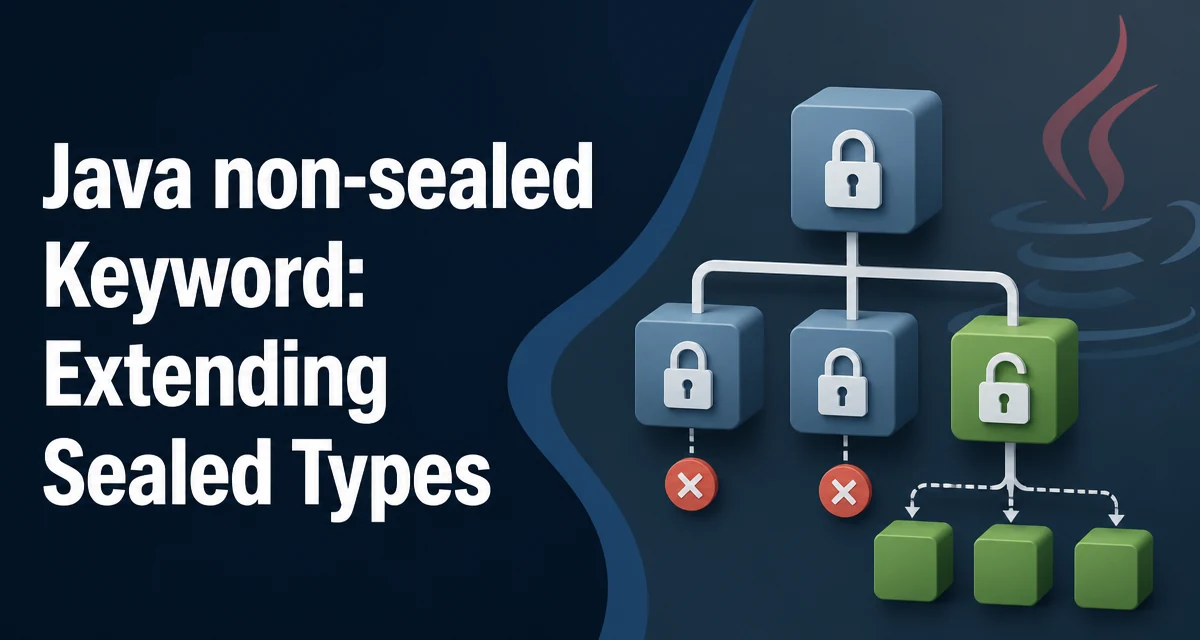
java non sealed keyword requires a clear understanding of the core syntax, runtime behavior, and practical implementation patterns demonstrated in the examples below.
In Java 17, sealed classes and interfaces let you declare a fixed set of permitted subtypes. The non-sealed keyword, written as non-sealed, is the modifier that reopens a sealed hierarchy to unknown subtypes. It appears in the same position as final or sealed in a type declaration, and it tells the compiler that this particular subtype is free to be extended by any class or interface, even those outside the original permitted list.
What the non-sealed Keyword Does
When you declare a class or interface as sealed, you must list every direct subtype using the permits clause. Each permitted subtype must then choose one of three modifiers: final, sealed, or non-sealed. A final subtype cannot be extended further. A sealed subtype continues the restriction by defining its own permitted list. A non-sealed subtype removes the restriction entirely: any class or interface can extend or implement it, regardless of whether it appears in the original permits list.
This is useful when you want to enforce a closed hierarchy at the top level but still allow open extension from a specific branch. For example, a library can define a sealed Shape interface with only Circle and Polygon as permitted subtypes. If Polygon is declared non-sealed, application code can define new polygon types without modifying the library.
Declaring a non-sealed Class or Interface
The syntax is straightforward. You place non-sealed before the class or interface keyword, in the same position where sealed or final would appear.
public sealed interface Shape permits Circle, Polygon {
    double area();
}

public final class Circle implements Shape {
    // ...
}

public non-sealed class Polygon implements Shape {
    // ...
}
Here, Polygon is non-sealed. That means any class can extend Polygon, even if it was not listed in the permits clause of Shape. The compiler will not complain about a new subclass of Polygon that appears in a different package or a third-party module.
The same rule applies to interfaces. A non-sealed interface can be implemented by any class, and other interfaces can extend it freely.
How non-sealed Affects Permitted Subtypes
The permits clause on a sealed type lists the direct subtypes. Each of those subtypes must be either final, sealed, or non-sealed. If you mark a permitted subtype as non-sealed, it effectively breaks the chain of restriction. Subtypes of that non-sealed type are not subject to the original sealed hierarchy's constraints.
This means the compiler can no longer guarantee that all implementations of Shape are known at compile time. Pattern matching with exhaustiveness checks will still work for the direct permitted subtypes, but if you match on a non-sealed subtype, you must provide a default branch or handle the unknown subtypes explicitly.
Consider this switch statement:
String describe(Shape shape) {
    return switch (shape) {
        case Circle c -> "circle";
        case Polygon p -> "polygon";
    };
}
If Polygon is non-sealed, this switch is not exhaustive because new subclasses of Polygon could exist. The compiler will require a default branch or a case that covers the Polygon type itself, not just its subclasses. This is a key difference from a fully sealed hierarchy.
Comparing non-sealed, sealed, and final
| Modifier | Can be extended? | Must list permitted subtypes? | Compiler exhaustiveness |
|---|---|---|---|
final | No | No | Guaranteed for the type |
sealed | Yes, but only listed subtypes | Yes | Guaranteed for the type and its permitted subtypes |
non-sealed | Yes, by any class or interface | No | Not guaranteed beyond this type |
The choice among these three modifiers determines how much control you keep over the type hierarchy. final closes the branch completely. sealed keeps the branch closed but allows a known set of extensions. non-sealed opens the branch to arbitrary extension, trading compile-time exhaustiveness for flexibility.
Runtime and Maintainability Considerations
At runtime, non-sealed has no direct performance cost. The JVM does not treat non-sealed types differently from ordinary classes or interfaces. The effect is purely at compile time, in the type checker and exhaustiveness analysis.
The maintainability tradeoff is more significant. A non-sealed type makes the overall hierarchy less predictable. Code that relies on exhaustive pattern matching must be updated when new subtypes appear. This is acceptable when the non-sealed branch is meant to be an extension point, such as a plugin interface or a base class in an open framework.
When designing a sealed hierarchy, use non-sealed sparingly. If every permitted subtype is non-sealed, the sealed keyword provides little benefit. The typical pattern is to have one or two non-sealed branches that serve as escape hatches, while the rest remain final or sealed.
Common Mistakes and Edge Cases
One common mistake is applying non-sealed to a subtype that was not listed in the permits clause. The compiler will reject this because non-sealed is only valid on a direct permitted subtype of a sealed type. You cannot declare a random class as non-sealed outside the hierarchy.
Another edge case involves records. Records are implicitly final, so you cannot declare a record as non-sealed or sealed. If you need a non-sealed subtype, it must be a class or an interface, not a record.
Also note that non-sealed is a contextual keyword. It is only treated as a modifier in the context of a sealed hierarchy. Outside that context, non-sealed is not a reserved word and can be used as an identifier, although that is rarely a good idea for clarity.
When you migrate an existing class hierarchy to sealed, you must explicitly choose a modifier for each permitted subtype. If you want to preserve open extensibility for a particular branch, non-sealed is the correct choice. If you forget to add a modifier, the compiler will error, forcing you to make an explicit decision.