Java OutputStream: Writing Bytes to Files and Streams
java outputstream: Learn how Java OutputStream works, how to write bytes to files and in-memory buffers, and when to use buffered or unbuffered implementations.
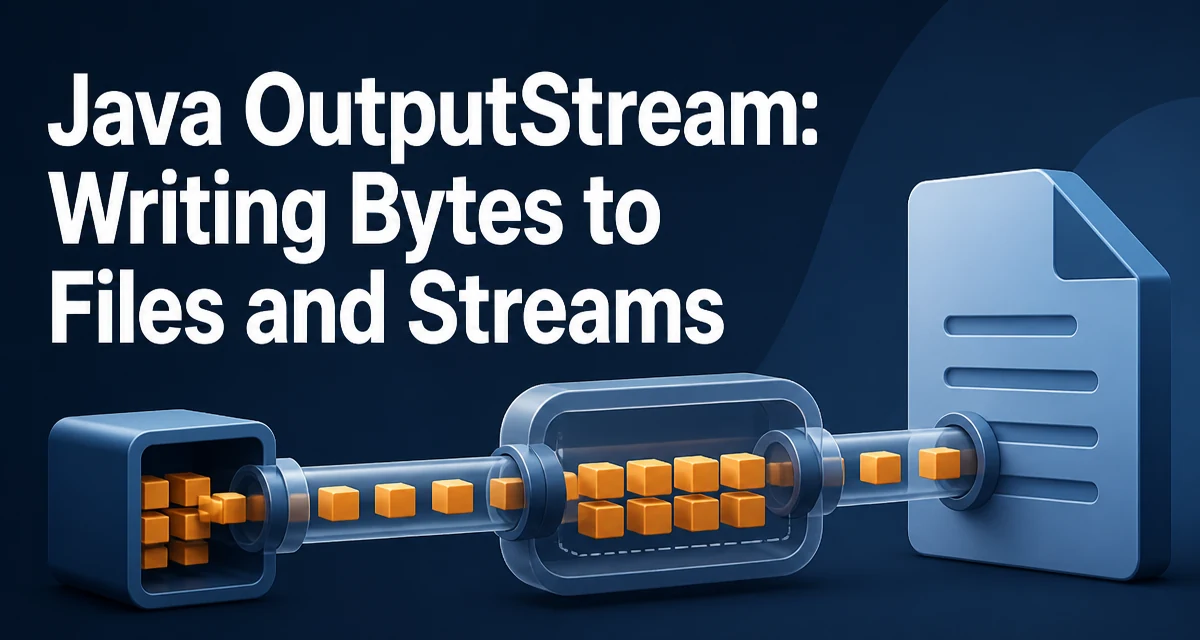
java outputstream requires a clear understanding of the core syntax, runtime behavior, and practical implementation patterns demonstrated in the examples below.
Java's OutputStream is the abstract base class for all byte-oriented output in the java.io package. When you need to write binary data to a file, a socket, or an in-memory buffer, OutputStream defines the contract you work against. Understanding its behavior matters because the class hierarchy hides significant differences in how each implementation handles buffering, resource ownership, and error conditions.
The OutputStream Contract
OutputStream declares a small set of abstract methods that every concrete implementation must provide. The most fundamental is write(int b), which writes the low-order 8 bits of the given integer as a single byte. The two other overloads, write(byte[] b) and write(byte[] b, int off, int len), write a full array or a slice of an array respectively.
The base class provides default implementations for the array-based methods by calling write(int b) in a loop. That means a subclass can get away with implementing only the single-byte method, but doing so is almost always a performance mistake. Real implementations such as FileOutputStream override the array methods to perform a single native write call instead of looping through every byte.
The destination of the bytes is entirely implementation-specific. FileOutputStream writes to a file, ByteArrayOutputStream accumulates bytes in a growable in-memory buffer, and SocketOutputStream writes to a network connection. The calling code does not need to know which one it is holding, which is what makes OutputStream useful as an abstraction.
Writing Bytes to an OutputStream
The simplest usage writes a few bytes to a file:
OutputStream out = new FileOutputStream("data.bin");
out.write(42);
out.write(new byte[] { 1, 2, 3, 4 });
out.close();
The first write call sends a single byte with value 42. The second sends four bytes from the array. The close() call releases the underlying file descriptor. In modern Java, you should use try-with-resources instead of calling close() manually, because it guarantees cleanup even when an exception is thrown:
try (OutputStream out = new FileOutputStream("data.bin")) {
    out.write(payload);
    out.write(payload, 0, 16);
}
The three-argument write(byte[] b, int off, int len) is useful when you only want to write part of a buffer. The off argument is the starting index, and len is the number of bytes to write. Attempting to write past the end of the array throws IndexOutOfBoundsException, so validate the slice before calling it if the bounds come from untrusted input.
Common OutputStream Implementations
Three implementations cover the majority of real-world use:
FileOutputStream writes directly to a file. Its constructor accepts a path string or a File object, and an optional boolean flag enables append mode. Each write call on an unbuffered FileOutputStream triggers a system call, which is why it is rarely used without a buffering wrapper.
ByteArrayOutputStream writes into an internal byte array that grows as needed. It is useful when you need to produce binary output whose final size is unknown in advance, such as serializing an object or building a response payload. After writing, you can retrieve the accumulated bytes with toByteArray() or write them to another stream with writeTo(OutputStream). The internal buffer is not thread-safe, so concurrent writes require external synchronization.
BufferedOutputStream wraps another OutputStream and adds an internal buffer. Data written to it is held in memory until the buffer fills or flush() is called, at which point the entire buffer is written to the underlying stream in one operation. This dramatically reduces the number of system calls when writing many small chunks.
Flushing and Closing
flush() pushes any buffered bytes to the underlying destination. On a BufferedOutputStream, this empties the internal buffer into the wrapped stream. On an unbuffered FileOutputStream, flush() is effectively a no-op because there is no intermediate buffer.
close() flushes any remaining buffered data and releases the underlying resource. After close() returns, the stream is closed and further write calls throw IOException. Calling close() on an already-closed stream is harmless and does not throw.
A common mistake is to call flush() and then continue writing, expecting the stream to remain usable. That is valid, but it defeats the purpose of buffering: every explicit flush() forces the buffer to be written out, which is exactly the expensive operation buffering was meant to avoid. Use flush() only when the receiver needs the data immediately, such as before a long computation that will delay the next write.
Handling IOException
OutputStream methods declare IOException, which is a checked exception. The compiler requires callers to handle it or declare it. The exception is thrown for a variety of underlying failures: a full disk, a closed socket, a missing file, or an interrupted write.
try (OutputStream out = new FileOutputStream("report.bin")) {
    out.write(data);
} catch (IOException e) {
    logger.error("Failed to write report", e);
    throw new ReportStorageException("Could not persist report", e);
}
Wrapping the IOException in a domain-specific unchecked exception is a common pattern in application code. It keeps the low-level I/O failure from leaking into every layer of the call stack while preserving the original cause for debugging. The try-with-resources construct ensures that close() is invoked even when the write call itself throws, so you do not leak file descriptors on the error path.
Performance: Buffering Matters
Each write call on an unbuffered FileOutputStream results in a native system call. Writing a 1 MB file one byte at a time produces roughly a million system calls, each with its own overhead for context switching and kernel bookkeeping. Wrapping the stream in a BufferedOutputStream reduces that to a small number of large writes.
try (OutputStream out = new BufferedOutputStream(new FileOutputStream("large.bin"))) {
    for (byte b : data) {
        out.write(b);
    }
}
The default buffer size is 8192 bytes. The buffer fills as bytes are written, and when it is full, the entire buffer is written to the underlying stream in one call. The final partial buffer is written during close(). This pattern is the standard way to write many small pieces of data without paying the system-call cost for each one.
Buffering does not help when the data arrives in large chunks. If you are already writing multi-kilobyte arrays, the buffer adds a copy operation without reducing the number of underlying writes. In that case, writing directly to the unbuffered stream is equally efficient and uses less memory.
Choosing the Right OutputStream
The choice of implementation depends on the destination and the write pattern. Use FileOutputStream when writing to a file and the data arrives in large blocks. Wrap it in BufferedOutputStream when writes are small or frequent. Use ByteArrayOutputStream when the output must be held in memory, for example to compute a checksum or to build a payload that will be sent over the network afterward.
For character data, prefer Writer and its subclasses such as FileWriter and BufferedWriter. OutputStream writes raw bytes and does not perform character encoding. If you write a Java String to an OutputStream, you must encode it explicitly with getBytes(StandardCharsets.UTF_8) or similar. The Writer hierarchy handles encoding automatically and is the correct tool for text.
A practical selection rule: if you are writing bytes that represent a file, image, serialized object, or network protocol, use OutputStream. If you are writing human-readable text, use Writer. When both are plausible, the encoding requirement usually decides the question.