Java Parallel Stream: When and How to Use It
java parallel stream: Learn how Java parallel streams work, when they improve performance, and avoid common concurrency pitfalls like thread safety and ordering.
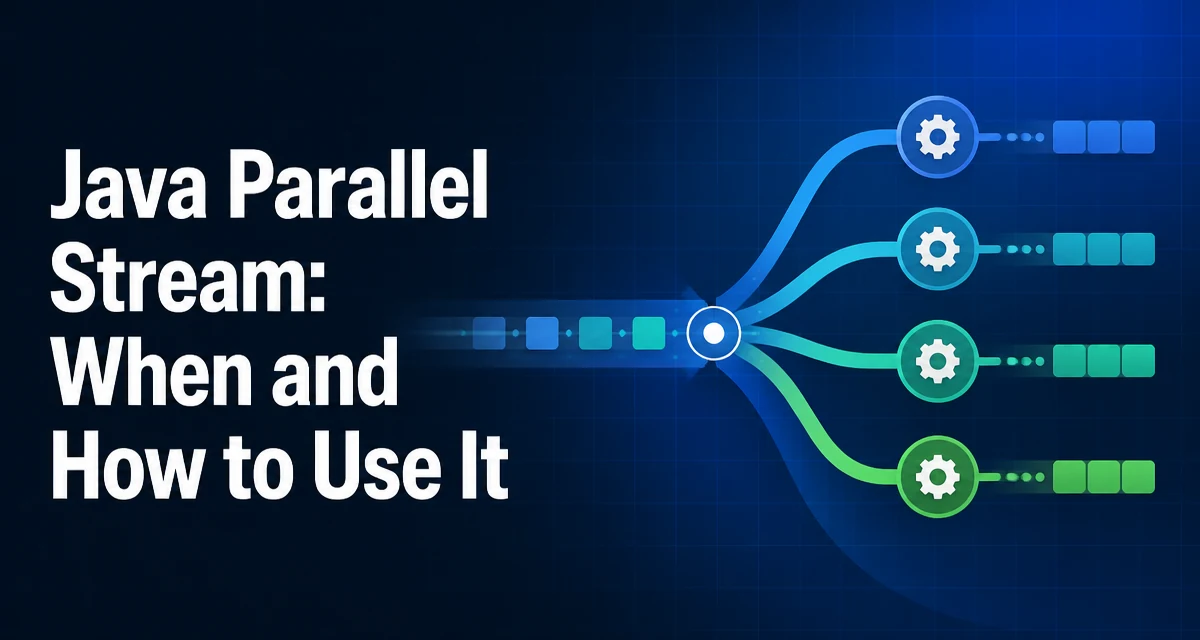
Java parallel stream is a feature of the Stream API that allows a sequential stream to be processed by multiple threads. When you call .parallel() on a stream, the runtime splits the data into chunks and processes them concurrently using a shared thread pool. The actual performance depends on the workload, the size of the data, and the nature of the operations. Understanding how parallel streams behave, when they are worth using, and what common mistakes to avoid is essential for effective use.
How Parallel Streams Execute Work
The default execution mechanism for a parallel stream is the common ForkJoinPool. This pool is static and shared across all parallel streams in the JVM. The number of worker threads is typically equal to the number of available processor cores minus one, since the calling thread also participates in the work.
When you write:
List<Integer> numbers = IntStream.rangeClosed(1, 1_000_000)
    .boxed()
    .collect(Collectors.toList());

int sum = numbers.parallelStream()
    .mapToInt(Integer::intValue)
    .sum();
The parallelStream() call creates a parallel stream directly. The runtime splits the list into chunks, processes each chunk on a separate thread, and then combines the partial results. The sum() operation is a reduction, which is naturally suited to parallel execution because the partial sums are independent and can be merged without conflicts.
The common pool is used for all parallel streams unless you explicitly submit the work to a different ForkJoinPool. That is possible, but it is not a typical approach and comes with its own complications.
When Parallel Streams Improve Performance
Parallel execution adds overhead: splitting the data, coordinating threads, and merging results. For small collections or trivial operations, that overhead often exceeds the benefit. As a rule of thumb, parallel streams help when the data set is large and the per-element operation is CPU-intensive enough to justify the coordination cost.
A simple benchmark-like observation: if each element requires a significant amount of computation, such as parsing a complex string or performing a cryptographic hash, parallel execution can reduce wall-clock time. If the operation is as simple as adding an integer, the overhead of splitting and merging may dominate.
Consider a CPU-bound operation:
double result = IntStream.rangeClosed(1, 10_000_000)
    .parallel()
    .mapToDouble(i -> Math.sqrt(i) * Math.log(i))
    .average()
    .orElse(0);
Here the per-element work is non-trivial, and the data size is large enough that parallel execution can help. However, the actual speedup depends on the hardware, the JVM, and the current load on the common pool.
Thread Safety and Shared Mutable State
A parallel stream does not change the semantics of the stream pipeline regarding side effects. If you use a shared mutable object inside a map or forEach operation, you are introducing a race condition. For example:
List<Integer> results = new ArrayList<>();

IntStream.rangeClosed(1, 1000)
    .parallel()
    .forEach(i -> results.add(i));
This code is unsafe because ArrayList is not thread-safe. Multiple threads may call add concurrently, leading to lost updates or corruption. The correct approach is to use a thread-safe collection or, better, use the stream's collect operation with a concurrent collector.
List<Integer> results = IntStream.rangeClosed(1, 1000)
    .parallel()
    .boxed()
    .collect(Collectors.toList());
Collectors.toList() is not thread-safe internally, but the stream framework ensures that each thread collects its own partial list and then merges them. This is safe because the merge operation is performed sequentially after the parallel processing. For a truly concurrent collection, you can use Collectors.toConcurrentMap() or Collectors.groupingByConcurrent(), which use concurrent data structures and avoid merging overhead.
Ordering and Encounter Order
Parallel streams can reorder results if you use operations that do not preserve encounter order. For example, forEach does not guarantee the order in which elements are processed. If you need the output to match the input order, use forEachOrdered or rely on operations that preserve order, such as map and filter when the stream is ordered.
IntStream.rangeClosed(1, 10)
    .parallel()
    .forEach(i -> System.out.print(i + " "));
// Output may be: 3 1 4 2 5 6 8 7 9 10

IntStream.rangeClosed(1, 10)
    .parallel()
    .forEachOrdered(i -> System.out.print(i + " "));
// Output: 1 2 3 4 5 6 7 8 9 10
forEachOrdered forces the stream to respect the original order, but it may reduce parallelism because it requires coordination to maintain order. For operations like sorted(), the stream will collect elements and sort them, which is still correct but may not be faster than sequential sorting for small data sets.
Using a Custom Thread Pool
By default, parallel streams use the common ForkJoinPool. If you need to isolate parallel stream tasks from other tasks in the JVM, or if you want to control the number of threads, you can submit the stream task to a custom ForkJoinPool. The common pattern is:
ForkJoinPool customPool = new ForkJoinPool(4);

try {
    customPool.submit(() -> {
        IntStream.rangeClosed(1, 1000)
            .parallel()
            .forEach(i -> process(i));
    }).get();
} catch (InterruptedException | ExecutionException e) {
    Thread.currentThread().interrupt();
    throw new RuntimeException(e);
} finally {
    customPool.shutdown();
}
This works because the parallel stream uses the ForkJoinPool of the calling thread if it is a ForkJoinWorkerThread. However, this is not a documented API guarantee. The behavior can change in future Java versions, and it is not recommended for production code unless you have a clear reason and understand the risks.
Common Pitfalls and Failure Modes
One frequent issue is blocking operations inside a parallel stream. If a stream operation performs I/O or waits on a lock, the common pool threads may become blocked, leading to thread starvation. For example, calling a remote service inside a map operation can cause all worker threads to wait on network responses, effectively serializing the work and potentially causing timeouts.
Another pitfall is using parallel streams with spliterator that is not well suited to splitting. Some data sources, such as Iterator-based streams or streams generated by Stream.iterate(), cannot be split efficiently. In those cases, parallel execution may add overhead without any benefit.
Finally, parallel streams can introduce subtle bugs when the operation has side effects on shared state, as discussed earlier. Always prefer stateless operations and use reductions or collectors that are designed for concurrent execution.
Alternatives to Parallel Streams
Parallel streams are not the only way to execute work concurrently. For more control, you can use an ExecutorService with a fixed thread pool and submit individual tasks. This is often better for I/O-bound work because you can size the pool based on the expected latency and throughput.
For complex asynchronous workflows, CompletableFuture provides a more flexible API for composing asynchronous operations. It allows you to define dependencies and handle exceptions in a structured way.
The choice depends on the nature of the work. For simple CPU-bound transformations over a large in-memory collection, a parallel stream is a concise and effective solution. For I/O-bound operations or when you need fine-grained control over thread management, an explicit executor is usually a better fit.