Java PriorityQueue offer, poll, and peek Explained
java priorityqueue offer poll peek: Learn how Java PriorityQueue's offer, poll, and peek methods work, how ordering is determined, and when to use each method in your...
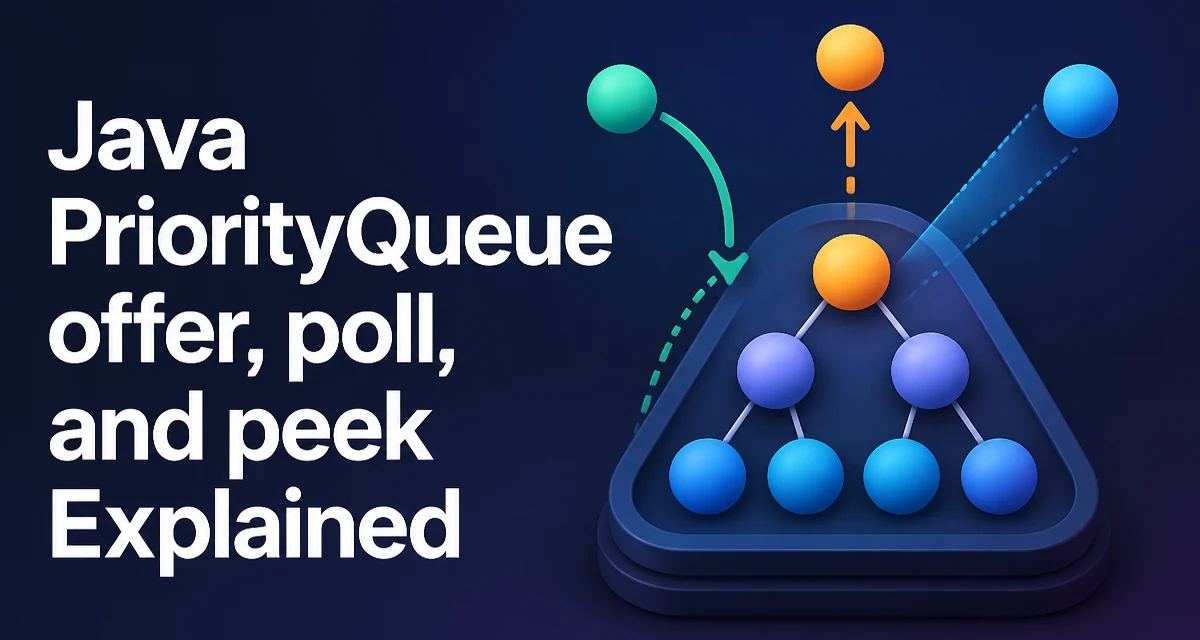
java priorityqueue offer poll peek requires a clear understanding of the core syntax, runtime behavior, and practical implementation patterns demonstrated in the examples below.
When working with java.util.PriorityQueue, the methods offer, poll, and peek form the core of its queue operations. Understanding exactly what each method does, how it behaves under different conditions, and how ordering is determined is essential for using a priority queue correctly in real-world applications.
The Core Methods: offer, poll, and peek
PriorityQueue implements the Queue interface and provides three primary methods for interacting with its elements:
offer(E e)inserts an element into the queue and returnstrueif successful.poll()retrieves and removes the head of the queue, or returnsnullif the queue is empty.peek()retrieves, but does not remove, the head of the queue, or returnsnullif empty.
The head of a PriorityQueue is the least element according to the queue's ordering. That ordering can be the natural ordering of the elements or a custom ordering provided by a Comparator at construction time.
How PriorityQueue Orders Elements
PriorityQueue is implemented as a binary heap. The head is always the smallest element according to the comparator or natural ordering. This means that offer places an element into the heap and reorders internally to maintain the heap property. poll removes the root and rebalances the heap. peek simply reads the root without any structural changes.
The ordering is determined either by the elements' Comparable implementation or by a Comparator passed to the constructor. For example:
PriorityQueue<Integer> pq = new PriorityQueue<>();
pq.offer(5);
pq.offer(1);
pq.offer(3);
System.out.println(pq.peek()); // prints 1
If you need a different ordering, such as max-heap behavior, you can supply a comparator:
PriorityQueue<Integer> maxHeap = new PriorityQueue<>(Comparator.reverseOrder());
maxHeap.offer(5);
maxHeap.offer(1);
System.out.println(maxHeap.peek()); // prints 5
offer: Adding an Element
The offer method adds an element to the queue. Unlike add, which throws an exception if the operation fails, offer returns a boolean. In a PriorityQueue, the queue is unbounded, so the only reason offer would fail is if the element is null. PriorityQueue does not permit null elements, and attempting to add null throws a NullPointerException. In practice, offer always returns true for non-null elements.
PriorityQueue<String> tasks = new PriorityQueue<>();
boolean added = tasks.offer("process order");
System.out.println(added); // true
Because the queue is unbounded, you do not need to check the return value in normal usage, but it is still a good habit when writing generic queue-handling code that might be swapped with a bounded queue implementation.
poll: Retrieving and Removing the Head
poll returns the head of the queue and removes it. If the queue is empty, it returns null rather than throwing an exception. This makes poll safe to call without checking the queue size first, but you must handle the null return value to avoid NullPointerException when using the result.
PriorityQueue<Integer> pq = new PriorityQueue<>();
pq.offer(10);
pq.offer(20);
Integer head = pq.poll(); // returns 10, queue now contains [20]
Integer emptyHead = pq.poll(); // returns 20
Integer nullHead = pq.poll(); // returns null
After poll removes the head, the heap is restructured to maintain the ordering invariant. This operation has a time complexity of O(log n), where n is the number of elements in the queue.
peek: Inspecting the Head Without Removal
peek returns the head of the queue without removing it. Like poll, it returns null if the queue is empty. This is useful when you need to check the highest-priority element without consuming it, such as in a scheduling loop where you want to decide whether to process the next task.
PriorityQueue<Integer> pq = new PriorityQueue<>();
pq.offer(42);
Integer head = pq.peek(); // returns 42, queue still contains [42]
Because peek does not modify the heap, it runs in constant time, O(1).
Comparing offer, poll, and peek with add, remove, and element
The Queue interface also defines add, remove, and element methods. These behave similarly but differ in error handling:
| Method | Behavior on failure | Return value |
|---|---|---|
offer | Returns false (but for PriorityQueue, only null causes failure) | boolean |
add | Throws IllegalStateException if capacity is restricted | boolean |
poll | Returns null if empty | E |
remove | Throws NoSuchElementException if empty | E |
peek | Returns null if empty | E |
element | Throws NoSuchElementException if empty | E |
For a PriorityQueue, which is unbounded, add and offer are effectively equivalent for non-null elements. The choice between poll/peek and remove/element depends on whether you want to handle the empty case with a return value or an exception.
Performance Characteristics of PriorityQueue Operations
The underlying heap structure gives offer and poll a time complexity of O(log n). This is because both operations may need to traverse the height of the heap to restore the heap invariant. peek is O(1) because it only reads the root. These costs are important when designing algorithms that repeatedly add or remove elements, such as Dijkstra's shortest path or a priority-based task scheduler.
Memory usage is proportional to the number of elements stored. The queue grows dynamically, so you do not need to pre-size it, but be aware that frequent large insertions may cause reallocation and copying, similar to ArrayList.
PriorityQueue is not thread-safe. If multiple threads access the same instance concurrently, you must synchronize externally or use PriorityBlockingQueue for thread-safe operations.
Practical Example: A Simple Task Scheduler
Consider a scheduler that processes tasks based on priority. Each task has a priority and a description. Using PriorityQueue, you can maintain a list of pending tasks and always process the highest-priority one.
record Task(int priority, String description) implements Comparable<Task> {
    @Override
    public int compareTo(Task other) {
        return Integer.compare(this.priority, other.priority);
    }
}

PriorityQueue<Task> queue = new PriorityQueue<>();
queue.offer(new Task(3, "Send email"));
queue.offer(new Task(1, "Fix critical bug"));
queue.offer(new Task(2, "Update documentation"));

while (!queue.isEmpty()) {
    Task next = queue.poll();
    System.out.println("Processing: " + next.description());
}
This outputs the tasks in order of priority: the critical bug first, then documentation, then email. The offer method adds tasks, poll retrieves and removes the next task, and peek could be used to inspect the next task without removing it if you need to check whether it meets some condition.
Common Pitfalls and Edge Cases
One common mistake is assuming that PriorityQueue maintains a fully sorted order when iterating. The internal heap only guarantees that the head is the smallest; iterating over the queue does not produce elements in sorted order. If you need a sorted traversal, you must repeatedly call poll or copy the elements into a sorted collection.
Another pitfall is using a comparator that is inconsistent with equals. This can cause undefined behavior when the queue is used with collection operations. The comparator should be consistent with equals to avoid unexpected results.
Null elements are not allowed. Attempting to offer a null value throws NullPointerException. Always validate inputs before adding them to the queue.
Finally, when using a custom object type, ensure that the compareTo method or comparator is implemented correctly. An incorrect ordering can lead to the wrong element being considered the head, which defeats the purpose of a priority queue.
Understanding the exact behavior of offer, poll, and peek allows you to use PriorityQueue effectively in performance-sensitive and correctness-critical applications. Each method has a clear role, and knowing when to use which one avoids common errors and unnecessary overhead.