Java Public vs Private: Access Modifiers for Real Code
java public vs private: Understand the practical difference between public and private in Java, how they affect encapsulation, API design, and maintainability, with co...
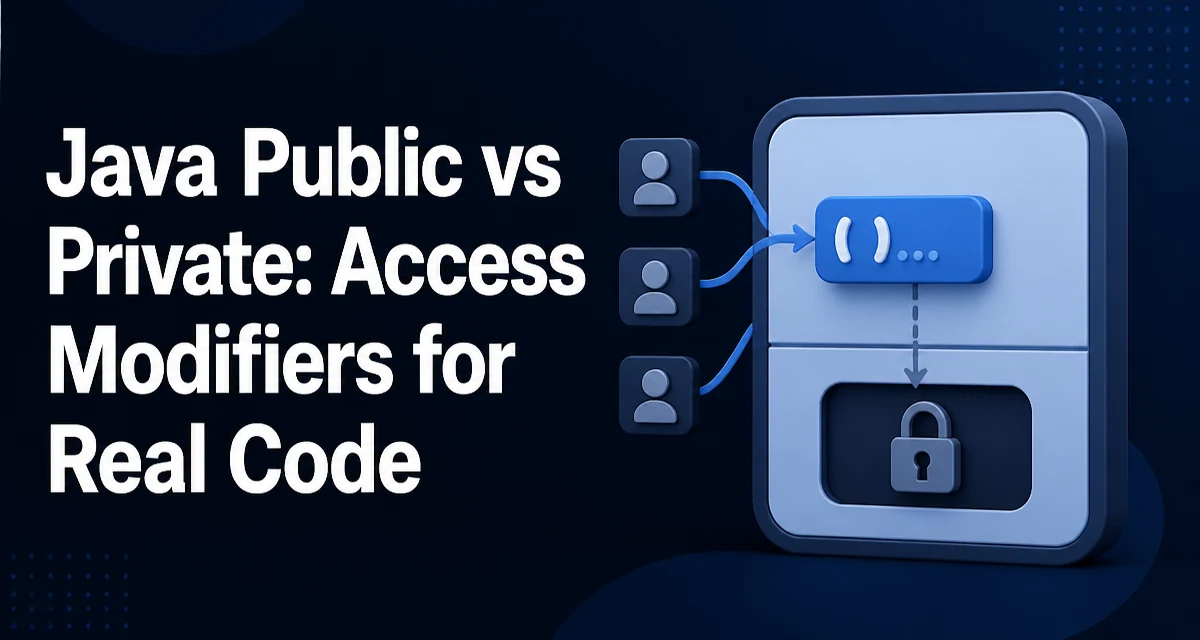
java public vs private requires a clear understanding of the core syntax, runtime behavior, and practical implementation patterns demonstrated in the examples below.
The difference between public and private in Java is not about performance or runtime behavior—it is about compile-time visibility and the contract you expose to other code. public members are accessible from any class in any package, while private members are accessible only within the same class. That simple rule shapes how you design APIs, enforce invariants, and keep a codebase maintainable.
What Public and Private Actually Control
Java access modifiers determine where a member—field, method, constructor, or nested type—can be referenced from. The compiler enforces these rules; there is no runtime check. If you try to access a private field from another class, the code simply does not compile.
public class BankAccount {
    private double balance;

    public void deposit(double amount) {
        if (amount > 0) {
            balance += amount;
        }
    }

    public double getBalance() {
        return balance;
    }
}
Here balance is private. The only way to modify it is through deposit(), which validates the amount. A public field would allow any class to set balance to a negative value directly, breaking the class's invariants. The access modifier is the enforcement mechanism for encapsulation.
Encapsulation: Why Private Matters
Encapsulation is the practice of hiding internal state and requiring interaction through well-defined methods. private is the primary tool for this. When a field is private, you control every read and write through public methods. That lets you add validation, logging, or lazy initialization without changing callers.
Consider a TemperatureSensor class:
public class TemperatureSensor {
    private double celsius;

    public void setCelsius(double value) {
        if (value < -273.15) {
            throw new IllegalArgumentException("Temperature below absolute zero");
        }
        this.celsius = value;
    }

    public double getFahrenheit() {
        return celsius * 9 / 5 + 32;
    }
}
If celsius were public, any caller could set it to -1000, and getFahrenheit() would return nonsense. With private, the class guarantees that no invalid value ever enters the field. This is the core reason to prefer private for fields unless there is a strong reason to expose them directly.
When to Make a Member Public
public is for the API you intend other classes to use. A method should be public if it represents an operation that is part of the class's contract and is safe to call from anywhere. Fields, on the other hand, are rarely public because they expose internal representation and make it impossible to change the implementation later.
For example, a UserService might expose a public method to register a user:
public class UserService {
    private final UserRepository repository;

    public UserService(UserRepository repository) {
        this.repository = repository;
    }

    public User register(String email, String password) {
        // validation and creation logic
        return repository.save(new User(email, password));
    }
}
register() is public because it is the entry point for the use case. The repository field is private because no external code needs to access it directly. The rule of thumb: expose operations, not data.
The Role of Package-Private and Protected
public and private are not the only options. Java also has package-private (no modifier) and protected. Understanding where they fit helps you choose the right level of visibility.
- Package-private: accessible from any class in the same package. Useful for internal helpers that should not leak outside the package.
protected: accessible from subclasses and classes in the same package. Useful for template methods or hooks in a class hierarchy.
class PackageHelper {
    void internalProcess() {
        // visible only within the package
    }
}

public class Base {
    protected void hook() {
        // meant to be overridden
    }
}
When deciding between public and private, ask whether the member needs to be part of the public contract. If it is only used internally, make it private. If it is needed by other classes in the same package but not by clients, use package-private. If it is meant to be overridden by subclasses, use protected. Using public too broadly locks you into an API that is hard to change later.
Common Mistakes with Public and Private
One frequent mistake is making fields public for convenience, especially in simple data classes. Later, when validation or derived values are needed, every caller must be updated. Another mistake is making helper methods public when they are only used within the class, which expands the API surface and makes refactoring harder.
Consider this example:
public class Order {
    public double total;
    public double taxRate;
}
If the tax calculation changes, every place that reads total and taxRate must change. If the fields are private and accessed through methods, the calculation can be updated in one place. The same applies to methods: a private method can be renamed, split, or removed without affecting external callers.
Another mistake is using private for methods that should be overridden. If a subclass needs to customize behavior, the method must be protected or public. Using private prevents extension and forces subclasses to duplicate logic.
Public vs Private for Methods and Fields
The decision differs slightly between methods and fields. Fields should almost always be private. Methods can be public if they are part of the API, private if they are implementation details, or protected if they are extension points.
| Member type | Typical visibility | Reason |
|---|---|---|
| Field | private | Protect internal state, allow validation |
| Method (API) | public | Expose operations to callers |
| Method (helper) | private | Hide implementation details |
| Method (hook) | protected | Allow subclasses to override |
For example, a ReportGenerator might have a public method generate() that calls several private helpers:
public class ReportGenerator {
    public String generate() {
        String data = fetchData();
        String formatted = format(data);
        return buildHtml(formatted);
    }

    private String fetchData() { /* ... */ }
    private String format(String data) { /* ... */ }
    private String buildHtml(String formatted) { /* ... */ }
}
The helpers are private because they are not part of the public contract. They can be changed freely without breaking callers. The public method generate() is the stable entry point.
Impact on Maintainability and Testing
Choosing private over public directly affects how easy it is to refactor and test. When a method is private, you can change its signature, rename it, or remove it without affecting other classes. This reduces the blast radius of changes and makes the codebase easier to evolve.
Testing is a common concern. Some developers are tempted to make methods public just to test them directly. That is usually a mistake. Instead, test through the public API. If a private method is complex enough to warrant its own tests, consider extracting it into a separate class with its own public interface. This keeps the original class's API small while making the logic testable.
For example, instead of making format() public in the ReportGenerator, you could create a ReportFormatter class:
public class ReportFormatter {
    public String format(String data) { /* ... */ }
}
Then ReportGenerator uses the ReportFormatter internally. This gives you a clean place to test the formatting logic without exposing it through the generator's API.
Reflection and Access Control
Java's reflection API can access private members, but doing so breaks encapsulation and should be a deliberate, last-resort choice. Libraries like Spring or Hibernate sometimes use reflection to set private fields for dependency injection or ORM mapping. That is acceptable because the library is part of the framework's infrastructure, not application code.
Field field = obj.getClass().getDeclaredField("secret");
field.setAccessible(true);
Object value = field.get(obj);
Using reflection to bypass private is a code smell in normal application logic. It indicates that the class design is not providing the necessary access through public methods. If you find yourself needing to access a private field, reconsider the API rather than reaching for reflection.
Decision Criteria for Choosing Between Public and Private
When writing a new member, ask these questions:
- Does this member need to be called from outside this class? If yes, consider
public(orprotectedif it is an extension point). - Is this member an implementation detail? Then make it
private. - Would exposing this member make it harder to change the class later? If so, keep it
private. - Is this member part of a stable contract that other teams will rely on? Then
publicis appropriate, but be prepared to support it.
There is no performance difference between public and private. The compiler generates the same bytecode for both. The difference is purely about access and design. Choosing the right visibility is a maintainability decision, not a performance one.
A practical approach is to start with private and widen visibility only when a concrete need arises. This minimizes the API surface and keeps implementation details hidden. When you do make a member public, document it as part of the class's contract and consider whether it needs to be stable across versions.