Java Reverse Array: In-Place and Copy Methods
java reverse array: Learn how to reverse arrays in Java using loops, Collections.reverse, and streams, with performance tradeoffs and edge cases.
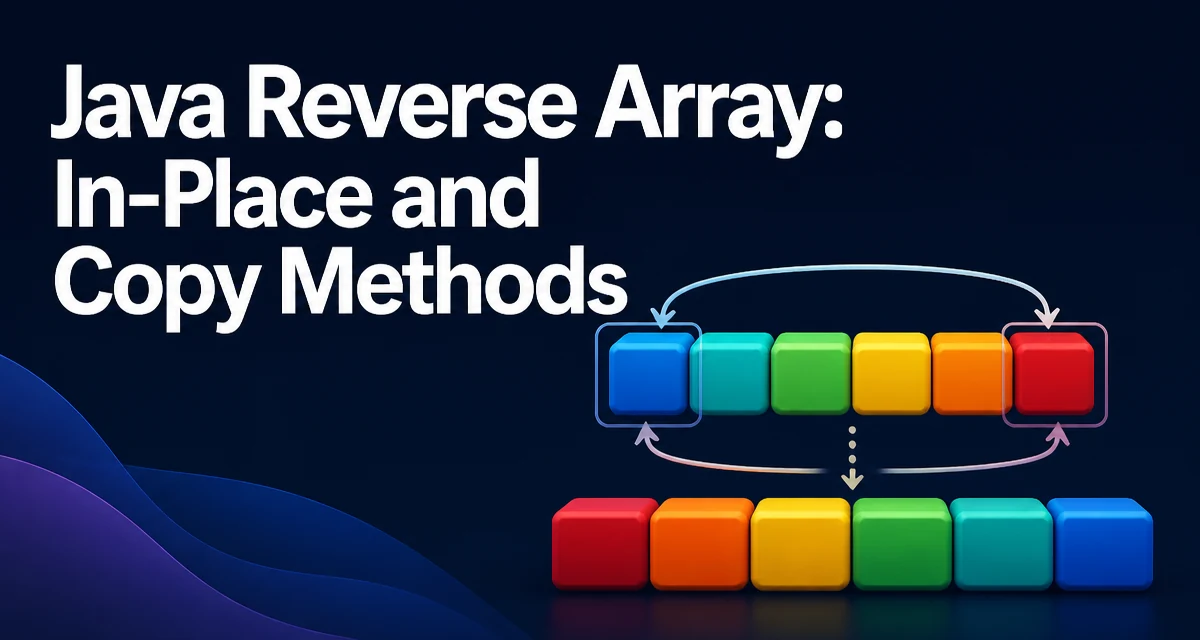
When you need to reverse an array in Java, the right approach depends on whether you can modify the original array or need a new one, and whether you're working with primitives or objects. The simplest and most efficient method for most cases is an in-place loop that swaps elements from both ends. This article covers the main techniques for java reverse array operations, including in-place loops, Collections.reverse(), and streams, along with the performance tradeoffs and edge cases you should watch for.
Reversing an Array In-Place with a Two-Pointer Loop
The classic in-place reversal uses two pointers: one starting at the first element and the other at the last. Swap the elements, move the left pointer right and the right pointer left, and continue until they meet. This runs in O(n) time and uses O(1) extra space because it modifies the original array directly.
public static void reverseInPlace(int[] array) {
    int left = 0;
    int right = array.length - 1;
    while (left < right) {
        int temp = array[left];
        array[left] = array[right];
        array[right] = temp;
        left++;
        right--;
    }
}
The same pattern works for any array type, including String[], double[], or custom objects, as long as you adjust the variable types. The key is that you only iterate through half the array, so the number of swaps is n/2. This is the most efficient approach when you are allowed to modify the original array and you want to avoid creating a new one.
Using Collections.reverse() for Object Arrays
For arrays of objects, you can use Collections.reverse() in combination with Arrays.asList(). The Arrays.asList() method returns a List backed by the original array, so any changes to the list are reflected in the array. Collections.reverse() then reverses the elements in place.
Integer[] array = {1, 2, 3, 4, 5};
Collections.reverse(Arrays.asList(array));
System.out.println(Arrays.toString(array)); // [5, 4, 3, 2, 1]
This approach is concise and works well for arrays of objects, such as String[] or Integer[]. However, it does not work for primitive arrays. If you pass an int[] to Arrays.asList(), you get a List<int[]> containing a single element, which is almost certainly not what you want. You would need to box the primitives into an Integer[] first, which adds overhead and extra code.
Reversing Primitive Arrays with Streams
If you need a new reversed array and you are working with primitives, the Stream API provides a functional alternative. For example, you can use IntStream to iterate over indices in reverse order and collect the values into a new array.
int[] original = {1, 2, 3, 4, 5};
int[] reversed = IntStream.rangeClosed(1, original.length)
    .map(i -> original[original.length - i])
    .toArray();
Here, rangeClosed(1, original.length) produces indices from 1 to length. Mapping each i to original[length - i] gives the elements from the end to the beginning. This creates a new array and leaves the original unchanged. Similar approaches exist for long[] and double[] using LongStream and DoubleStream.
While streams make the code declarative, they come with the cost of creating a new array and, in some cases, additional overhead from the stream pipeline. For small arrays, the difference is negligible, but for very large arrays or performance-critical code, an explicit loop may be more predictable.
Performance and Memory Considerations
All reversal methods have a time complexity of O(n) because each element must be visited at least once. The main difference lies in space usage and whether the original array is modified.
| Approach | Modifies Original | Extra Space | Works on Primitives |
|---|---|---|---|
| Two-pointer loop | Yes | O(1) | Yes |
| Collections.reverse | Yes | O(1) | No (requires object array) |
| Stream reversal | No | O(n) for new array | Yes (with IntStream, etc.) |
The in-place loop is the most memory-efficient because it uses only a single temporary variable. Collections.reverse() also works in place, but it requires an object array, so if you have primitives you must first box them, which creates an Integer[] and consumes memory. Stream-based reversal always allocates a new array, so it uses O(n) extra space. If memory is tight or you are working with large arrays, the in-place loop is usually the best choice.
Common Mistakes and Edge Cases
A few pitfalls frequently trip up developers when reversing arrays in Java.
Null and empty arrays: Both the two-pointer loop and Collections.reverse() handle empty arrays correctly because the loop condition left < right fails immediately. However, you must check for null before calling any method. A null array will throw a NullPointerException if you try to access length or an index.
Single-element arrays: These are trivially reversed; the loop does nothing, and Collections.reverse() also leaves the element in place.
Using Arrays.asList() on primitive arrays: As mentioned, Arrays.asList(intArray) returns a List<int[]> with one element. This is a common mistake. To reverse a primitive array with Collections.reverse(), you must first convert it to an Integer[] or use a loop.
Off-by-one errors in index calculations: When using a stream, ensure the index mapping is correct. For example, original[original.length - i] with i starting at 1 gives the last element first. If you start i at 0, you need original[original.length - 1 - i].
Large arrays and integer overflow: The loop uses left and right as int indices, which is safe for arrays up to Integer.MAX_VALUE elements. The swap itself does not involve arithmetic that can overflow, so there is no risk of overflow in the reversal logic.
Choosing the Right Approach for Your Use Case
The best method depends on your specific requirements.
Use the two-pointer loop when you need to reverse a primitive array in place with minimal memory overhead. It is also the most portable because it works with any array type without requiring changes to how the array is stored.
Use Collections.reverse() when you already have an object array (like String[] or Integer[]) and you want concise, readable code. It is ideal for cases where the array is not too large and you are not concerned about the overhead of boxing if you have primitives.
Use a stream when you need a new reversed array and you prefer a functional style, especially if you are already using streams elsewhere in your code. This is a good choice when the original array must remain unchanged and you are working with primitives.
In practice, the in-place loop is the most universally applicable and efficient. It is the technique you will most often see in production code because it avoids unnecessary allocations and works with any array type. The other methods are useful when they align with your code style or when you need a copy rather than an in-place modification.