Java Right Shift: Signed and Unsigned
java right shift: Learn the practical differences between Java's signed (>>) and unsigned (>>>) right shift operators, including their behavior with negative numbers a...
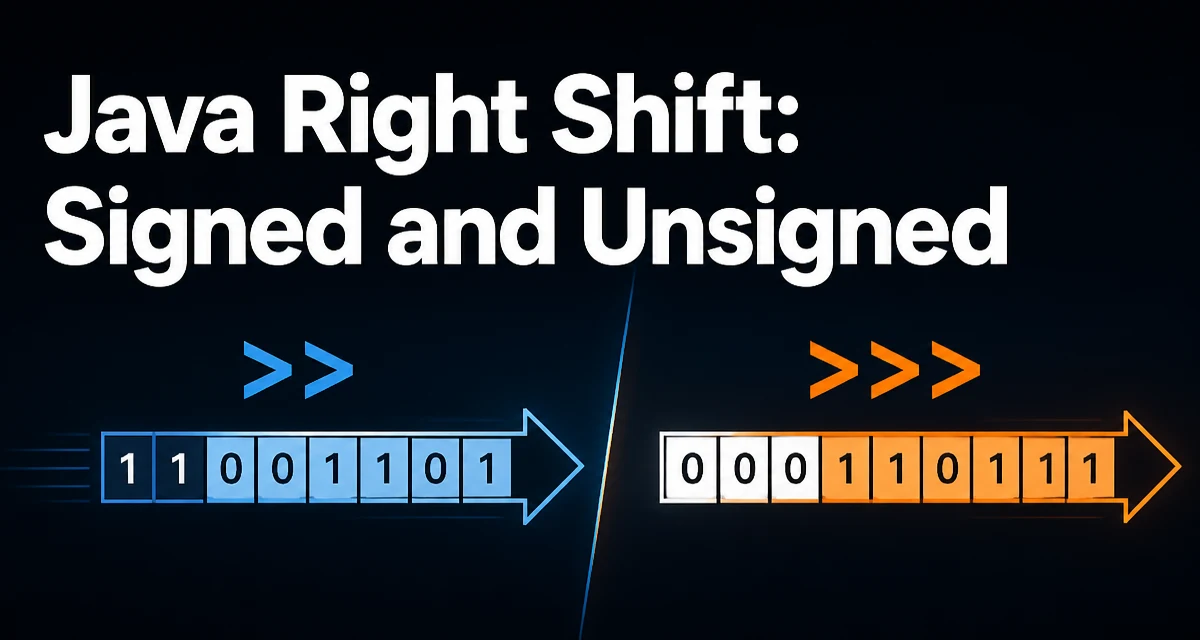
java right shift requires a clear understanding of the core syntax, runtime behavior, and practical implementation patterns demonstrated in the examples below.
Java's right shift operators seem simple at first glance: >> shifts bits to the right, and >>> also shifts bits to the right. But the difference between them is critical when the value is negative. The >> operator is a signed right shift, preserving the sign bit, while >>> is an unsigned right shift, always filling the high bits with zeroes. This distinction directly affects how you handle bit manipulation, binary protocols, or any code that depends on the exact bit representation of an integer.
The Two Operators: >> and >>>
Java provides two right shift operators:
| Operator | Name | Behavior for negative numbers |
|---|---|---|
>> | Signed right shift | Preserves the sign bit, filling with 1s for negative numbers |
>>> | Unsigned right shift | Fills with 0s, regardless of sign |
Both operators work on int and long types. For char, byte, and short, the value is first promoted to int before shifting.
The signed right shift >> is equivalent to dividing by two to the power of the shift amount, but with rounding toward negative infinity. The unsigned right shift >>> treats the value as if it were an unsigned binary number, which is useful for bit-level operations that do not care about the sign.
Signed Right Shift (>>) with Negative Numbers
When you apply >> to a negative number, the vacant high-order bits are filled with 1, preserving the negative sign of the original value. Consider this example with int:
int negative = -8; // binary: 11111111 11111111 11111111 11111000
int shifted = negative >> 1; // result: -4
Binary representation (two's complement) of -8 is all leading 1s. Shifting right by one fills the leftmost bit with a 1, resulting in -4. This is exactly the behavior of arithmetic right shift.
The signed shift is often used for fast division by powers of two, but be careful: >> truncates toward negative infinity, which differs from integer division that truncates toward zero. For example, -7 / 2 in Java yields -3 (truncation toward zero), but -7 >> 1 yields -4 (floor division).
Unsigned Right Shift (>>>) Works with Zero-Fill
The unsigned right shift >>> always fills the leftmost bits with zero. This is the logical right shift. It does not care about the sign; it simply moves bits right, and the highest bits become 0. For example:
int negative = -8;
int shifted = negative >>> 1; // result: 2147483644
Here the binary of -8 becomes 01111111 11111111 11111111 11111100, which is 2147483644 in decimal. This can be surprising if you expected the sign to be preserved.
Unsigned right shift is particularly useful when dealing with raw binary data, such as encoding or decoding byte arrays, or when you need to treat an int as a sequence of bits independent of its numeric meaning.
Practical Example: Manual Bit Packing
A common real-world usage for >>> is when packing multiple small values into a single int and then reading them back. Imagine you need to store three 10-bit values into a 32-bit int. To extract each value, you need to shift right and mask, and you must use >>> to avoid sign extension when the value is negative.
public class BitPacking {
    public static void main(String[] args) {
        int packed = 0;
        int a = 245; // should be 0..1023
        int b = 1023;
        int c = 512;

        packed = (a & 0x3FF);
        packed = (packed << 10) | (b & 0x3FF);
        packed = (packed << 10) | (c & 0x3FF);

        int extractedA = (packed >>> 20) & 0x3FF;
        int extractedB = (packed >>> 10) & 0x3FF;
        int extractedC = (packed & 0x3FF);

        System.out.println(extractedA + " " + extractedB + " " + extractedC);
    }
}
Because the packed int may have its high bit set, using >> for extraction would sign-extend the value, resulting in incorrect values. Using >>> ensures that the bits are filled with zeroes, preserving the underlying data.
Behavior with byte and short
When you shift a byte or short, Java first promotes the value to int. This can cause unexpected results if you assume the shift operates directly on the original type.
byte b = -1; // binary for byte: 11111111
int result = b >> 1;
Because b is promoted to int, the int value is 0xFFFFFFFF, and the right shift results in 0xFFFFFFFF, which is -1. If you wanted the byte to be treated as unsigned and shift out the sign, you need to mask it first:
byte b = -1;
int unsigned = (b & 0xFF) >> 1; // result: 127
This is a common source of bugs in code that handles binary protocols or image data.
Choosing Between >> and >>>
The choice between signed and unsigned shift depends entirely on what the bits represent. If the value is a signed integer and you need a division effect, >> is appropriate. If you are working with raw bits, flags, or packed data, >>> is likely correct.
| Use case | Operator |
|---|---|
| Fast approximate division by power of two (for signed ints) | >> |
| Handling binary protocols, bit flags, hash functions | >>> |
| Shifting non-negative integers where sign is irrelevant | Both work |
The signed shift >> can be used for positive numbers just like >>>, but when the value is negative, the result differs. Always consider whether the sign bit should influence the result.
Performance and Maintainability Considerations
From a runtime performance perspective, both >> and >>> are implemented as single CPU instructions on modern hardware, so the performance difference is negligible. The main cost is in code readability and correctness.
Using the wrong operator can silently corrupt data, especially when negative values are involved. Code that appears correct for positive inputs may break once the input becomes negative. Therefore, it is wise to:
- Document the intended meaning of the bit field.
- Prefer
>>>when treating the value as a bit pattern. - Use
>>only when the numeric signed value is the focus.
This prevents subtle bugs in production systems where data is packed and unpacked.
Edge Cases and Pitfalls
Shift distance in Java is masked to the lower bits. For int, the shift distance is masked to 5 bits (0 to 31). So shifting by 32 is equivalent to shifting by 0. This is a known Java pitfall.
int value = 1;
int result = value >> 32; // result is 1, not 0
This happens because the JVM uses distance & 0x1F for int shifts, and 32 & 0x1F is 0. For long, the mask is 0x3F. This behavior is part of the Java language specification and can lead to hard-to-spot bugs if you assume a shift by the type's bit width clears the value.
Another edge case is shifting by a negative distance. Java only uses the lower bits of the right-hand operand, so a negative shift is effectively a huge positive shift after masking, which typically results in zero after the shift.
Always be explicit about the expected shift distance and validate inputs that come from external sources.
The right shift operators in Java are simple to use, but their signed and unsigned variants have very different semantics when negative numbers are involved. Understanding these differences is essential for any developer working with bit-level data structures, binary file formats, or crypto algorithms. Choose the right operator based on the data's meaning, not habit. For bit manipulations, >>> is often the correct choice because it avoids sign extension, while >> is reserved for signed arithmetic operations. Remember the shift-distance masking behavior and promote smaller types carefully to avoid subtle data corruption. With these rules in mind, you can handle any right shift requirement in Java with confidence.