Java Runnable vs Callable: Key Differences
java runnable vs callable: Understand the differences between Java's Runnable and Callable interfaces, including return values, exception handling, and usage with Exec...
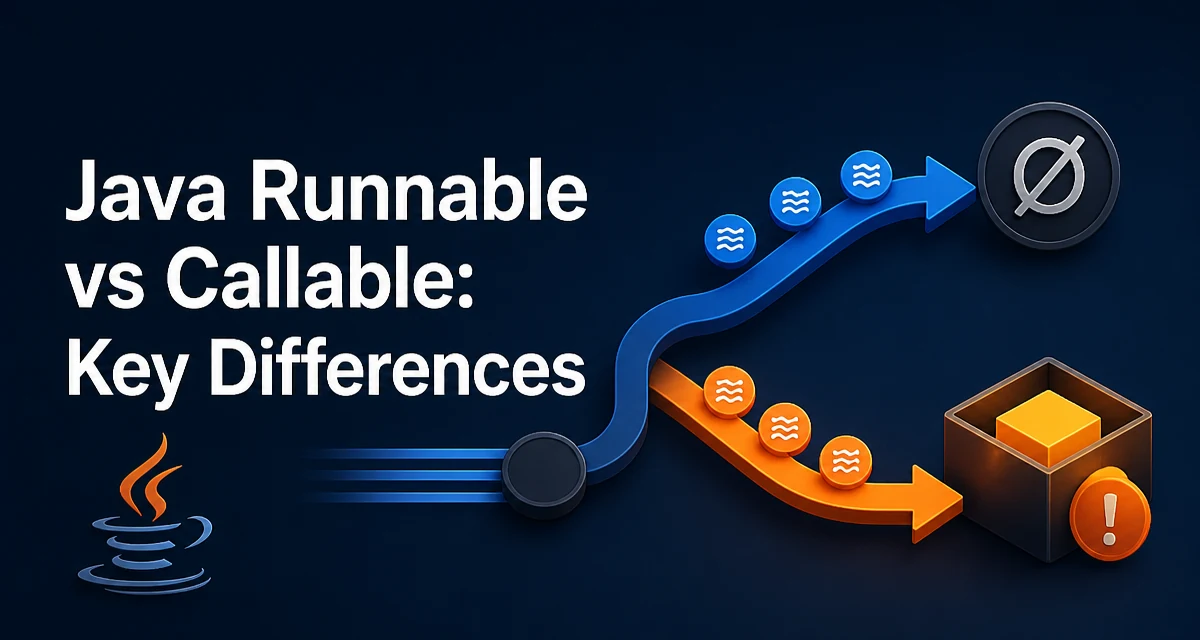
When you need to execute a task on a separate thread in Java, the Runnable and Callable interfaces are the two standard ways to define that work. The choice between them affects whether you can return a result, how exceptions propagate, and how you interact with the ExecutorService. This article explains the practical differences between java runnable vs callable and gives concrete guidance for choosing the right interface.
The Core Difference: Return Values
Runnable has a single abstract method run() that returns void. Callable has call() that returns a generic type T. This is the most fundamental distinction.
Runnable task = () -> System.out.println("Running");
Callable<Integer> task = () -> 42;
The Runnable lambda prints a message and returns nothing. The Callable lambda returns an Integer. If you need the result of a computation, Callable is the only option.
Exception Handling: Checked vs Unchecked
Runnable.run() cannot throw checked exceptions because its signature does not declare throws. It can only throw unchecked exceptions. Callable.call() declares throws Exception, so it can throw any checked exception directly.
// Runnable cannot throw a checked exception
Runnable bad = () -> {
    // throw new IOException(); // compile error
};

// Callable can throw a checked exception
Callable<String> good = () -> {
    throw new IOException("network error");
};
With Runnable, you must handle checked exceptions inside the method, often wrapping them in an unchecked exception like RuntimeException. With Callable, the exception is propagated to the Future and can be retrieved when you call get().
Using Runnable and Callable with ExecutorService
The ExecutorService interface accepts both types, but the way you submit them differs. execute() only accepts Runnable. submit() accepts both and returns a Future.
ExecutorService executor = Executors.newFixedThreadPool(2);

executor.execute(() -> System.out.println("Runnable via execute"));

Future<?> futureRunnable = executor.submit(() -> System.out.println("Runnable via submit"));

Future<Integer> futureCallable = executor.submit(() -> 42);
For a Runnable submitted via submit(), Future.get() returns null because run() has no return value. For a Callable, Future.get() returns the actual result, or throws an ExecutionException if the task threw an exception.
When to Use Runnable
Use Runnable when the task is a side effect and you do not need a result. Common examples include logging, sending notifications, updating a cache, or any fire-and-forget operation. Runnable is also the right choice when you want to use execute() and do not need to track the task's completion.
Because Runnable cannot throw checked exceptions, it forces you to handle errors locally. This can be acceptable for tasks where failures are logged and the application continues.
When to Use Callable
Use Callable when you need a computed result or when you must propagate a checked exception to the caller. This is common in parallel computation, such as summing numbers, fetching data from multiple services, or performing any operation where the result is required for further processing.
Callable works with Future, which lets you cancel the task, check if it is done, and retrieve the result with a timeout. This makes it suitable for tasks that may block or take an unpredictable amount of time.
Performance and Overhead Considerations
Both interfaces are lightweight. The main overhead comes from the Future object created when you submit a Callable or a Runnable via submit(). Storing the result and exception adds a small amount of memory and bookkeeping. In practice, this overhead is negligible compared to the cost of thread creation and task execution.
The more significant performance consideration is how you use Future.get(). Calling get() blocks the calling thread until the task completes. Always specify a timeout when you cannot afford to wait indefinitely:
Future<Integer> future = executor.submit(() -> compute());
try {
    Integer result = future.get(5, TimeUnit.SECONDS);
} catch (TimeoutException e) {
    future.cancel(true);
}
This prevents your application from hanging if a task never finishes.
Common Pitfalls and Misconceptions
A frequent mistake is assuming Runnable can return a value. It cannot. If you need a result, switch to Callable.
Another pitfall is forgetting to handle ExecutionException when calling Future.get(). This exception wraps any exception thrown by the task. If you do not catch it, you may lose the original cause. Always unwrap it:
try {
    Integer result = future.get();
} catch (ExecutionException e) {
    Throwable cause = e.getCause();
    // handle the original failure
}
Also, do not use Callable for tasks that do not need a result. The extra Future adds unnecessary complexity. Use Runnable with execute() for simple side effects.
Decision Guidance
The table below summarizes the key differences.
| Criterion | Runnable | Callable |
|---|---|---|
| Return value | void | T (generic) |
| Checked exceptions | Cannot throw | Can throw Exception |
| Method | run() | call() |
| Executor usage | execute() or submit() | submit() only |
| Future result | null | Actual result |
Use Runnable when the task is a side effect and no result is needed. Use Callable when you need a computed value or must propagate a checked exception. If you are unsure, ask whether the calling code needs the outcome of the task. If it does, choose Callable; if not, Runnable is simpler and sufficient.