Java RuntimeException: Unchecked Exceptions Explained
java runtimeexception: This article explains Java RuntimeException, its role in the exception hierarchy, how to handle unchecked exceptions, and when to throw them.
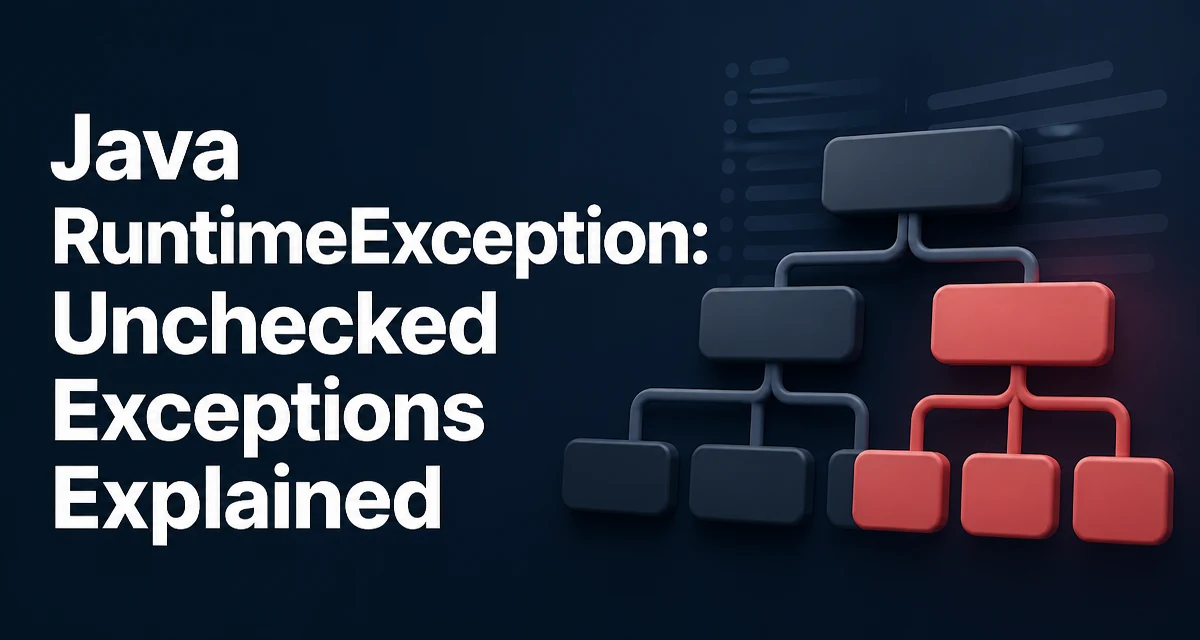
In Java, RuntimeException is the base class for unchecked exceptions. Unlike checked exceptions, which the compiler forces you to declare or handle, a RuntimeException can propagate up the call stack without explicit handling. This article explains what java runtimeexception means, how it differs from checked exceptions, and how to work with it effectively in production code.
What RuntimeException Means in the Java Exception Hierarchy
RuntimeException extends Exception, which in turn extends Throwable. The key distinction is that RuntimeException and its subclasses are unchecked exceptions. The Java compiler does not require you to catch them or declare them in a method's throws clause. This design choice reflects that these exceptions typically indicate programming errors, such as invalid arguments, null references, or illegal state, rather than external conditions like missing files or network failures.
Here is the hierarchy in code form:
Throwable
├── Exception
│   ├── RuntimeException
│   │   ├── NullPointerException
│   │   ├── IllegalArgumentException
│   │   ├── IllegalStateException
│   │   └── ...
│   └── ... (checked exceptions)
└── Error
Because RuntimeException is unchecked, you can write code that never catches it. If it is thrown, it will bubble up until it reaches a handler or terminates the thread. This behavior is intentional, but it places a responsibility on the developer to prevent these exceptions at the source or to catch them at the right boundary.
Checked vs Unchecked Exceptions and Why It Matters
The Java language distinguishes between checked and unchecked exceptions based on whether the compiler enforces handling. Checked exceptions, such as IOException, must be either caught or declared in the method signature. Unchecked exceptions, including all subclasses of RuntimeException, do not have this requirement.
The practical effect is visible in method signatures. Consider a method that reads a file:
public String readFile(String path) throws IOException {
    // checked exception must be declared
}

public String parseConfig(String content) {
    // can throw IllegalArgumentException without declaring it
}
This difference shapes how you design APIs. Checked exceptions force callers to deal with failure conditions that are outside the programmer's control. Unchecked exceptions signal bugs that should not have happened in the first place. For example, passing a null argument to a method that requires a non-null value is a programming error, so NullPointerException is unchecked.
When you see a RuntimeException in a stack trace, it often points to a defect in the code rather than an environmental issue. That is why many frameworks and libraries use unchecked exceptions internally to indicate invariant violations.
Common RuntimeException Subclasses You Will Encounter
The JDK provides many subclasses of RuntimeException. Recognizing them helps you diagnose failures faster and write more precise error handling. The table below lists common ones and the typical condition that triggers them.
| Subclass | Typical Trigger |
|---|---|
NullPointerException | Accessing a method or field on a null reference |
IllegalArgumentException | Passing an invalid argument to a method |
IllegalStateException | Calling a method when the object is in an inappropriate state |
IndexOutOfBoundsException | Accessing an array or list with an invalid index |
ClassCastException | Casting an object to an incompatible type |
ArithmeticException | Dividing by zero or other invalid arithmetic operations |
UnsupportedOperationException | Calling a method that is not implemented for this object |
These exceptions are not just theoretical. In everyday code, you will see them when a collection is accessed with a bad index, when a String is parsed with an invalid format, or when a method receives a null where it expects a non-null value.
Understanding the trigger helps you decide whether to catch the exception or fix the root cause. For example, catching IllegalArgumentException might be appropriate when you are validating user input, but catching NullPointerException usually indicates you should add a null check earlier in the flow.
How to Handle RuntimeException in Application Code
Because RuntimeException is unchecked, you can choose to catch it where you have enough context to recover. The decision should be based on whether the exception represents a recoverable condition or a fatal bug.
A common pattern is to catch a specific subclass at an application boundary, such as a REST controller or a batch job entry point, and convert it into a user-friendly error response. Here is an example:
public ResponseEntity<String> handleRequest(String input) {
    try {
        int value = Integer.parseInt(input);
        return ResponseEntity.ok("Parsed: " + value);
    } catch (NumberFormatException e) {
        return ResponseEntity.badRequest().body("Invalid number: " + input);
    }
}
In this case, NumberFormatException is a subclass of IllegalArgumentException and thus a RuntimeException. Catching it at the controller boundary prevents the exception from propagating to the framework's default error handler, allowing you to return a meaningful HTTP status.
For most internal code, you should not catch RuntimeException broadly. Doing so can hide bugs and make the system harder to debug. Instead, let the exception propagate to a centralized handler that logs the stack trace and returns a generic error. This approach preserves the diagnostic information while giving the user a controlled failure.
A more subtle point is that catching RuntimeException and then continuing execution can leave the system in an inconsistent state. For example, if a transaction fails with an unchecked exception, the database transaction may be marked for rollback. Swallowing the exception and continuing can cause partial updates. In such cases, the correct action is to let the exception propagate so the transaction manager can roll back.
When to Throw a RuntimeException in Your Own Code
Designing your own exceptions involves deciding whether they should be checked or unchecked. The Java community generally recommends using unchecked exceptions for programming errors and checked exceptions for conditions that the caller is expected to recover from. If a condition indicates a bug in the calling code, throw a subclass of RuntimeException.
For instance, a method that expects a non-null parameter can throw NullPointerException explicitly:
public void processOrder(Order order) {
    if (order == null) {
        throw new NullPointerException("Order must not be null");
    }
    // process order
}
Similarly, if a method is called when the object is not in a usable state, throw IllegalStateException:
public class ConnectionPool {
    private boolean closed;

    public void acquire() {
        if (closed) {
            throw new IllegalStateException("Pool is closed");
        }
        // acquire connection
    }
}
You can also create your own subclass of RuntimeException to give callers a more specific type to catch. For example:
public class InsufficientBalanceException extends RuntimeException {
    public InsufficientBalanceException(String message) {
        super(message);
    }
}
This is useful when you want to catch a specific failure condition without catching all RuntimeException instances. However, do not overuse custom exceptions. If a standard subclass like IllegalArgumentException already conveys the problem, prefer it to avoid unnecessary class proliferation.
RuntimeException and Performance: What Actually Costs
Creating and throwing any exception, including a RuntimeException, has a performance cost. The most significant part is filling in the stack trace, which captures the current call stack at the moment the exception is created. This operation is relatively expensive compared to a simple return statement.
In hot paths, such as loops that run millions of times, throwing exceptions as a control flow mechanism is a poor choice. Consider this pattern:
for (String s : strings) {
    try {
        int value = Integer.parseInt(s);
        // use value
    } catch (NumberFormatException e) {
        // handle invalid input
    }
}
If a large fraction of inputs are invalid, the repeated stack trace generation can dominate runtime. A better approach is to validate the input before parsing, using methods like s.matches("\\d+") or a precompiled regular expression, so that the exception path is rare.
The cost is not just in creation. The JVM also needs to unwind the stack and transfer control to the catch block, which can disrupt optimizations. Modern JVMs optimize the common case where exceptions are not thrown, but the cost is still non-trivial when exceptions are frequent.
For this reason, use exceptions for exceptional conditions, not for normal control flow. If you expect a certain condition to occur regularly, write code that checks for it explicitly instead of relying on an exception to signal it.
Operational Considerations for Unchecked Exceptions
In production, unchecked exceptions often surface as unhandled errors that terminate a thread or a request. The way you handle them depends on the application type. In a web application, an uncaught RuntimeException in a request handler typically results in a 500 Internal Server Error. In a batch job, it may cause the entire job to fail.
A centralized exception handler is a common solution. In Spring Boot, for example, you can use @ControllerAdvice to catch exceptions globally and map them to appropriate HTTP responses. In plain Java, you can set a default uncaught exception handler for threads:
Thread.setDefaultUncaughtExceptionHandler((thread, throwable) -> {
    // log the exception and possibly alert
    System.err.println("Uncaught exception in thread " + thread.getName());
    throwable.printStackTrace();
});
This ensures that even unexpected RuntimeException instances are logged, which is essential for debugging. Without such a handler, the stack trace may be lost if the thread is managed by a framework that swallows exceptions.
Another operational aspect is logging. When you catch a RuntimeException and decide to handle it, always log the exception with its stack trace. Logging only the message loses the context needed to find the root cause. Use a logging framework and pass the exception object, not just e.getMessage().
Finally, consider the impact on monitoring and alerting. Unchecked exceptions that occur frequently are often symptoms of deeper issues, such as race conditions, resource leaks, or incorrect state management. Tracking the rate of specific RuntimeException subclasses can help you detect regressions early. Many APM tools allow you to group exceptions by type and stack trace, making it easier to prioritize fixes.
In summary, RuntimeException is a fundamental part of Java's exception model. Understanding its unchecked nature, using it appropriately in your own APIs, and handling it correctly at boundaries will make your code more robust and easier to maintain.