Java start vs run: Thread Behavior Explained
java start vs run: Understand the difference between Thread.start() and Thread.run() in Java, why calling run() directly skips new thread creation, and when each appro...
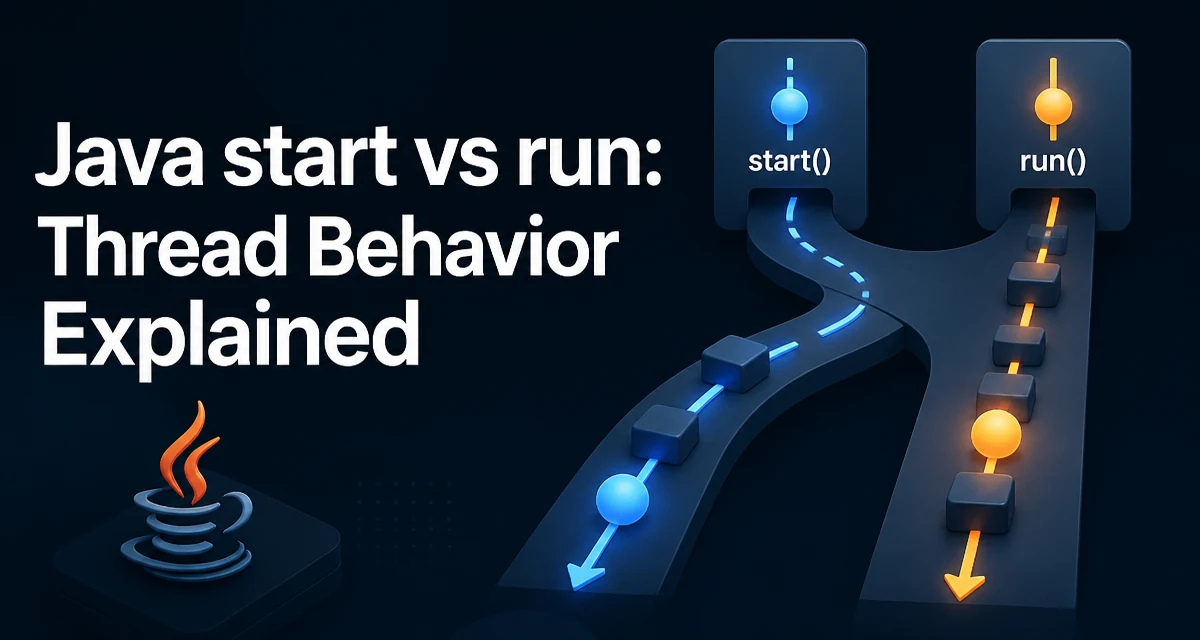
In Java, the distinction between Thread.start() and Thread.run() is a common source of confusion for developers moving from single-threaded to concurrent code. The core issue behind java start vs run is simple: start() launches a new thread of execution, while run() executes the code in the current thread. Misunderstanding this can lead to code that appears correct but runs synchronously, defeating the purpose of multithreading.
What Thread.start() Actually Does
When you create a Thread object and call start(), the JVM allocates a new native thread and schedules it for execution. The new thread then invokes the run() method of the Thread object (or its Runnable target) in that separate context. start() returns immediately, and the calling thread continues its own work concurrently.
Thread worker = new Thread(() -> {
    System.out.println("Running in: " + Thread.currentThread().getName());
});
worker.start();
System.out.println("Main thread: " + Thread.currentThread().getName());
This code prints the main thread name first, then the worker thread name, because start() does not block. The exact order may vary, but the key point is that two threads are active.
What Happens When You Call run() Directly
Calling run() on a Thread object is just a normal method call. It executes in the calling thread, exactly as if you had invoked any other method. No new thread is created, and the code runs synchronously.
Thread worker = new Thread(() -> {
    System.out.println("Running in: " + Thread.currentThread().getName());
});
worker.run();
System.out.println("Main thread: " + Thread.currentThread().getName());
Here both lines print the same thread name, typically main. The run() method completes before the next line executes. This is often unintentional when the developer meant to start a background task.
The Role of the Runnable Interface
The Thread class itself implements Runnable, and its run() method delegates to the Runnable target passed in the constructor. Understanding this helps clarify why calling run() directly does not start a thread: it is simply the method that contains the code to be executed, not the mechanism that schedules it.
Runnable task = () -> System.out.println("Task executed");
Thread t = new Thread(task);
t.run();  // executes in current thread
The start() method is the only way to create a new execution context. The JVM's thread scheduler decides when the new thread actually runs, which is why you should never rely on execution order between threads.
Why Calling run() Directly Is Usually a Bug
The most common mistake is replacing start() with run() because the code compiles and runs without errors. The symptom is that the program behaves as if it is single-threaded, and any intended parallelism disappears. For example, if you have multiple threads that each perform a long computation, calling run() will execute them sequentially, potentially increasing total runtime and causing UI freezes or missed deadlines.
// Incorrect: runs sequentially
for (int i = 0; i < 10; i++) {
    new Thread(heavyTask).run();
}

// Correct: runs concurrently
for (int i = 0; i < 10; i++) {
    new Thread(heavyTask).start();
}
The bug is subtle because there is no compile-time error. It only manifests as a performance or responsiveness problem at runtime.
When Calling run() Directly Might Be Intentional
There are legitimate cases where you want to execute a Runnable synchronously. For example, during unit testing you may want to verify the logic inside a Runnable without dealing with thread scheduling nondeterminism. Calling run() directly gives you deterministic, sequential execution, which is easier to assert on.
Runnable task = () -> {
    // some logic
};
task.run(); // test the logic directly
Another scenario is when you have a reusable Runnable that should sometimes run in a new thread and sometimes in the current thread, depending on context. In such cases, the caller decides whether to wrap it in a Thread and call start(), or simply call run() directly.
Thread Lifecycle and State Transitions
start() moves a thread from the NEW state to RUNNABLE. A thread that has never been started cannot be restarted; calling start() twice throws IllegalThreadStateException. In contrast, run() does not change the thread's state at all—it is just a method invocation.
| Method | Effect on Thread State | Execution Context |
|---|---|---|
start() | NEW → RUNNABLE | New native thread |
run() | No state change | Current thread |
After a thread finishes executing run(), it transitions to TERMINATED. You cannot call start() again on the same Thread object. If you need to run the same task again, create a new Thread instance.
Performance and Resource Considerations
Creating a new thread has overhead: the JVM must allocate a native thread stack, register it with the OS scheduler, and later clean it up. If you call run() directly, you avoid that overhead but also lose concurrency. For CPU-bound tasks, thread creation overhead is usually negligible compared to the task itself, but for short-lived tasks, the overhead can dominate. In such cases, consider using an ExecutorService with a thread pool instead of manually creating threads.
ExecutorService executor = Executors.newFixedThreadPool(4);
executor.execute(() -> System.out.println("Task in pool"));
// later
executor.shutdown();
The choice between start() and run() is not about performance tuning; it is about correctness. If you need parallel execution, start() is the only option. If you need synchronous execution, run() is appropriate, but you might not need a Thread at all—just call the Runnable directly.
Common Mistakes and Debugging Tips
A frequent error is calling run() inside a Thread subclass's constructor, which executes the logic before the object is fully constructed and in the constructing thread. Another is using run() when the code relies on Thread.currentThread() to identify the worker thread, which will return the wrong thread.
When debugging, a quick way to verify that a thread is actually running in parallel is to print Thread.currentThread().getName() inside the task. If it matches the caller's thread name, you are not using start(). Also, check the thread stack trace: a thread created with start() will appear in the JVM's thread dump with its own name, while a run() call will not.
Understanding the distinction between start() and run() is fundamental to writing correct concurrent Java code. Always use start() when you intend to execute code in a new thread, and reserve run() for cases where synchronous execution is explicitly desired.