Java Stream Creation: From Collections, Arrays, and Generators
java stream creation: Learn the main ways to create Java streams: from collections, arrays, files, and generators, with practical examples and performance tradeoffs.
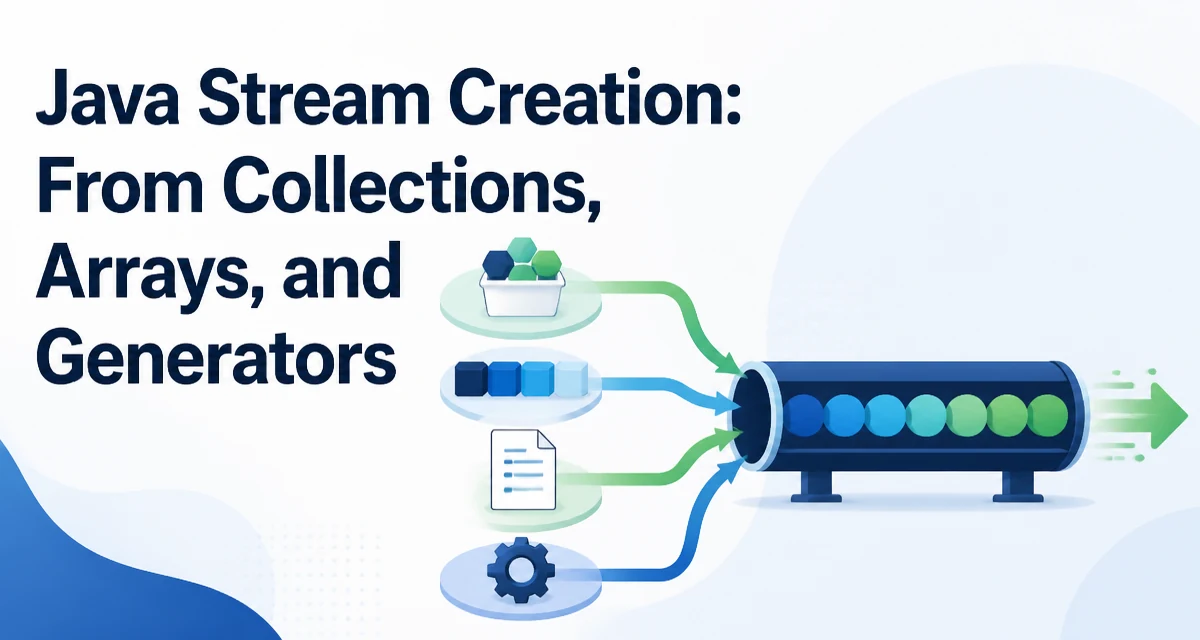
When you need to process a sequence of elements with the Java Stream API, the first step is always creating a Stream instance. Java stream creation is straightforward for most data sources, but the choice of method affects behavior, performance, and resource management. This article covers the standard ways to create streams, from collections and arrays to generators and I/O sources.
Creating a Stream from a Collection
The most common source is any Collection. Calling stream() on a List, Set, or Queue returns a sequential stream. For parallel processing, parallelStream() gives a stream that may run operations concurrently. Both methods return a stream that is backed by the collection's elements at the time of creation; subsequent modifications to the collection are not reflected in the stream.
List<String> names = Arrays.asList("Ada", "Grace", "Linus");
Stream<String> nameStream = names.stream();
If you need parallel processing, use parallelStream():
Stream<String> parallelNames = names.parallelStream();
Note that the stream is not reusable; you cannot call terminal operations twice on the same stream.
Creating a Stream from an Array
Arrays do not implement Collection, so they need a different approach. The Arrays.stream() method accepts an array and returns a stream of the element type. For primitive arrays, there are overloads for int, long, and double.
String[] tags = {"java", "stream", "api"};
Stream<String> tagStream = Arrays.stream(tags);
For primitive arrays, you get IntStream, LongStream, or DoubleStream:
int[] numbers = {1, 2, 3};
IntStream intStream = Arrays.stream(numbers);
Alternatively, Stream.of() can also take an array, but it treats the array as a single element if you pass an array of objects. For example, Stream.of(tags) would return a Stream<String[]> instead of Stream<String>. To avoid that, use Arrays.stream() for arrays.
Using Stream.of() for a Fixed Set of Elements
When you have a handful of values and no collection, Stream.of() is the simplest way. It accepts varargs, so you can pass individual elements or an array. For objects, it returns a Stream<T>. For primitives, you need IntStream.of(), LongStream.of(), etc.
Stream<String> colors = Stream.of("red", "green", "blue");
IntStream scores = IntStream.of(90, 85, 95);
One common mistake is passing an array to Stream.of() expecting a stream of elements. As mentioned, that yields a stream containing the array itself. Use Arrays.stream() for arrays.
Generating Streams with iterate() and generate()
For infinite or lazily produced sequences, Stream.iterate() and Stream.generate() create unbounded streams. iterate() starts with a seed and applies a unary operator to produce the next value. generate() takes a Supplier and produces values indefinitely.
Stream<Long> evenNumbers = Stream.iterate(0L, n -> n + 2);
Stream<Double> randomDoubles = Stream.generate(Math::random);
Both produce infinite streams, so you must apply a limit() operation before a terminal operation to avoid an endless loop.
evenNumbers.limit(10).forEach(System.out::println);
Java 9 added an overloaded iterate() that stops when a predicate is false:
Stream.iterate(0, n -> n < 100, n -> n + 1)
This is useful for bounded sequences without manually calling limit().
Creating Streams from Files and I/O Sources
The Files.lines() method returns a Stream<String> of lines from a file. This stream must be closed after use because it holds an open file handle. Typically, you use try-with-resources to ensure proper cleanup.
try (Stream<String> lines = Files.lines(Paths.get("data.txt"))) {
    lines.filter(line -> !line.isBlank())
         .forEach(System.out::println);
} catch (IOException e) {
    // handle exception
}
Similarly, BufferedReader.lines() gives a stream of lines from any reader. The same resource management applies.
Primitive Streams and Ranges
For numeric ranges, IntStream.range() and LongStream.range() generate a sequential stream of numbers. range() is exclusive of the end, rangeClosed() is inclusive.
IntStream.range(1, 5) // 1,2,3,4
IntStream.rangeClosed(1, 5) // 1,2,3,4,5
These are handy for loops and index-based operations. You can also use IntStream.of() to create a stream from a fixed set of ints.
Performance and Resource Considerations
Stream creation is generally cheap, but the source matters. For collections, stream() simply wraps the collection's spliterator, so it has minimal overhead. For arrays, Arrays.stream() creates a spliterator over the array, also efficient. For infinite streams, be careful with limit() and short-circuiting operations; they prevent unnecessary computation.
Resource management is critical for I/O-based streams. Files.lines() and BufferedReader.lines() return streams that must be closed. Failing to close them leaks file descriptors. Always use try-with-resources.
Also note that streams are single-use. You cannot reuse a stream after a terminal operation. Recreating a stream from a collection is cheap, but from a file you need to reopen it.
For large data sets, parallelStream() can improve throughput, but it adds overhead and ordering guarantees change. Only use parallel when the stream operations are independent and the data size justifies it.