Java Stream flatMap: Flatten Nested Collections
java stream flatmap: Understand Java stream flatMap, its syntax, how it flattens nested collections, and when to choose it over map with practical examples.
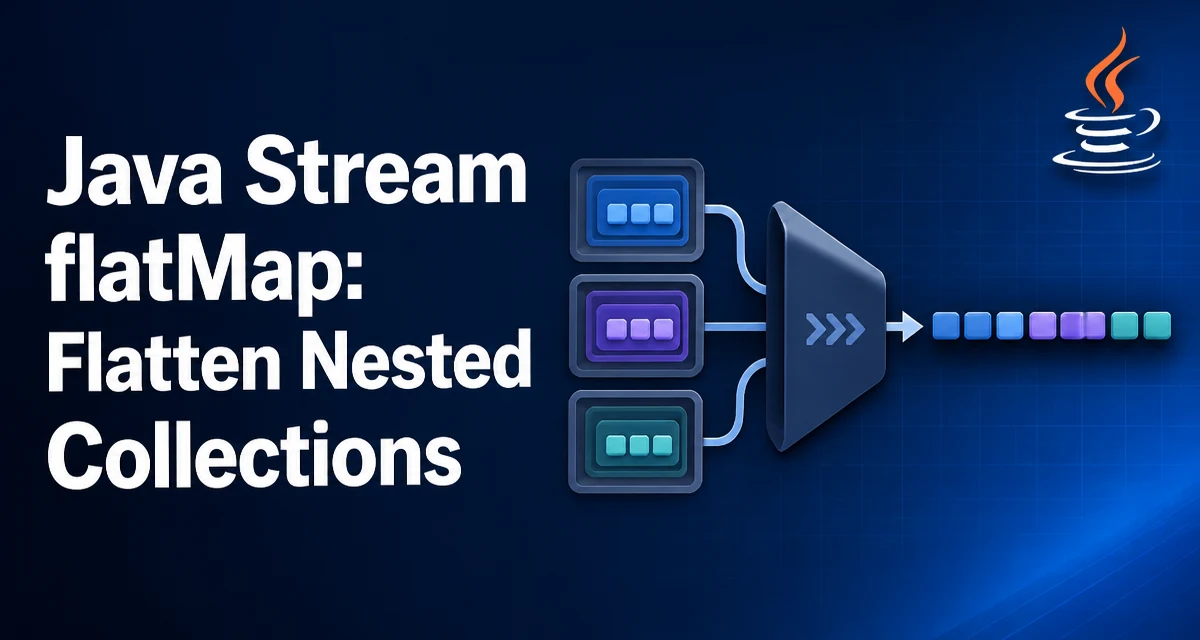
When you work with Java streams, you often encounter collections nested inside collections. For example, a list of orders, each containing a list of line items. To process every line item across all orders, you need to flatten the structure. The flatMap method on Stream does exactly that: it maps each element to a stream and then concatenates those streams into a single stream. This article explains how java stream flatmap works, where it fits, and how to avoid common mistakes.
What flatMap Does in a Java Stream
The flatMap method is defined on Stream<R> and takes a Function<? super T, ? extends Stream<? extends R>>. For each element in the source stream, the function returns a new stream. These resulting streams are then merged into one output stream. In effect, flatMap flattens the structure one level deeper than map.
Consider a simple example: you have a list of sentences and want to extract all distinct words. Each sentence is a String, and splitting it produces a Stream<String> of words. Using flatMap lets you process each word individually:
List<String> sentences = List.of(
    "The quick brown fox",
    "jumps over the lazy dog"
);

long wordCount = sentences.stream()
    .flatMap(sentence -> Arrays.stream(sentence.split("/")))
    .distinct()
    .count();

System.out.println(wordCount); // 8
Here, sentence.split("/") returns a String[], which is converted to a Stream<String> via Arrays.stream. The flatMap call concatenates the two word streams into one, allowing distinct() and count() to operate across all words.
flatMap vs map: When the Difference Matters
The map method transforms each element into another object, but it does not flatten. If you use map on the sentence example, you get a Stream<Stream<String>>—a stream of streams, which is rarely what you need. flatMap is the correct choice when the mapping function itself returns a stream, an array, or another collection that you want to merge into the main stream.
A common rule: if your lambda returns a same type that you want to process further as a single stream, use flatMap. If it returns a single value, use map. For instance, to get the length of each sentence, map is appropriate:
List<Integer> lengths = sentences.stream()
    .map(String::length)
    .toList();
```\nBut to get the all characters from all sentences, you need `flatMap` because each sentence produces multiple characters.

## Flattening a List of Lists with flatMap

A typical use case is flattening a list of lists into a single list. Suppose you have a list of `List<Integer>` and want to collect all integers into one list:

```java
List<List<Integer>> listOfLists = List.of(
    List.of(1, 2),
    List.of(3, 4, 5),
    List.of() // empty list
);

List<Integer> flattened = listOfLists.stream()
    .flatMap(List::::stream)
    .toList();

System.out.println(flattened); // [1, 2, 3, 4, 5]
Here, List::stream is a method reference that returns a Stream<Integer> for each inner list. The flatMap concatenates all those streams. Empty lists contribute no elements, so they are naturally ignored. This behavior is useful when you have optional collections that might be empty.
Using flatMap with Optional
flatMap is not limited to streams of collections. It also works with Optional in Java 8+. The Optional.flatMap method takes a function that returns an Optional and flattens the result, avoiding nested Optional<Optional<T>>. This is particularly useful when you have a chain of lookups that may return empty.
For example, consider a User object that has an Optional<Address> and an Address that has an Optional<City>. To get the city of a user, you can use flatMap:
Optional<City> city = user.flatMap(User::getAddress)
    .flatMap(Address::getCity);
If any step returns an empty Optional, the result is empty. This is more concise than using map and then orElse or nested conditionals.
Handling Empty Stream and Nulls
A common mistake is assuming that flatMap will handle null values gracefully. If the function returns null, flatMap will throw a NullPointerException because it tries to concatenate a null stream. Always ensure the mapping function returns a non-null stream, even for empty cases. Use Stream.empty() or Optional.stream() (Java 9+) to represent no elements.
For example, if you have a list of strings where some are null, you might want to treat them as empty streams:
List<String> words = List.of("apple", null, "banana");

List<String> nonNull = words.stream()
    ..flatMap(word -> word == null ? Stream.empty() : Stream.of(word))
    .toList();
Alternatively, you can filter nulls before flattening, but the above pattern shows how to handle them inside the mapping function.
Performance Considerations of flatMap
The main performance cost of flatMap comes from creating and merging streams. Each element in the source stream causes the mapping function to create a new stream, and the intermediate streams are lazily concatenated. This is generally efficient for small to medium datasets, but for large streams, consider the overhead of stream creation and the potential for many small streams.
One subtle point: flatMap is lazy, meaning the mapping function is not invoked until the terminal operation starts. This allows short-circuiting operations like findFirst() to stop early. However, if the mapping function performs expensive I/O or computation, the laziness can cause unexpected delays at the terminal point. Also, the order of elements is preserved, which is important if you rely on encounter order.
For very large collections, using flatMap with parallelStream() can improve throughput, but only if the the mapping function is independent and the stream splitting works well. The overhead of merging streams in parallel can negate gains if the streams are small. Measure performance in your specific context rather than assuming.
Common Mistakes and How to Avoid Them
One frequent mistake is using map when you need flatMap, resulting in a Stream<Stream<T>> that is hard to consume. Another is returning null from the mapping function, which causes a NullPointerException at runtime. Always return a stream, even if empty.
Another issue is using flatMap on a stream of primitives. For IntStream, LongStream, and DoubleStream, there is no flatMap that returns an object stream directly. You need to use boxed() or use flatMapToInt, flatMapToLong, etc. For example, to flatten a list of int[] arrays, you can use flatMapToInt:
List<int[]> arrays = List.of(new int[]{1,2}, new int[]{3,4});

int sum = arrays.stream()
    .flatMapToInt(Arrays::stream)
    .sum();
This avoids boxing overhead and is is more idiomatic for primitive streams.
When to Choose flatMap Over Other Approaches
flatMap is not the only way to flatten collections. You could use nested loops or reduce with addAll, but those are more verbose and less expressive. For example, a nested loop approach:
List<Integer> result = new ArrayList<>();
for (List<Integer> list : listOfLists) {
    result.addAll(list);
}
This works, but it is imperative and does not compose well with other stream operations. If you need to filter, transform, or aggregate after flattening, flatMap integrates cleanly with the stream pipeline.
However, if you are only flattening a fixed structure and do not need further stream processing, a simple loop may be more readable. The choice depends on whether you value declarative style and composability over imperative brevity. For most data processing tasks, flatMap is the idiomatic Java stream solution.