Java Stream map: Transforming Elements with Examples
java stream map: Learn how to use Java Stream map to transform elements, with syntax, examples, and performance considerations for real-world code.
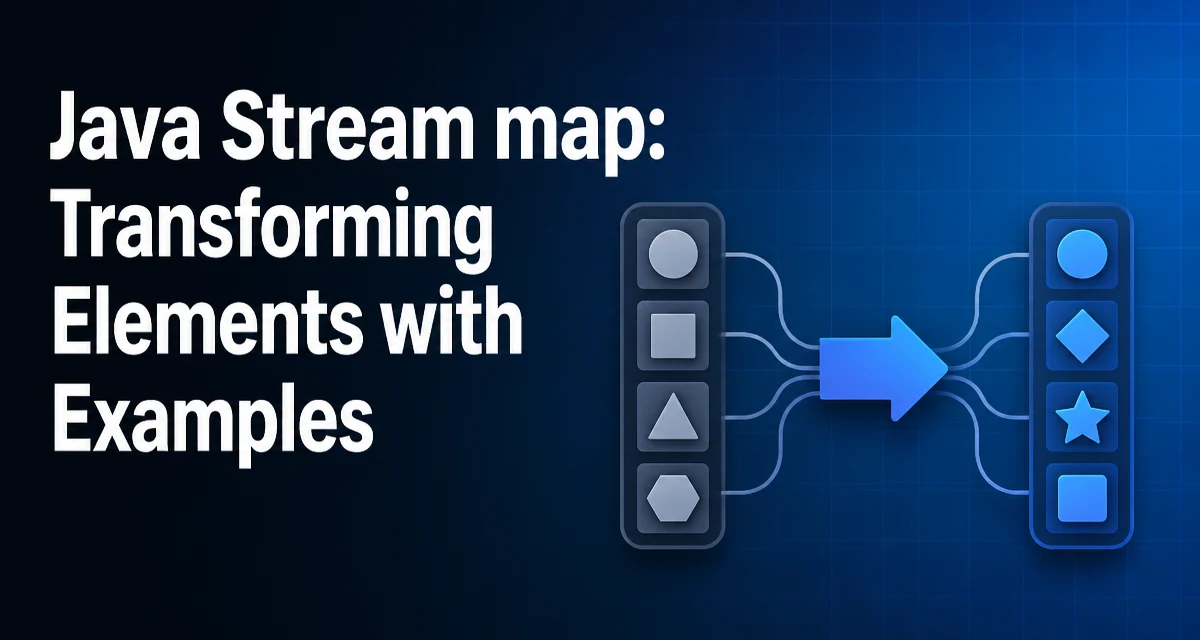
The map operation on a Java Stream is the standard way to transform each element of a stream into another object without changing the stream's size. When you write java stream map code, you are applying a function to every element and collecting the results into a new stream. This is a core pattern for data transformation in functional-style Java.
The Core Purpose of Stream.map
Stream.map is an intermediate operation that applies a given function to each element of the stream and returns a new stream of the results. The original stream is not modified; instead, a new stream is produced. This is a fundamental difference from in-place collection manipulation. The function you pass is a Function<T, R>, where T is the input type and R is the output type. Because map is lazy, the transformation is only executed when a terminal operation like collect or forEach is invoked.
Basic Syntax and a Minimal Example
The simplest usage is mapping a stream of integers to their squares:
List<Integer> numbers = Arrays.asList(1, 2, 3, 4);
List<Integer> squares = numbers.stream()
        .map(n -> n * n)
        .collect(Collectors.toList());
Here, n -> n * n is a lambda expression that implements Function<Integer, Integer>. The map operation produces a new stream where each element is the square of the original. The collect terminal operation gathers the results into a List. This pattern is ubiquitous in Java codebases that use streams for data transformation.
Mapping to a Different Type
map is not limited to changing values; it can also change the type of the stream elements. For example, converting a list of strings to their lengths:
List<String> words = Arrays.asList("java", "stream", "map");
List<Integer> lengths = words.stream()
        .map(String::length)
        .collect(Collectors.toList());
This uses a method reference String::length as the function. The resulting stream is of type Stream<Integer>. This type flexibility makes map useful for extracting fields from objects, converting between representations, or normalizing data before further processing.
Combining map with Other Stream Operations
The real power of map emerges when it is combined with other stream operations. For example, you can filter first, then map, and finally reduce:
List<Employee> employees = getEmployees();
List<String> names = employees.stream()
        .filter(e -> e.getSalary() > 50000)
        .map(Employee::getName)
        .collect(Collectors.toList());
Here, filter reduces the stream to high-salary employees, and map extracts their names. The order matters: filtering before mapping can reduce the number of transformations, which is a small performance win if the mapping is expensive. You can also chain multiple map calls, though it is often clearer to combine them into a single function if they are logically one transformation.
map vs flatMap: When to Use Each
A common source of confusion is the difference between map and flatMap. map produces one output element for each input element. flatMap produces a stream of zero or more elements for each input element, then flattens those streams into a single stream. Use map when the function returns a single value. Use flatMap when the function returns a collection or stream. For example, to get all distinct words from a list of sentences, you need flatMap:
List<String> sentences = Arrays.asList("hello world", "java streams");
List<String> words = sentences.stream()
        .flatMap(s -> Arrays.stream(s.split(" ")))
        .distinct()
        .collect(Collectors.toList());
If you used map here, you would get a stream of String[] arrays, not a flat stream of words. Knowing this distinction prevents many logical errors.
Performance and Runtime Behavior of map
The performance of map depends on the underlying stream source and whether it is sequential or parallel. For a sequential stream, map applies the function to each element as it is consumed by the terminal operation. The function itself is the dominant cost; map adds minimal overhead beyond the function invocation. For parallel streams, map operations are applied concurrently across multiple threads, but the order of results is not guaranteed unless you use forEachOrdered or collect to an ordered collection. This can matter if your transformation has side effects or is not thread-safe. Also, map is stateless by default, which is a requirement for safe parallel execution. Avoid using stateful lambdas inside map; if you need to maintain state, consider a different approach.
Common Mistakes and Edge Cases
One common mistake is assuming that map modifies the original collection. It does not; the original list remains unchanged. Another is forgetting that map is lazy. If you write a stream pipeline without a terminal operation, nothing happens. Also, be careful with null values: if the function returns null, the resulting stream will contain null elements, which can cause NullPointerException later. You can filter nulls after mapping if needed. Finally, when working with primitive streams, use mapToInt, mapToLong, or mapToDouble to avoid boxing overhead. For example, stream.mapToInt(String::length).sum() is more efficient than mapping to Integer and then summing. These edge cases are common in production code and understanding them helps you write more robust stream pipelines.