Java Stream skip: How to Skip Elements in Streams
java stream skip: Learn how to use Java Stream skip() to discard the first N elements, combine it with limit(), and understand its ordering and performance tradeoffs.
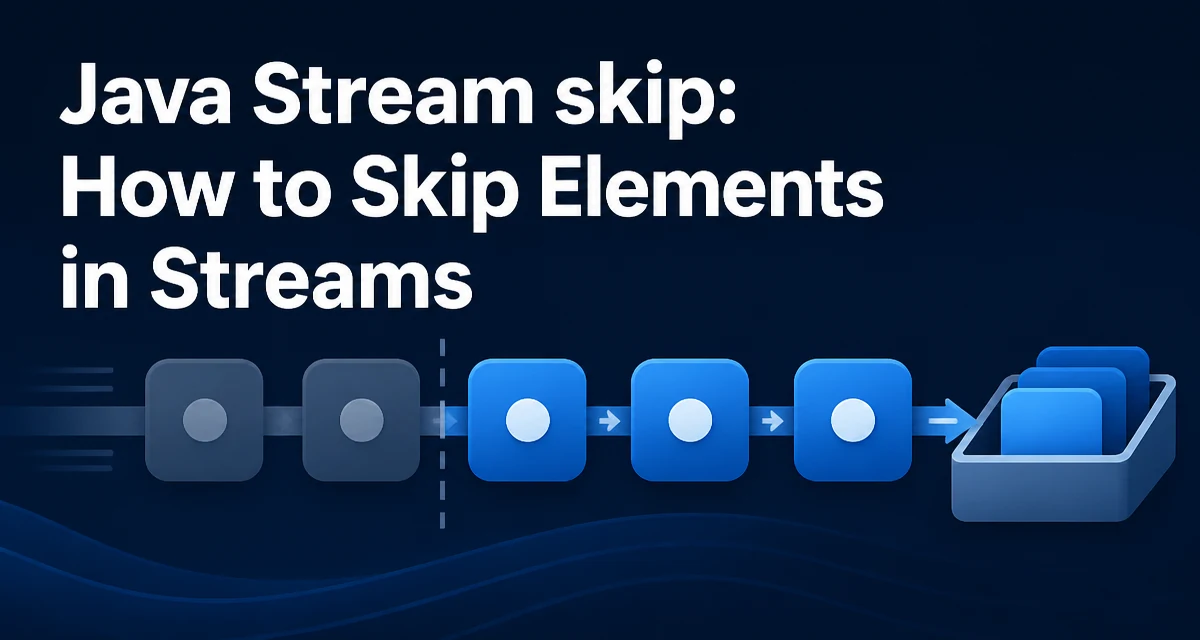
When you call skip(n) on a Java stream, the stream discards the first n elements and passes the remaining elements to the next operation. It is a simple method, but its behavior depends on the stream's source, whether the stream is ordered, and how you combine it with other operations like limit(). This article explains the mechanics of java stream skip, shows practical usage, and highlights the pitfalls that appear in real code.
What Does skip() Do in Java Streams?
The skip() method is defined on the Stream<T> interface and returns a new stream that contains all elements of the original stream except the first n elements. If the stream has fewer than n elements, the resulting stream is empty. The method is a stateful intermediate operation: it remembers how many elements have been seen so far, and it discards them before passing any element downstream.
Here is the minimal syntax:
Stream<T> skipped = originalStream.skip(n);
The parameter n must be non-negative. If you pass a negative value, skip() throws IllegalArgumentException because the JDK enforces the contract that n >= 0. This is a common mistake when the count is computed dynamically and can become negative.
Basic Usage of skip()
The most straightforward use is to remove a fixed number of elements from the beginning of a stream. For example, suppose you have a list of integers and you want to process all elements except the first two:
List<Integer> numbers = List.of(1, 2, 3, 4, 5);
List<Integer> result = numbers.stream()
    .skip(2)
    .collect(Collectors.toList());
// result contains [3, 4, 5]
The stream starts with 1, 2, 3, 4, 5. The skip(2) operation consumes the first two elements and does not pass them to the collect operation. The remaining elements are collected into a new list.
You can also use skip() to ignore the first few lines of a file or the first few log entries. The source of the stream does not matter; skip() works uniformly on collections, arrays, I/O streams, and generator functions.
Combining skip() with limit() to Implement Pagination
A common pattern is to combine skip() and limit() to implement pagination or windowing. If you want to fetch a page of results from a stream, you can skip the first pageSize * pageNumber elements and limit the result to pageSize elements. For example, to get the third page of five elements from a list:
int pageNumber = 2; // zero-based
int pageSize = 5;
List<String> items = getAllItems();
List<String> page = items.stream()
    .skip((long) pageNumber * pageSize)
    .limit(pageSize)
    .collect(Collectors.toList());
This works well when the stream source is a collection that supports efficient indexed access, like an ArrayList. However, when the source is a one-shot generator or an I/O stream, skip() must actually read and discard the first n elements. That cost is unavoidable because the stream cannot jump to a position without processing the elements before it.
Ordering and Statefulness: When skip() Is Not Reliable
The behavior of skip() depends on whether the stream has a defined encounter order. For streams from List, arrays, or Stream.iterate, the order is the order of the source. For streams from HashSet or Stream.generate, the order is undefined. In an unordered stream, skip() may discard any n elements, not necessarily the first ones in the source. The Javadoc explicitly says that for unordered streams, skip() is not guaranteed to skip the first n elements; it may skip any subset.
This matters when you rely on skip() to preserve a specific subset. For example, if you create a stream from a HashSet and call skip(1), the element that is removed is not deterministic. If you need a deterministic result, you must ensure the stream is ordered, either by using an ordered source or by calling sorted() before skip().
In parallel streams, skip() becomes even more unpredictable. The JDK documentation states that for parallel streams, skip() is not a cheap operation and may not respect the encounter order unless the stream is ordered and the source supports efficient splitting. In practice, parallel streams with skip() often perform worse than sequential ones because the framework must coordinate the skipping across threads.
Performance and Memory Considerations
skip() is not a free operation. For a sequential stream from a collection, the implementation can often skip elements without copying them, but it still traverses the source. For a stream from a generator or an I/O source, every skipped element must be produced and discarded. This means that calling skip(1_000_000) on a stream that generates numbers will execute the generator one million times before yielding the first result.
The cost is proportional to the number of skipped elements, not the total stream size. If you need to skip a large number of elements repeatedly, consider whether the source supports indexed access. For example, List.subList(fromIndex, toIndex) gives you a view of a portion of a list without traversing the preceding elements. If your data is in a List and you know the index range, using subList() is more efficient than skip() because it avoids generating or traversing the skipped elements.
Here is a comparison for a list of a million elements:
List<String> list = new ArrayList<>(largeData);

// Using skip
List<String> tail = list.stream().skip(500_000).collect(Collectors.toList());

// Using subList
List<String> tail2 = list.subList(500_000, list.size());
The subList approach is a constant-time view, while the skip approach must iterate through the first 500,000 elements. If you only need to process the tail of a list, prefer subList when the list is already in memory. If you are working with a stream pipeline that includes filtering or mapping before the skip, then skip is the appropriate tool because those operations cannot be expressed with a simple list view.
Common Pitfalls and Alternatives to skip()
One common mistake is using skip() with a negative argument. The JDK throws an IllegalArgumentException if n < 0. Always guard against negative values when the count comes from user input or a calculation.
Another pitfall is assuming that skip() works like subList for any stream source. For an infinite stream, skip() will block or run forever if you try to skip more elements than the stream can produce. For example, Stream.generate(() -> "x").skip(Long.MAX_VALUE) will attempt to generate an infinite number of elements and never finish. There is no way to skip elements in an infinite stream without a bounded source or a different approach.
If you need to skip elements based on a condition rather than a fixed count, use filter() or dropWhile() (Java 9+). dropWhile() removes elements from the beginning as long as a predicate is true, which is more flexible than a fixed count. For example:
Stream.of(1, 2, 3, 4, 5)
    .dropWhile(n -> n < 3)
    .forEach(System.out::println); // prints 3, 4, 5
dropWhile() is a better fit when the number of elements to skip is not known in advance but depends on the element values. Use skip() only when you know the exact count.
Finally, remember that skip() is an intermediate operation, so it does nothing until a terminal operation is invoked. If you forget to call collect(), forEach(), or another terminal method, the stream pipeline is not executed and skip() has no effect. This is a typical beginner mistake that leads to confusion when debugging why no elements are skipped.
In summary, skip() is a straightforward way to discard a fixed number of elements from a stream, but its behavior is tightly coupled to the stream's ordering and source. Use it when you need to process a window of elements in a sequential pipeline, and consider subList() for indexed collections or dropWhile() for condition-based skipping.