java stream vs parallel stream: When to Use Each
java stream vs parallel stream: Understand the tradeoffs between sequential and parallel streams in Java, including performance, thread safety, and when to use each.
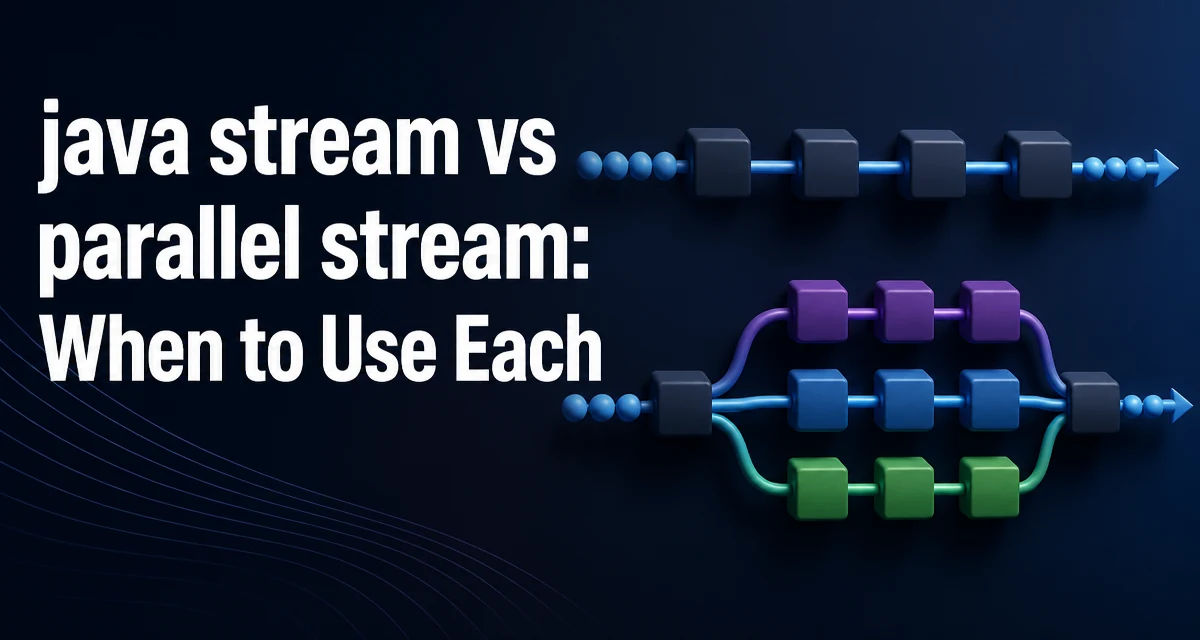
The decision between java stream vs parallel stream is not just about performance; it's about understanding how the JVM splits work and what that means for correctness. A parallel stream can speed up a CPU-bound operation on a large collection, but it can also introduce subtle bugs and even degrade performance when used carelessly. This article explains what actually changes when you call .parallel(), when it helps, and when it hurts.
What Parallel Streams Actually Change
A sequential stream processes elements one at a time, in the order they appear in the source. A parallel stream, on the other hand, splits the source into multiple chunks, processes each chunk on a separate thread, and then combines the results. This is handled internally by the Stream API using a ForkJoinPool.
Consider a simple operation:
List<Integer> numbers = IntStream.rangeClosed(1, 1_000_000)
    .boxed()
    .collect(Collectors.toList());

long sum = numbers.stream()
    .mapToInt(Integer::intValue)
    .sum();
To make it parallel, you simply add .parallel():
long sum = numbers.parallelStream()
    .mapToInt(Integer::intValue)
    .sum();
The parallelStream() method is shorthand for stream().parallel(). The key difference is that the latter can be called at any point in the pipeline, but the behavior is the same: the entire pipeline becomes parallel.
The Cost of Parallelism: Splitting and Merging
Parallelism does not come for free. The JVM must split the source into subparts, distribute them across threads, and then merge the results. This overhead is significant for small collections or operations that are already fast.
The splitting process depends on the source. An ArrayList splits efficiently because it has a known size and random access. A LinkedList splits poorly because the splitter must traverse the list to find a midpoint. A HashSet splits reasonably well but not as predictably as an array-based list.
The merging step also adds cost. For operations like reduce or collect, the JVM must combine partial results. If the combining operation is cheap, the overhead is minimal. But if the combiner is expensive—for example, merging large maps—the parallel version can end up slower than the sequential one.
A common mistake is assuming that parallel streams automatically improve throughput. In practice, the overhead of splitting and merging can dominate the actual work, especially when the operation is trivial. For example, mapping an integer to its square is so fast that the parallel version often loses to the sequential version on a typical machine.
When Parallel Streams Make Sense
Parallel streams shine when all of the following conditions hold:
- The data source is large (thousands of elements or more).
- The operation is CPU-bound and takes meaningful time per element.
- The operation is stateless and does not depend on the order of elements.
- The result can be combined efficiently.
A typical example is a heavy computation on each element, such as parsing complex documents or calculating cryptographic hashes.
List<byte[]> documents = loadDocuments();

List<byte[]> hashes = documents.parallelStream()
    .map(doc -> sha256(doc))
    .collect(Collectors.toList());
Here, sha256 is CPU-intensive and each call is independent. The parallel stream can distribute the work across available cores, and the final collection is straightforward.
Another good candidate is a reduce operation where the accumulator is associative and the combiner is cheap:
int sum = numbers.parallelStream()
    .reduce(0, Integer::sum);
The Integer::sum combiner is trivial, so the merge overhead is negligible.
When Parallel Streams Hurt: Shared State and Ordering
Parallel streams are dangerous when the operation touches shared mutable state. Because multiple threads execute the lambda concurrently, any shared variable can become a race condition.
Consider this example:
List<Integer> numbers = ...;
Map<Integer, Integer> counts = new HashMap<>();

numbers.parallelStream()
    .forEach(n -> counts.merge(n % 10, 1, Integer::sum));
This is broken. Multiple threads may call merge on the same HashMap concurrently, leading to corrupted state or lost updates. Even using a thread-safe map like ConcurrentHashMap does not guarantee correct results unless the entire operation is atomic, which merge is, but the accumulation logic may still produce unexpected counts if the order of merges is not deterministic.
The safe approach is to use a parallel stream only for operations that do not depend on shared state. If you need to aggregate, use collect with a thread-safe collector, or use a reduction that is associative and stateless.
Ordering is another subtle issue. A parallel stream does not guarantee encounter order unless you explicitly use forEachOrdered or collect to a list that preserves order. If your result depends on the order of elements, you must be careful. For example, findFirst() on a parallel stream may return a different element than on a sequential stream, depending on which chunk finishes first. If you need the first matching element in encounter order, use findFirst() with .sequential() or use findAny() if order does not matter.
Choosing Between Sequential and Parallel Streams
The decision should be based on measurable criteria, not intuition. Here is a practical guideline:
| Condition | Sequential | Parallel |
|---|---|---|
| Small collection (< 10,000 elements) | Yes | No |
| CPU-bound, heavy per-element work | Maybe | Yes |
| I/O-bound (network, disk) | Yes | No |
| Shared mutable state | Yes | No |
| Order-sensitive result | Yes | No |
| Large, independent elements | Maybe | Yes |
These are rough thresholds; the actual crossover point depends on your hardware and the cost of the operation. The only reliable way to decide is to benchmark both versions with your actual workload and data size.
A common mistake is using a parallel stream for I/O-bound operations, such as reading files or making HTTP requests. Parallel streams use the common ForkJoinPool, which is sized based on the number of CPU cores, not the number of concurrent I/O tasks. If you block on I/O, you tie up threads that could be doing CPU work, and you may exhaust the pool. For I/O-bound work, consider using a dedicated executor with more threads, or use asynchronous APIs.
Another mistake is assuming that parallel streams are always faster. The overhead of splitting and merging can be higher than the time saved, especially for small data sets. For example, summing a list of 100 integers with a parallel stream will almost certainly be slower than the sequential version because the cost of spawning tasks and merging results exceeds the cost of adding 100 numbers.
Controlling the ForkJoinPool Behind Parallel Streams
By default, parallel streams execute on the common ForkJoinPool, which has a target parallelism equal to the number of available processors minus one. You can change this globally with the system property java.util.concurrent.ForkJoinPool.common.parallelism, but that affects all parallel streams in the application, which is rarely desirable.
A more controlled approach is to submit the parallel stream to a custom ForkJoinPool. This is not a documented Stream API feature, but it works because parallel streams internally use ForkJoinTask and will run within the current ForkJoinPool if one is active. The technique is to wrap the stream in a ForkJoinPool.submit call:
ForkJoinPool customPool = new ForkJoinPool(4);

try {
    customPool.submit(() ->
        numbers.parallelStream()
            .map(expensiveOperation)
            .collect(Collectors.toList())
    ).get();
} catch (InterruptedException | ExecutionException e) {
    // handle
} finally {
    customPool.shutdown();
}
```n
This gives you control over the number of threads and isolates the parallel stream from the common pool. However, this is an implementation detail and may change in future Java versions. It also introduces complexity, so use it only when you have a specific need, such as avoiding starvation of the common pool.

Another consideration is the `Spliterator` characteristics. The performance of a parallel stream depends heavily on how well the source can be split. Arrays and `ArrayList` have good spliterators that support `SUBSIZED` and `SIZED`, allowing efficient splitting. A `LinkedList` has a spliterator that splits by traversing, which is O(n) per split and can negate the benefits of parallelism. If you need parallelism, prefer array-based collections or use a custom spliterator.

Finally, remember that parallel streams are not a silver bullet. They are a convenience for CPU-bound, stateless operations on large data sets. For everything else, sequential streams are simpler and safer. When in doubt, measure with a proper microbenchmark like JMH, and only use parallel streams when they demonstrably improve throughput without sacrificing correctness.