Java String Comparison: == vs equals() vs compareTo()
java string comparison: Learn the correct way to compare strings in Java: == vs equals(), case-insensitive comparison, compareTo, null safety, and performance consider...
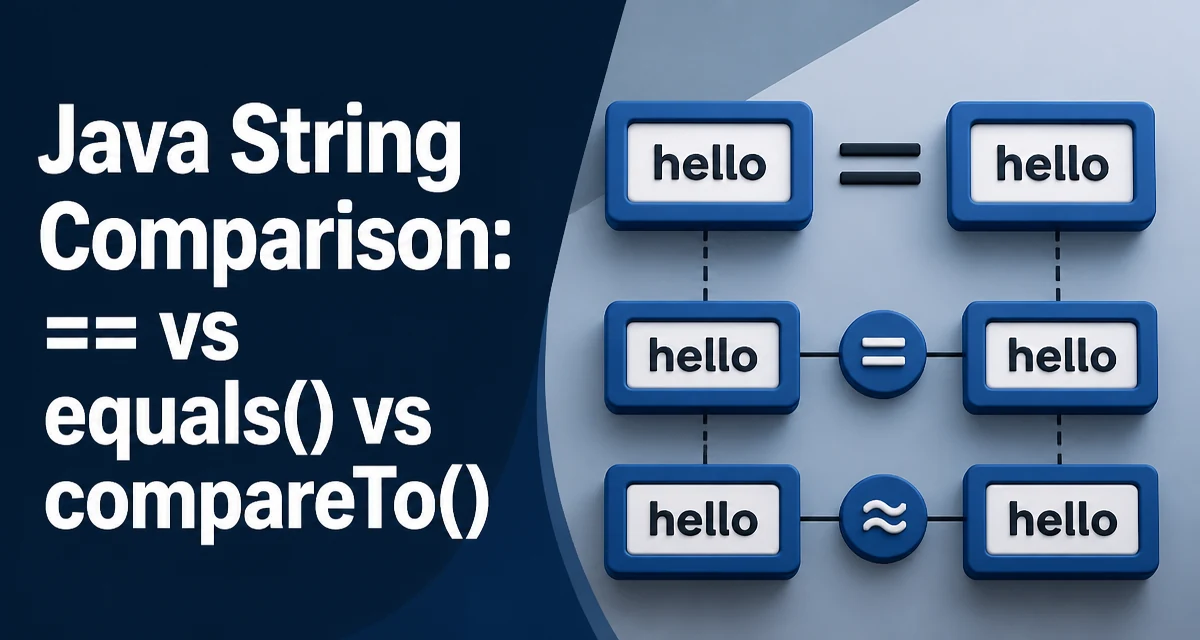
In Java, string comparison is a frequent source of bugs because the == operator checks reference equality rather than content equality. This article explains the correct way to perform java string comparison, covering equals(), equalsIgnoreCase(), compareTo(), null handling, and the performance implications of each approach.
The Difference Between == and equals()
The == operator compares object references. When you create two distinct String objects with the same content, == returns false because they are different objects. The equals() method, on the other hand, compares the actual character sequence.
String a = new String("hello");
String b = new String("hello");

System.out.println(a == b);      // false
System.out.println(a.equals(b)); // true
The first comparison is false because a and b point to different objects in memory. The second is true because equals() checks the content. This is the most common mistake developers make when comparing strings.
Using equals() for Content Comparison
For most string comparisons, equals() is the correct choice. It performs a character-by-character comparison and returns true only when the sequences are identical. The method is case-sensitive, so "Hello" and "hello" are not equal.
String input = "Admin";
if (input.equals("admin")) {
    // This block will not execute
}
If you need to ignore case, use equalsIgnoreCase() instead.
Case-Insensitive Comparison with equalsIgnoreCase()
When case should not affect the result, equalsIgnoreCase() is the appropriate method. It compares strings while ignoring differences in letter casing.
String username = "JohnDoe";
if (username.equalsIgnoreCase("johndoe")) {
    // This block will execute
}
This method is useful for user input validation, configuration values, or any scenario where the casing is not guaranteed.
Comparing Strings with compareTo() for Ordering
The compareTo() method performs a lexicographic comparison based on Unicode values. It returns a negative integer, zero, or a positive integer if the first string is less than, equal to, or greater than the second string. This is essential for sorting and ordering operations.
String first = "apple";
String second = "banana";

int result = first.compareTo(second);
// result is negative because "apple" comes before "banana"
The comparison is case-sensitive. For case-insensitive ordering, use compareToIgnoreCase().
Handling null Values Safely
Calling equals() on a null reference throws a NullPointerException. To avoid this, either check for null explicitly or use the Objects.equals() utility method.
String value = null;
if (Objects.equals(value, "expected")) {
    // Safe: returns false without throwing
}
Objects.equals() returns true if both arguments are null, and otherwise delegates to the first argument's equals() method. This is a clean way to handle nulls in comparisons.
Performance and the String Constant Pool
String literals are interned by the JVM, meaning that literal strings with the same content refer to the same object. This is why == can return true for two literals with identical content. However, strings created at runtime with new or from concatenation are not automatically interned, so relying on == is risky.
String literal1 = "hello";
String literal2 = "hello";
System.out.println(literal1 == literal2); // true

String runtime1 = new String("hello");
String runtime2 = new String("hello");
System.out.println(runtime1 == runtime2); // false
Using equals() is always safe and its performance is acceptable for most applications. The time complexity is O(n) for the length of the string, which is negligible for typical input sizes.
Comparing Contents of StringBuilder and StringBuffer
When you have a StringBuilder or StringBuffer and need to compare its content with a String, use the contentEquals() method on the String object.
StringBuilder sb = new StringBuilder("hello");
String str = "hello";
System.out.println(str.contentEquals(sb)); // true
The contentEquals() method accepts any CharSequence, including StringBuilder, StringBuffer, and String. This is more efficient than converting the builder to a string first.
Choosing the Right Comparison Method
| Method | Use Case | Null Safe |
|---|---|---|
equals() | Case-sensitive content comparison | No |
equalsIgnoreCase() | Case-insensitive content comparison | No |
compareTo() | Ordering and sorting | No |
Objects.equals() | Null-safe content comparison | Yes |
contentEquals() | Comparing String with CharSequence | No |
For most applications, equals() is the default choice. Use equalsIgnoreCase() when casing is irrelevant. Use compareTo() when you need to sort or determine order. Use Objects.equals() when nulls are possible. Use contentEquals() when comparing a String to a StringBuilder or StringBuffer.