Java String Concatenation: Choose the Right Method
java string concatenation: Learn how Java string concatenation works, why String immutability matters, and when to use StringBuilder or the + operator for efficient code.
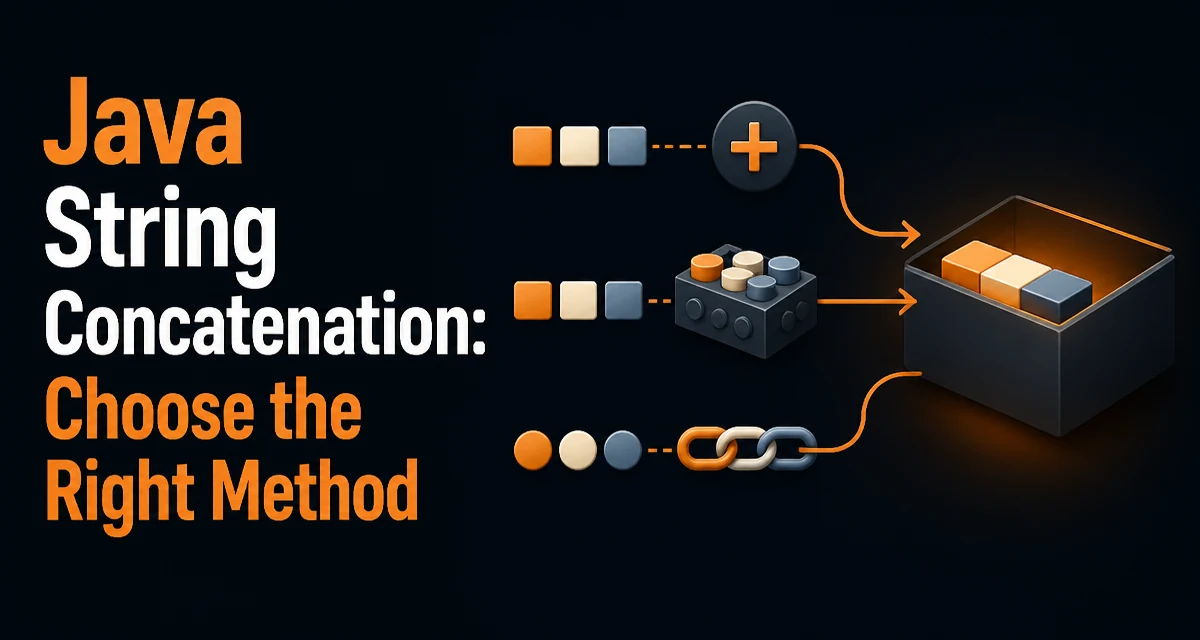
In Java, string concatenation is a routine operation, but the way you perform it can have a noticeable impact on memory usage and performance. This article covers the main approaches to java string concatenation and explains when each one is appropriate.
The Immutability of String and Why It Matters
Java's String class is immutable. Once a String object is created, its value cannot be changed. Every operation that appears to modify a string—such as concatenation, replacement, or substring extraction—actually creates a new String object. This design has important consequences for concatenation.
When you concatenate two strings, the JVM must allocate a new character array large enough to hold the combined result, copy the contents of both original strings into it, and then create a new String object. If you concatenate repeatedly in a loop, each iteration allocates a new array and copies all previous content again. This leads to O(n²) copying time and creates many short-lived objects that put pressure on the garbage collector.
Understanding this behavior is the first step toward writing efficient concatenation code. The immutability is a deliberate design choice for thread safety and security, but it shifts the responsibility for performance to the developer.
Concatenation with the + Operator
The + operator is the most straightforward way to concatenate strings. For example:
String firstName = "Ada";
String lastName = "Lovelace";
String fullName = firstName + " " + lastName;
This works because the Java compiler translates + into a series of operations that create a new string. In modern Java versions, the compiler may use StringBuilder internally for a chain of concatenations. For a single concatenation, it typically creates a StringBuilder, appends each part, and calls toString().
The + operator is readable and concise, and for a small, fixed number of concatenations it is perfectly acceptable. However, when you use + inside a loop, the compiler cannot optimize across iterations. Each loop iteration creates a new StringBuilder and a new resulting string, which defeats the purpose of the optimization.
String result = "";
for (int i = 0; i < 1000; i++) {
    result += i; // creates a new string each time
}
This pattern is a common performance trap. The compiler generates a StringBuilder for each iteration, but the object is discarded after the iteration, and the next iteration starts from the previous result. The result is quadratic time complexity and excessive garbage.
StringBuilder for Repeated Concatenation
When you need to concatenate many strings, especially in a loop or when building a large result incrementally, StringBuilder is the recommended tool. It maintains a mutable internal character array and provides append methods for various types. Unlike String, StringBuilder does not create a new object on every append.
StringBuilder sb = new StringBuilder();
for (int i = 0; i < 1000; i++) {
    sb.append(i);
}
String result = sb.toString();
This code appends each integer to the same StringBuilder instance. The internal array grows as needed, and toString() produces the final string in one pass. The performance difference is dramatic for large numbers of concatenations, but even for a handful of dynamic values, StringBuilder can reduce allocation pressure.
StringBuilder is not thread-safe. If multiple threads need to share a mutable string buffer, use StringBuffer, which has synchronized methods. In single-threaded code, StringBuilder is faster because it avoids synchronization overhead.
String.concat and Other Alternatives
The String class also provides a concat method:
String s1 = "Hello";
String s2 = "World";
String s3 = s1.concat(s2);
concat is similar to + in that it creates a new string, but it only accepts a String argument and does not handle null gracefully. The + operator is more flexible because it converts any operand to a string using String.valueOf. In practice, + is preferred over concat for readability and flexibility.
Other methods like String.format and String.join are useful in specific contexts:
String formatted = String.format("Hello, %s!", name);

String joined = String.join(", ", "a", "b", "c");
String.format is convenient for building strings with a template, but it is significantly slower than + or StringBuilder because it parses the format string and uses reflection-like formatting. Use it only when you need locale-aware formatting or complex patterns. String.join is ideal for joining a collection of strings with a delimiter, and it internally uses a StringJoiner or StringBuilder, making it both readable and efficient.
Performance Considerations and Memory Behavior
The main performance concern in string concatenation is the number of intermediate objects created. Each + operation creates at least one new string, and in loops it creates many. StringBuilder avoids that by reusing a mutable buffer.
The compiler does optimize simple chains of + into a single StringBuilder operation. For example:
String result = a + b + c + d;
This is compiled as if you wrote:
String result = new StringBuilder().append(a).append(b).append(c).append(d).toString();
So for a single expression with a fixed number of operands, + is fine. The problem arises when concatenation is split across statements or loop iterations, where the compiler cannot combine them into one buffer.
Memory-wise, StringBuilder reduces garbage collection pressure because fewer short-lived objects are created. In high-throughput systems, excessive string allocation can cause frequent GC pauses. Choosing the right concatenation strategy is part of writing memory-conscious Java code.
There is also the question of initial capacity. If you know the approximate size of the final string, you can pass it to the StringBuilder constructor to avoid resizing:
StringBuilder sb = new StringBuilder(1000); // preallocate
This reduces array copying when the buffer grows. It is a micro-optimization, but it matters in tight loops or when building very large strings.
Choosing the Right Approach for Your Code
The decision between +, StringBuilder, and other methods depends on the context. Use + when you have a small, fixed number of strings to concatenate and the expression is a single statement. It is readable and the compiler optimizes it well.
Use StringBuilder when you are building a string incrementally, especially in a loop or when the number of parts is unknown at compile time. This is the most common case for generating CSV, JSON, or XML content, or for assembling query strings.
Use String.join when you have a collection of strings and a delimiter. It is concise and internally efficient. Use String.format when you need formatting capabilities beyond simple concatenation, such as padding or locale-specific output, and when performance is not the primary concern.
Avoid using + inside a loop. The quadratic behavior will become noticeable with even a few thousand iterations. Also avoid using String.concat because it offers no advantage over + and is less flexible.
One edge case to keep in mind is null handling. The + operator converts null to the string "null", whereas String.concat throws a NullPointerException if the argument is null. If your code may receive null values, + is safer unless you explicitly handle nulls.
Another consideration is readability versus performance. In a codebase where maintainability matters more than micro-optimizations, using + for a few concatenations is perfectly fine. Reserve StringBuilder for cases where the performance difference is measurable and meaningful, such as in server-side request processing or data serialization.
Finally, be aware that Java's String interning and the constant pool can affect memory for compile-time constants. Concatenation of literals, such as "a" + "b", is evaluated at compile time and results in a single string constant. This is free of runtime cost, but it only applies to constant expressions.
In summary, the key is to understand the tradeoff between convenience and allocation. For most everyday code, + is fine. For loops and large builds, StringBuilder is the right tool. By choosing deliberately, you keep your code both readable and efficient.