Java String Creation: Literals vs new String()
java string creation: Understand the different ways to create strings in Java, from literals to new String() and StringBuilder, and learn when each is appropriate.
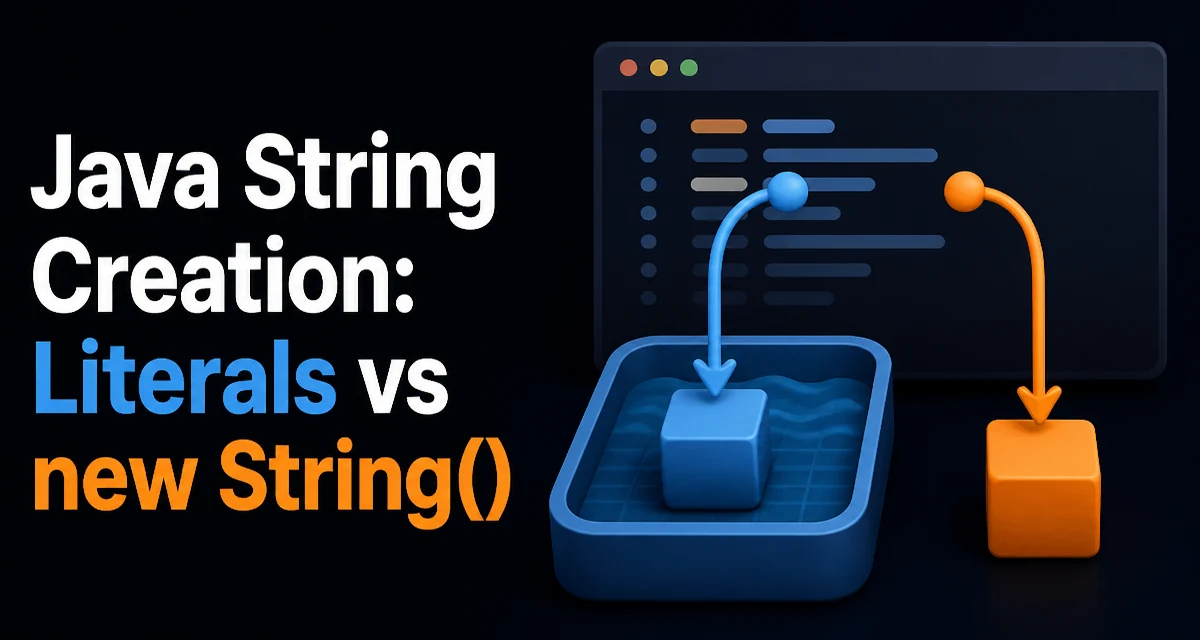
java string creation requires a clear understanding of the core syntax, runtime behavior, and practical implementation patterns demonstrated in the examples below.
When you write code that creates a string in Java, you have several options: a string literal, the new String() constructor, StringBuilder, or conversion methods like String.valueOf(). The choice affects memory usage, performance, and even object identity. This article explains how each approach works and when to use it.
String Literals and the String Pool
A string literal is the most common way to create a string:
String greeting = "hello";
The JVM maintains a string pool (also called the interned string table). When the class loader encounters a string literal, it checks the pool. If an identical string already exists, the literal is replaced with a reference to the pooled object. If not, a new string is created and placed in the pool.
This behavior is not just an implementation detail; it is part of the Java Language Specification. It means that two literals with the same content are guaranteed to be the same object:
String a = "hello";
String b = "hello";
System.out.println(a == b); // true
Because strings are immutable, sharing them is safe. The pool reduces memory usage when the same string value appears many times. However, the pool is not a cache for every string you create. Only literals and strings explicitly interned via intern() are stored there.
Using new String() and Its Consequences
The new String() constructor always creates a new object on the heap, even if an identical string already exists in the pool:
String literal = "hello";
String created = new String("hello");

System.out.println(literal == created); // false
System.out.println(literal.equals(created)); // true
The two references point to different objects. The constructor does not consult the pool. This is almost never what you want in normal application code. It forces an extra object allocation and defeats the purpose of the string pool. The only legitimate use cases are rare, such as when you need to explicitly create a distinct object for synchronization or when you are dealing with a substring that holds a reference to a larger backing array (pre-Java 7). In modern Java, the constructor is essentially a code smell.
If you do need a pooled string from a dynamically created value, use intern():
String dynamic = new StringBuilder("hel").append("lo").toString();
String pooled = dynamic.intern();
But intern() can be expensive because it performs a hash lookup and may resize the pool. Use it only when you know the string will be reused heavily and memory pressure is a real concern.
Building Strings with StringBuilder and StringBuffer
When you need to assemble a string from multiple parts, avoid repeated concatenation with + in a loop. Each concatenation creates a new string and copies the previous content, leading to O(n²) behavior. Instead, use StringBuilder:
StringBuilder sb = new StringBuilder();
for (int i = 0; i < 1000; i++) {
    sb.append("item").append(i);
}
String result = sb.toString();
StringBuilder maintains a mutable character array and grows as needed. append methods return the same instance, allowing method chaining. The toString() method creates a new immutable string from the current contents.
StringBuffer is the synchronized counterpart. Its methods are thread-safe, but that safety comes with a performance cost. In single-threaded code, always prefer StringBuilder. In multi-threaded scenarios where multiple threads append to the same buffer, you need StringBuffer or explicit synchronization. However, such sharing is rare; usually each thread builds its own string.
Converting Other Types to Strings
For converting primitives or objects to strings, the idiomatic approach is String.valueOf():
int number = 42;
String text = String.valueOf(number);
String.valueOf() handles null gracefully for object arguments, returning the string "null" instead of throwing a NullPointerException. For primitives, it delegates to the corresponding wrapper's toString() method, such as Integer.toString(int).
You might be tempted to use concatenation with an empty string: String text = "" + number;. This also works, but the compiler translates it to a StringBuilder operation, which is slightly less direct. There is no meaningful performance difference in practice, but String.valueOf() communicates intent more clearly.
For objects, calling String.valueOf(obj) invokes obj.toString(). If the object is null, it returns "null". If you need a different representation for null, use String.valueOf(obj) and check for null explicitly.
Memory and Performance Considerations
The main tradeoff in string creation is between reuse and allocation. String literals are interned, so they are shared and consume less memory when repeated. But the pool itself has a cost: it is a hash table that must be maintained. In most applications, the pool size is modest and the benefit outweighs the cost.
new String() always allocates a new object. This is wasteful if the same value already exists in the pool. It also increases garbage collection pressure. Avoid it unless you have a specific reason.
StringBuilder avoids intermediate string objects during construction. This is the most significant performance win when building strings from many parts. The initial capacity matters: if you know the approximate final length, pass it to the constructor to avoid resizing:
StringBuilder sb = new StringBuilder(1024);
Resizing copies the internal array, so a good initial capacity reduces copying. But do not over-allocate; a huge capacity wastes memory.
String immutability also affects memory. When you take a substring of a string, Java 7 and later copy the character array, so the substring does not keep the original string's backing array alive. In older Java versions, substring shared the array, which could cause memory leaks if you kept a small substring of a large string. Modern Java avoids this, but be aware that substring still creates a new string object.
Choosing the Right Approach
The decision comes down to what you are doing:
- Use a string literal for fixed, compile-time constants. This gives you pooling and clarity.
- Use
new String()only when you have a specific requirement for a distinct object, which is rare in application code. - Use
StringBuilderfor dynamic construction, especially in loops or when concatenating many parts. - Use
String.valueOf()for converting primitives or objects to strings. - Use
intern()sparingly, only when you need to pool a dynamically created string and you have measured that it reduces memory.
A common mistake is using new String() in a loop to create strings that could be literals. This creates unnecessary objects and slows down the application. Another mistake is using + inside a loop without realizing the compiler creates a new StringBuilder each iteration. The compiler does not hoist the builder out of the loop; it creates a new one per iteration. So the loop is still O(n²).
The Role of Compile-Time Constants
String literals that are compile-time constants are interned. This includes literals used in constant expressions, such as "Hello " + "World". The compiler folds these into a single literal at compile time. However, if a string is built from non-constant values, it is not interned automatically. This distinction matters when you compare references:
String constant = "Hello World";
String folded = "Hello " + "World";
System.out.println(constant == folded); // true

String dynamic = "Hello " + "World"; // still a constant expression
String fromVariable = "Hello " + someVariable; // not constant
The first two are the same pooled object. The third is a new string created at runtime. Understanding this helps you predict when == works and when you must use equals().
Handling Null and Empty Strings
When creating strings from user input or external data, you often need to handle null and empty values. String.valueOf(null) returns "null", which is rarely what you want. For a safe conversion, use Objects.toString(obj, "") to provide a default:
String safe = Objects.toString(userInput, "");
For empty string checks, prefer isEmpty() over length() == 0. For null checks, use == null or Objects.isNull(). These are not creation techniques, but they affect how you handle the result of string creation.
A common pattern is to build a string conditionally:
StringBuilder sb = new StringBuilder();
if (condition) {
    sb.append("yes");
} else {
    sb.append("no");
}
String result = sb.toString();
This is clearer than using a ternary with string concatenation, and it avoids creating intermediate strings.
Compatibility and Runtime Behavior
The string pool and intern() behavior have been stable across Java versions, but there are subtle differences. In Java 7, the string pool was moved from the permanent generation to the heap, which changed when OutOfMemoryError can occur. In Java 8, the permanent generation was replaced by metaspace, and the string pool remains in the heap. This means the pool size is limited by heap memory, not by metaspace. If you intern too many strings, you can exhaust the heap.
StringBuffer and StringBuilder have identical APIs except for synchronization. The compiler uses StringBuilder when translating string concatenation with +. In Java 9 and later, the compiler may use invokedynamic with StringConcatFactory to optimize concatenation, but the observable behavior is the same: a new string is produced. The runtime may choose a different strategy, such as using StringBuilder or a more efficient approach, but you should not rely on implementation details.
When you create a string with new String(char[]), the string copies the array. This is a safe way to avoid retaining a large character array that you no longer need. Similarly, String.valueOf(char[]) also copies. If you want to avoid copying, you can use StringBuilder with a preallocated array, but that is an advanced optimization.
Final Code Example: A Practical Builder
Here is a realistic example that combines several concepts. Suppose you need to build a log message with a timestamp and a variable number of key-value pairs:
public String buildLogMessage(String timestamp, Map<String, String> entries) {
    StringBuilder sb = new StringBuilder();
    sb.append("[").append(timestamp).append("] ");
    for (Map.Entry<String, String> entry : entries.entrySet()) {
        sb.append(entry.getKey())
          .append('=')
          .append(entry.getValue())
          .append(' ');
    }
    return sb.toString().trim();
}
This avoids creating intermediate strings for each key-value pair. The trim() call creates one more string, but that is acceptable. If you need to avoid even that, you can track the length and delete the trailing space. The key point is that each append mutates the internal buffer, and the final toString() creates exactly one new string object.
Understanding the mechanics of string creation helps you write code that is both memory-efficient and predictable. Choose literals for constants, StringBuilder for dynamic construction, and conversion methods for type changes. Avoid new String() unless you have a concrete reason, and measure before introducing exotic optimizations like intern(). The right choice depends on the context, but the principles described here apply across all Java versions.