Java String: Immutability and Memory Behavior
java string: Understand Java String immutability, the string pool, and how to handle concatenation and memory in practical code.
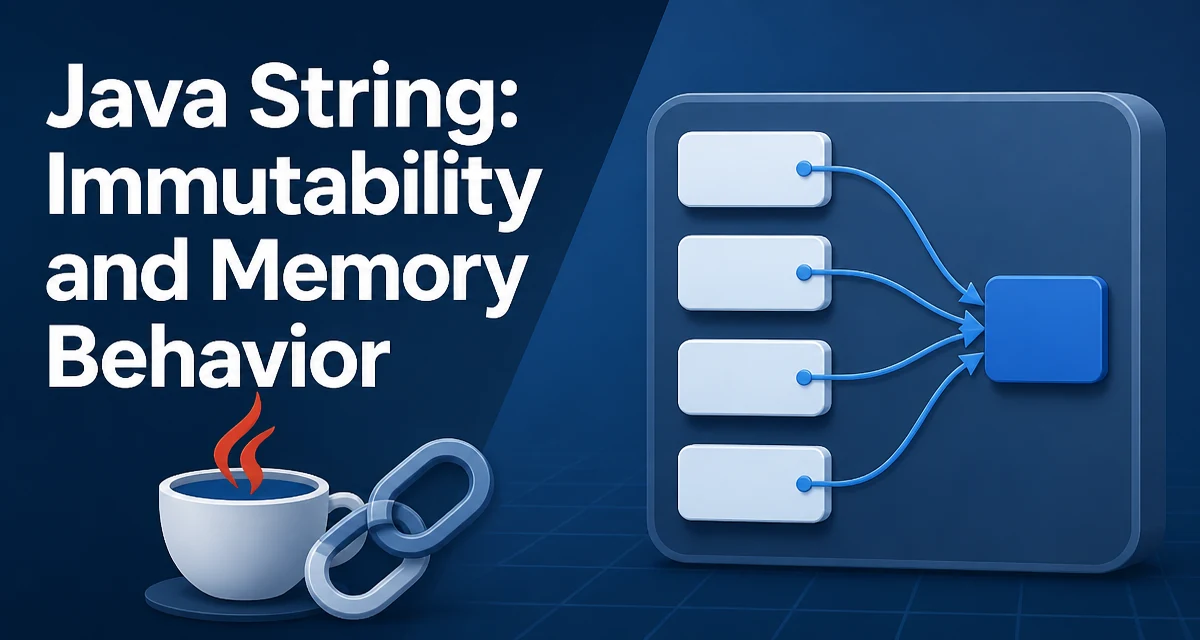
The java string class is one of the most used types in the language, yet its immutability and memory behavior often surprise developers who come from mutable string types in other languages. In Java, a String object is immutable: once created, its character sequence cannot change. Every operation that appears to modify a string actually creates a new String object. This design has deep implications for memory usage, equality checks, and performance in real applications.
What Makes Java String Immutable
The String class stores its characters in a private final char[] array (or a byte[] in modern JDKs when using compact strings). There are no public methods that mutate that array. Methods like toUpperCase(), replace(), or substring() return new String instances rather than altering the original. This immutability is not accidental; it enables safe sharing, caching, and thread safety without synchronization.
For example:
String original = "hello";
String upper = original.toUpperCase();
System.out.println(original); // hello
System.out.println(upper);     // HELLO
The original string remains unchanged. If you need a mutable character sequence, you must use StringBuilder or StringBuffer explicitly.
The String Pool and Interning
Because strings are immutable, the JVM can safely cache them in a string pool. When you write a string literal, the compiler places it in the pool, and the JVM reuses the same instance for identical literals across the classloader. This reduces memory for repeated constants.
String a = "hello";
String b = "hello";
System.out.println(a == b); // true, same reference from the pool
However, strings created with new String("hello") are not automatically interned. They are separate objects on the heap, even though their content is identical:
String c = new String("hello");
System.out.println(a == c); // false
System.out.println(a.equals(c)); // true
You can explicitly intern a string using intern(), but doing so too aggressively can cause performance issues in the pool's hash table. In modern JVMs, the pool is a native hash map, and overuse can lead to contention in multithreaded environments.
How String Concatenation Works
Concatenating strings with the + operator is convenient, but the underlying behavior depends on how the compiler optimizes it. For simple cases, the compiler may use StringBuilder automatically. For example:
String result = "foo" + "bar" + "baz";
This is a compile-time constant and becomes a single string. But when concatenating variables, the compiler generates something like:
String result = new StringBuilder().append(foo).append(bar).toString();
This is fine for a few concatenations. The problem arises in loops or repeated concatenation where each iteration creates a new StringBuilder and a new intermediate string, causing unnecessary allocation and copying.
String result = "";
for (int i = 0; i < 1000; i++) {
    result += i; // Creates a new StringBuilder and a new String each iteration
}
This loop creates thousands of temporary objects. The fix is to use a single StringBuilder outside the loop.
When to Use StringBuilder
Use StringBuilder when you need to build a string incrementally, especially in loops or when the number of parts is unknown at compile time. StringBuilder maintains a mutable buffer and only produces a String when you call toString().
StringBuilder sb = new StringBuilder();
for (int i = 0; i < 1000; i++) {
    sb.append(i);
}
String result = sb.toString();
This avoids the repeated allocation of intermediate strings. StringBuffer is the thread-safe counterpart, but its synchronization overhead is rarely needed because building a string is usually local to a method. Prefer StringBuilder unless you are sharing the buffer across threads.
Comparing Strings Correctly
A common mistake is using == to compare strings. Since == compares references, it only works when both operands are interned or refer to the same object. For content equality, always use equals().
String s1 = new String("abc");
String s2 = new String("abc");
System.out.println(s1 == s2);       // false
System.out.println(s1.equals(s2));   // true
For case-insensitive comparison, use equalsIgnoreCase(). If you are comparing many strings in a hot path, consider using hashCode() or a HashMap to reduce the number of equals calls, but never rely on == for content.
Performance and Memory Considerations
The immutability of String means that every modification creates a new object. This affects memory footprint and garbage collection pressure. Large strings that are modified frequently can cause significant overhead. In such cases, StringBuilder is the appropriate tool.
Another nuance is the substring() method. In older JDKs (before Java 7u6), substring() shared the underlying char[] with the original string, which could lead to memory leaks if you kept a small substring of a large string. Modern JDKs copy the characters, which avoids the leak but increases allocation. This is a tradeoff worth knowing when processing large text.
Also, the string pool itself has a fixed size (by default, 60013 buckets in recent JDKs). If you intern too many distinct strings, the pool can degrade into a linked list, slowing down intern() calls. In most applications, you do not need to call intern() manually; rely on the compiler's literal pooling and use equals() for comparison.
Handling Large Strings and Memory Footprint
When dealing with very large strings, such as reading a whole file into memory, be aware that the JVM stores characters as UTF-16 internally (or as bytes if compact strings are enabled and the content fits in Latin-1). A string of one million characters occupies at least two megabytes in the worst case. If you need to process large text, consider streaming it with a Reader or using StringBuilder to build the result incrementally, rather than holding multiple copies.
For example, reading a file line by line and accumulating into a StringBuilder is more memory-efficient than reading the entire file into a single String and then splitting it:
StringBuilder content = new StringBuilder();
try (BufferedReader reader = Files.newBufferedReader(Path.of("data.txt"))) {
    String line;
    while ((line = reader.readLine()) != null) {
        content.append(line).append('\n');
    }
}
String result = content.toString();
This approach avoids creating multiple large intermediate strings. If you need to manipulate substrings of a huge text, consider using CharSequence views or custom data structures rather than repeatedly calling substring().
Understanding the immutability and memory model of java string is essential for writing efficient Java code. By choosing the right construction method and comparison strategy, you can avoid common performance pitfalls and keep your applications responsive.