Java String Length: Code Units vs Code Points
java string length: Understand how String.length() works in Java, why it counts UTF-16 code units, and when to use codePointCount() for Unicode correctness.
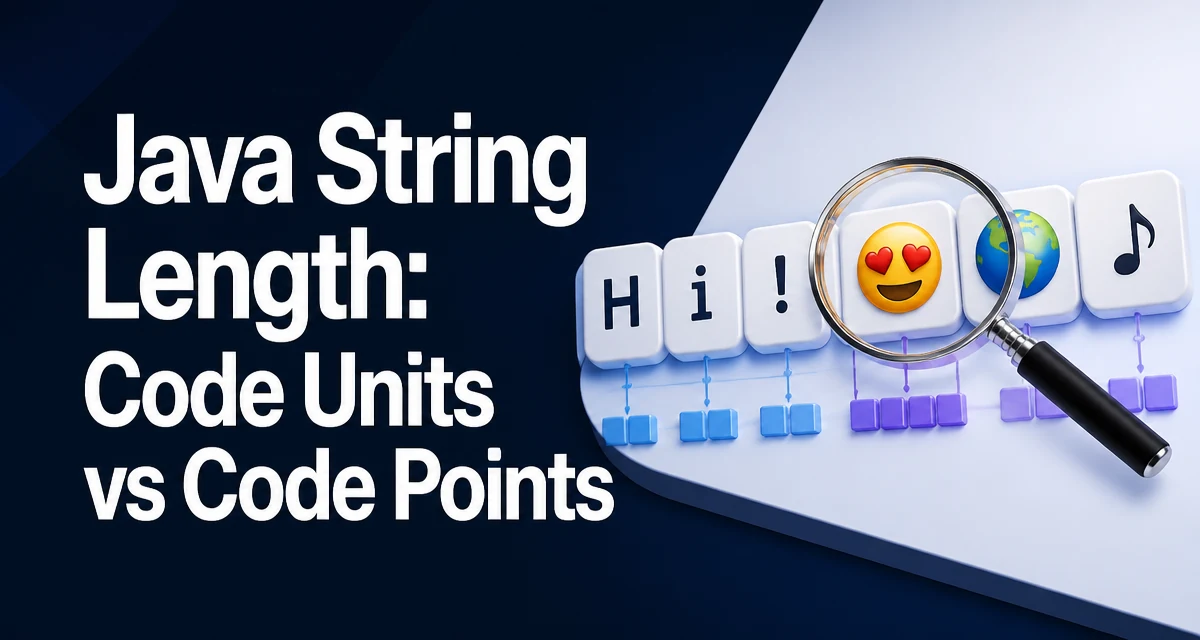
java string length requires a clear understanding of the core syntax, runtime behavior, and practical implementation patterns demonstrated in the examples below.
When you call String.length() in Java, you get the number of UTF-16 code units in the string, not necessarily the number of characters a user sees. This distinction matters when your application handles emoji, accented characters, or other characters outside the Basic Multilingual Plane. This article explains what length() returns, how to count Unicode code points when needed, and why the difference affects validation, indexing, and storage.
How to Get the Length of a String in Java
The simplest way to get the length of a string is to call the length() method:
String message = "Hello, world!";
int len = message.length();
System.out.println(len); // 13
length() returns an int representing the number of UTF-16 code units in the string. For most strings composed of ASCII or basic Latin characters, this equals the number of characters. The method runs in constant time because the length is stored as a field in the String object and is not computed on each call.
What length() Actually Returns: UTF-16 Code Units
Java strings are stored as sequences of 16-bit char values. Each char is a UTF-16 code unit. Characters from the Basic Multilingual Plane (BMP), which includes most common scripts, are represented by a single code unit. Characters outside the BMP, such as many emoji and some rare CJK characters, are represented by a pair of code units called a surrogate pair.
Consider this example:
String emoji = "😀"; // U+1F600
System.out.println(emoji.length()); // 2
Even though the string contains one visible character, length() returns 2 because a surrogate pair occupies two char positions. This behavior is often surprising and leads to bugs when code assumes length() gives the number of characters for display or validation.
Counting Unicode Code Points with codePointCount()
To count the actual Unicode code points—the values that represent each character—use codePointCount(int beginIndex, int endIndex):
String emoji = "😀";
int codePoints = emoji.codePointCount(0, emoji.length());
System.out.println(codePoints); // 1
This method scans the string and treats surrogate pairs as a single code point. It is the correct way to measure user-perceived character count for strings that may contain non-BMP characters.
The codePointAt(int index) method returns the code point at a specific index, but it also expects an index measured in code units, not code points. If you need to iterate over code points, use codePoints() (Java 8+) to get an IntStream:
String text = "A😀B";
text.codePoints().forEach(cp -> System.out.println(Character.toChars(cp)));
When the Difference Between Code Units and Code Points Matters
The distinction becomes critical in several real-world scenarios:
- Input validation: If you limit a username to 20 characters, using
length()may reject a 10-emoji name even though it has only 10 code points. - Database column sizing: A column defined for 100 characters in a Unicode database will not fit a string whose
length()exceeds 100 due to surrogate pairs, even if the code point count is lower. - Text truncation: Truncating a string by
length()can split a surrogate pair, producing an invalid sequence. UsecodePointCountandoffsetByCodePointsto cut safely. - Substring operations:
substring(int beginIndex, int endIndex)also operates on code unit indices. Passing a code point index will produce incorrect results.
Performance and Memory Characteristics of length()
String.length() is an O(1) operation because the length is stored as a final field in the String object. It does not traverse the string. This makes it safe to call repeatedly in loops or validation logic without performance concerns.
codePointCount() is O(n) because it must scan the string to identify surrogate pairs. For strings that are predominantly BMP characters, this overhead is small, but it is not free. If you only need to know whether a string is empty, prefer isEmpty() over length() == 0 for clarity, though both are constant time.
Memory-wise, each char in the string occupies two bytes in the underlying array. A string with 10 emoji characters uses 20 bytes for the characters plus object overhead, even though it has only 10 code points. This can affect storage estimates when you persist strings to a database or send them over a network.
Common Mistakes and Edge Cases
- Assuming length() equals character count: Always consider surrogate pairs when the string may contain non-BMP characters.
- Using length() for array indexing: If you need to access individual characters, remember that
charAt(index)uses code unit indices. A surrogate pair occupies two indices. - Mixing code point and code unit indices: Methods like
substring()andcodePointAt()expect code unit indices. Convert usingoffsetByCodePoints()when needed. - Ignoring the null character:
Stringcan contain\u0000, andlength()counts it normally. This is rarely an issue but can confuse debugging.
Related Methods: isEmpty() and Array Length
isEmpty() returns true if length() is zero. It is a clearer way to check for an empty string.
String s = "";
if (s.isEmpty()) { // preferred
    // handle empty
}
For arrays, the length is a public field, not a method: int[] arr = new int[10]; int n = arr.length;. This is a common source of confusion for developers new to Java, but it is unrelated to String.length().
When you need the number of characters for display purposes, use codePointCount(0, s.length()). For most business logic that operates on code units, length() is sufficient. The key is to know which one your use case requires and to document that decision in the code.