Java String toLowerCase: Usage and Locale Pitfalls
java string tolowercase: Learn how Java's String.toLowerCase() works, why the no-argument version uses the default locale, and when to pass an explicit Locale to avoid...
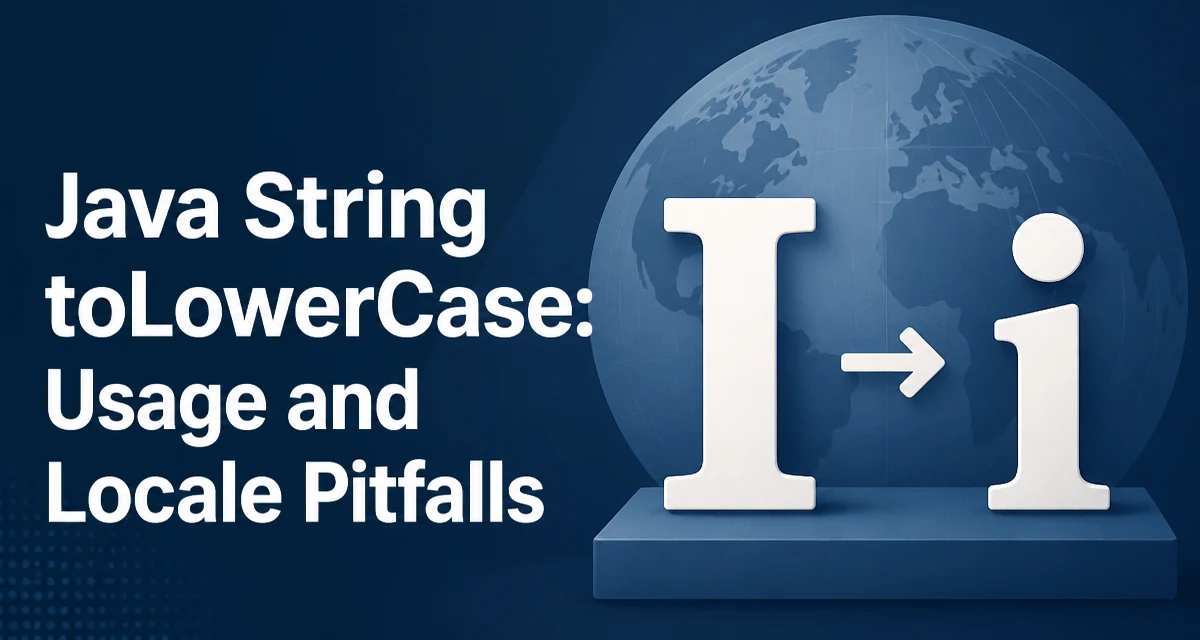
java string tolowercase requires a clear understanding of the core syntax, runtime behavior, and practical implementation patterns demonstrated in the examples below.
In Java, String.toLowerCase() converts every uppercase character in a string to its lowercase equivalent. The no-argument version uses the JVM's default locale, while the overloaded toLowerCase(Locale) variant lets you control which locale's case-mapping rules apply. That distinction matters more than most developers expect, because case conversion is not a purely mechanical character replacement in every locale.
Basic Syntax and Return Behavior
The method is defined on java.lang.String and is available on every string instance:
String input = "HELLO WORLD";
String lower = input.toLowerCase();
System.out.println(lower); // hello world
The method returns a new String object. The original string is unchanged, which follows from Java's immutable string design. If the string contains no uppercase characters, the method may return the original instance rather than allocating a new one, but you should not rely on identity comparison (==) to detect whether a new object was created.
The conversion applies to characters that have a lowercase mapping in the Unicode character database. This includes the ASCII range (A–Z) as well as accented Latin characters, Greek, Cyrillic, and other scripts that define case pairs.
The No-Argument Version Uses the Default Locale
The critical detail is that toLowerCase() without an argument is equivalent to calling toLowerCase(Locale.getDefault()). The default locale is determined by the JVM at startup, typically from the host operating system's language and region settings.
This creates a reproducibility problem. The same code can produce different output on different machines, or on the same machine after the locale changes. For most English text, every locale produces the same result, so the issue goes unnoticed. The problem appears with locale-sensitive characters.
The Turkish Locale Problem
The best-known example involves the Turkish alphabet. Turkish has two distinct i characters: dotted i (U+0069) and dotless ı (U+0131). The uppercase forms are İ (U+0130) and I (U+0049) respectively.
In Locale.ROOT or Locale.ENGLISH, the uppercase I (U+0049) maps to lowercase i (U+0069). In the Turkish locale, uppercase I maps to dotless ı (U+0131), and uppercase İ maps to dotted i.
Locale turkish = new Locale("tr", "TR");
String input = "Istanbul";

System.out.println(input.toLowerCase(Locale.ENGLISH)); // istanbul
System.out.println(input.toLowerCase(turkish));        // ıstanbul
The English-locale result is istanbul, while the Turkish-locale result is ıstanbul with a dotless i. If your application validates usernames, compares identifiers, or builds file paths from user input, this difference can cause mismatches that are extremely difficult to trace.
Choosing an Explicit Locale
The rule is straightforward: when the case conversion is part of internal logic — such as normalizing keys, comparing identifiers, or generating slugs — pass an explicit locale so the behavior is deterministic.
String normalized = input.toLowerCase(Locale.ROOT);
Locale.ROOT is the language-neutral locale and is the safest choice for technical operations. It applies the Unicode default case-mapping rules without any regional variation. Use Locale.ENGLISH when you specifically need English rules, though for most technical purposes Locale.ROOT and Locale.ENGLISH produce identical results for ASCII text.
When the conversion is meant for display to a user in their own language, the default locale is actually the correct choice. The distinction is between internal normalization and user-facing presentation.
Performance and Allocation Behavior
Each call to toLowerCase() allocates a new String when at least one character changes. For short strings this is negligible, but in a loop processing thousands of strings, the allocation cost adds up. There is no in-place variant because strings are immutable.
If you are normalizing many strings in a hot path, consider whether you actually need the result as a new string, or whether a comparison against a pre-normalized constant would suffice. For example, "admin".equalsIgnoreCase(input) avoids creating a new string entirely.
The method also creates a char array internally to build the result. For very large strings, this temporarily doubles the memory footprint of that string. In memory-constrained environments, be aware of this when converting large text blobs.
Common Mistakes and Edge Cases
One frequent mistake is using toLowerCase() to compare strings and then discovering that two strings that should match do not. This usually happens when the default locale differs between the machine that generated the data and the machine that validates it.
Another edge case: toLowerCase() does not affect characters that have no lowercase mapping, such as digits, punctuation, and most symbols. It also does not perform locale-specific full-string transformations. The German ß character, for instance, is already lowercase and remains unchanged; its uppercase expansion to SS is a separate concern handled by toUpperCase() under locale-specific rules.
Null handling is straightforward — calling toLowerCase() on a null reference throws NullPointerException, so guard the call if the string may be null.
When to Use Which Variant
| Scenario | Recommended call |
|---|---|
| Internal key normalization | toLowerCase(Locale.ROOT) |
| Identifier comparison | toLowerCase(Locale.ROOT) |
| User-facing display conversion | toLowerCase() (default locale) |
| Case-insensitive equality check | equalsIgnoreCase() instead |
| Slug or URL generation | toLowerCase(Locale.ROOT) |
The decision hinges on whether the result is consumed by a machine or shown to a person. Machine-consumed values must be deterministic across environments, which means an explicit locale. Human-consumed values should respect the user's regional conventions, which means the default locale is appropriate.