Java StringBuilder append: Syntax and Performance
java stringbuilder append: Learn how Java StringBuilder append builds strings efficiently, covering syntax, chaining, capacity growth, and when it beats concatenation.
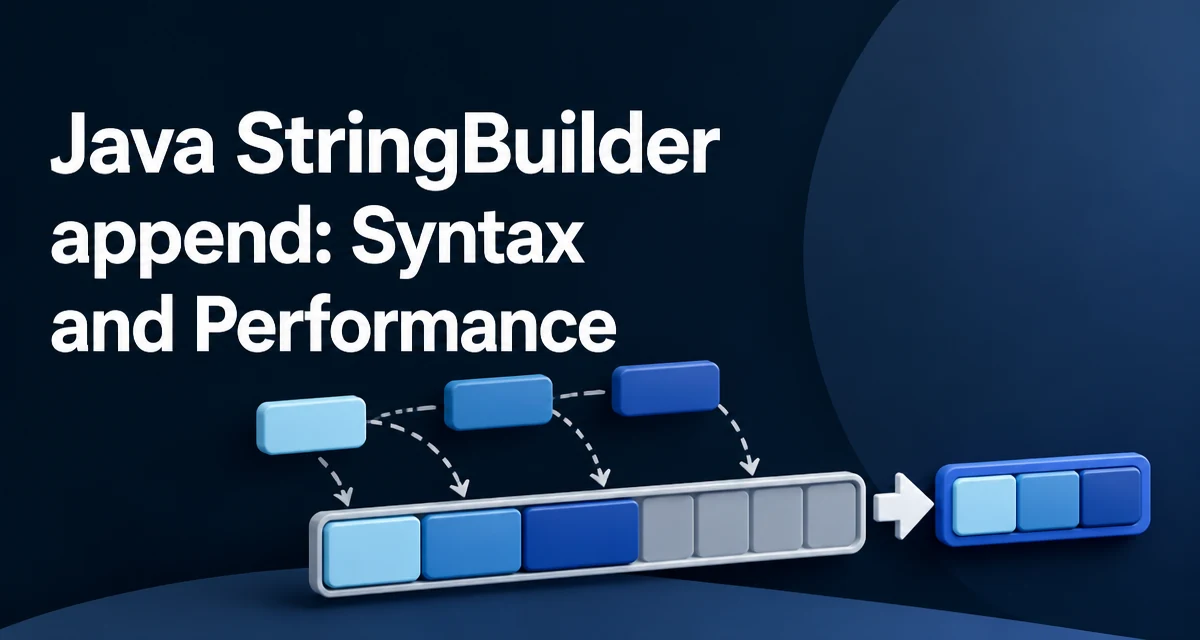
Java's String class is immutable, so every concatenation creates a new String object. When you build a string incrementally inside a loop, that behavior produces a new intermediate object on each iteration. The java stringbuilder append method exists to solve this problem by mutating a single internal buffer in place.
Why String Concatenation Creates Unnecessary Objects
Consider this common pattern:
String result = "";
for (int i = 0; i < 1000; i++) {
    result += i;
}
Each += creates a new String, copies the previous content, and appends the new digits. The previous String becomes garbage. Over many iterations, this produces hundreds or thousands of short-lived objects that the garbage collector must reclaim. The cost is not just allocation but also the repeated copying of the growing character array.
The compiler may optimize a single concatenation expression such as "id=" + id + ", name=" + name into StringBuilder operations automatically. Inside a loop, however, that optimization does not help you reuse one buffer across iterations. An explicit StringBuilder created once outside the loop gives you predictable behavior and avoids the repeated allocation.
StringBuilder append Basic Syntax
The append method adds a value to the end of the current buffer and returns the same StringBuilder instance:
StringBuilder sb = new StringBuilder();
sb.append("Order #");
sb.append(1042);
sb.append(" total: ");
sb.append(29.95);
String message = sb.toString();
Each call mutates the existing buffer rather than creating a new String. The toString() call at the end produces the final String. If you need to keep building after calling toString(), the builder still holds its content and you can append more; the returned String is a snapshot of the current state.
Chaining append Calls
Because append returns the StringBuilder itself, you can chain calls in a single expression:
StringBuilder sb = new StringBuilder();
sb.append("User: ").append(user.getName()).append(" (id ").append(user.getId()).append(")");
This reads naturally when the sequence of parts is known in advance. For conditional appends, where a part should only be added under some condition, separate statements are usually clearer:
if (user.isActive()) {
    sb.append("active");
} else {
    sb.append("inactive");
}
Overloaded append Variants
StringBuilder provides an overload for each primitive type, plus overloads for String, char arrays, CharSequence, Object, and StringBuffer:
| Argument type | Example call |
|---|---|
| String | sb.append("text") |
| char | sb.append('x') |
| int | sb.append(42) |
| long | sb.append(42L) |
| double | sb.append(3.14) |
| boolean | sb.append(true) |
| char[] | sb.append(new char[]{'a','b'}) |
| Object | sb.append(someObject) |
The Object overload calls String.valueOf(Object), which returns "null" for a null reference. The same applies to the char[], CharSequence, and StringBuffer overloads when the argument is null. If you need to distinguish a null value from the literal text "null", check for null before appending.
Capacity and Buffer Growth
A StringBuilder has an internal character array with a current capacity. When appending would exceed that capacity, the builder allocates a new, larger array and copies the existing characters into it. That reallocation is the main cost of growing a builder gradually.
You can set an initial capacity when you know the approximate final size:
StringBuilder sb = new StringBuilder(1024);
This avoids several reallocations when building a large string. If the final size is unknown but the builder will grow substantially, a reasonable initial capacity still reduces the number of copies. The exact growth factor is implementation-defined and you should not rely on it; the contract only guarantees that the builder expands as needed.
Thread Safety and Concurrency
StringBuilder is not thread-safe. If multiple threads append to the same instance without external synchronization, the internal state can be corrupted. The synchronized alternative, StringBuffer, offers the same append API but with method-level locking. For a builder that is created and used within a single thread, StringBuilder is the appropriate choice. If the builder must be shared across threads, either synchronize access yourself or use StringBuffer, and measure whether the locking cost matters in your workload.
When String.join or String.format Is a Better Choice
StringBuilder is the right tool for incremental construction where parts are added over time, often conditionally. For joining a collection of strings with a delimiter, String.join is more readable:
String csv = String.join(", ", names);
For producing a formatted value with placeholders, String.format is clearer:
String line = String.format("%s: %d", name, count);
StringBuilder remains the better fit when the number of parts is not known in advance, when parts are added across multiple method calls, or when you want to reuse the buffer for building several strings sequentially.