Java StringBuilder insert: Syntax and Examples
java stringbuilder insert: Learn how to use StringBuilder.insert() in Java: syntax, overloads, common patterns, and performance considerations for efficient string bui...
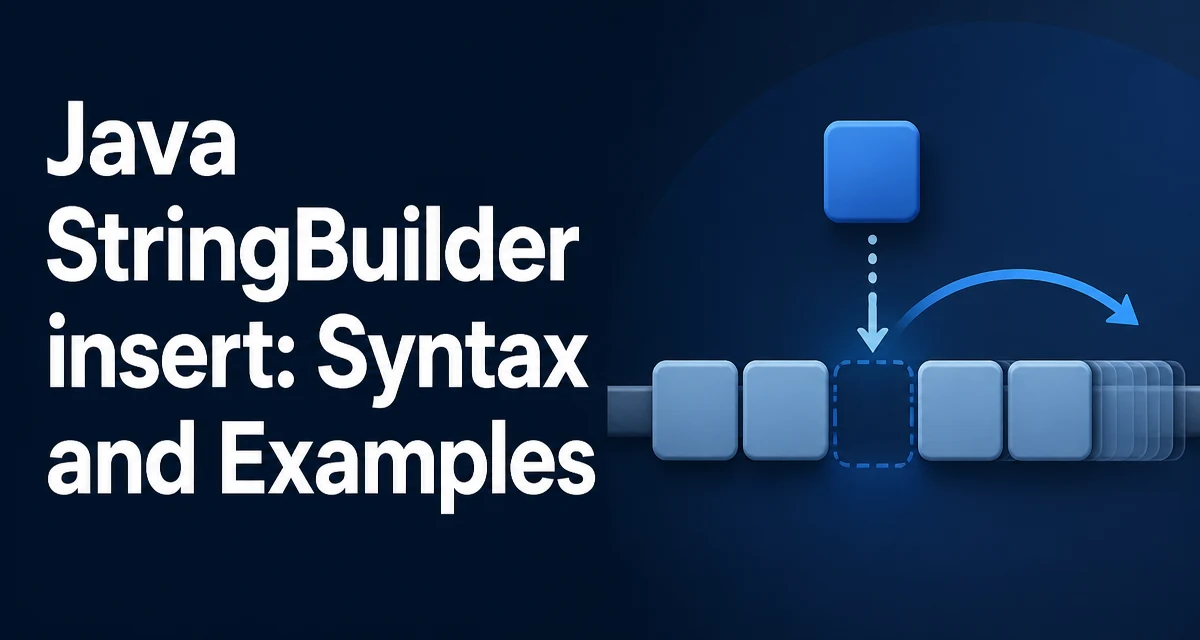
When you need to build a string incrementally, Java's StringBuilder is the standard mutable sequence. Most developers are comfortable with append(), but insert() is equally important when you must place content at a specific position rather than at the end. The java stringbuilder insert method family lets you add characters, strings, numbers, or other data at any valid index, shifting existing content to the right. This article explains the overloads, typical usage, edge cases, and the performance tradeoffs you should know before using it in hot paths.
The insert() Method and Its Overloads
The StringBuilder class defines several insert overloads, each taking an int offset as the first argument. The offset is the zero-based index where the new content will be placed. The existing characters from that index onward are shifted to the right. The method returns a reference to the same StringBuilder instance, allowing method chaining.
The overloads accept the following data types:
| Overload | Description |
|---|---|
insert(int offset, boolean b) | Inserts the string "true" or "false" |
insert(int offset, char c) | Inserts a single character |
insert(int offset, char[] str) | Inserts a character array |
insert(int index, char[] str, int offset, int len) | Inserts a subarray of characters |
insert(int dstOffset, CharSequence s) | Inserts a CharSequence (e.g., String, StringBuilder) |
insert(int dstOffset, CharSequence s, int start, int end) | Inserts a subsequence of a CharSequence |
insert(int offset, double d) | Inserts the string representation of a double |
insert(int offset, float f) | Inserts the string representation of a float |
insert(int offset, int i) | Inserts the string representation of an int |
insert(int offset, long lng) | Inserts the string representation of a long |
insert(int offset, Object obj) | Inserts String.valueOf(obj) |
insert(int offset, String str) | Inserts a String |
All overloads return the same StringBuilder instance, so you can chain calls like sb.insert(0, "prefix").append("suffix").
Inserting Different Data Types
The most common overload is insert(int offset, String str). For example, to build a date string where the year must come after the month and day, you can start with the day and insert the rest:
StringBuilder sb = new StringBuilder("2024-01-15");
sb.insert(4, "-"); // inserts a hyphen after the year
System.out.println(sb.toString()); // 2024--01-15 (double hyphen because we added one)
That example is contrived; a more realistic use is constructing a CSV line where a new field must be added at a specific column position. Suppose you have a row "id,name,amount" and you need to insert a "status" field before the amount:
StringBuilder row = new StringBuilder("42,Alice,150.75");
int amountIndex = row.indexOf(",150.75");
row.insert(amountIndex + 1, "active,");
System.out.println(row.toString()); // 42,Alice,active,150.75
Here indexOf locates the position, and insert places the new value exactly where needed. For primitive types, the insert overloads convert the value using the same rules as String.valueOf. For example, inserting an int at the beginning of a numeric string:
StringBuilder sb = new StringBuilder("12345");
sb.insert(0, 9);
System.out.println(sb.toString()); // 912345
When you insert an object, the method calls String.valueOf(obj), which returns "null" if the object is null. Be careful if you want to insert an empty string instead.
Index Validation and Exceptions
The offset argument must be a valid index in the current sequence. Valid values range from 0 to length(), inclusive. If you pass an index outside that range, the method throws IndexOutOfBoundsException. This is a runtime exception, so the compiler will not warn you.
StringBuilder sb = new StringBuilder("hello");
sb.insert(5, "!"); // OK, inserts at the end
sb.insert(6, "?"); // Throws IndexOutOfBoundsException
The inclusive upper bound means you can insert at length() to effectively append. This is sometimes useful when you want to use the same method for both insertion and appending based on a computed index.
When using the CharSequence overload with start and end indices, those indices are relative to the CharSequence argument, not the StringBuilder. The start must be non-negative, end must be at most the length of the CharSequence, and start must be less than or equal to end. Violations also throw IndexOutOfBoundsException.
Performance Considerations
The critical performance characteristic of insert is that it is an O(n) operation in the worst case. Inserting at the beginning of a large StringBuilder requires shifting every existing character to the right. In contrast, append is amortized O(1) because it adds at the end without shifting. This difference matters when you are building a long string and repeatedly insert at position zero.
For example, building a reversed string by inserting each character at index 0 results in quadratic time complexity:
String input = "abcdefghij";
StringBuilder sb = new StringBuilder();
for (char c : input.toCharArray()) {
    sb.insert(0, c);
}
Each insert shifts the existing characters, so the total work grows with the square of the input length. A better approach is to append and then call reverse():
StringBuilder sb = new StringBuilder(input).reverse();
If you need to insert at arbitrary positions frequently, consider whether you can restructure the algorithm to build the string in segments and concatenate them, or use a Deque of parts and join later. The insert method is convenient, but it is not designed for high-frequency front insertions.
Another performance detail: the CharSequence overload with start and end copies only the specified range, avoiding an extra substring allocation. If you are inserting a slice of an existing string, use that overload instead of calling substring() first.
StringBuilder sb = new StringBuilder("Hello World");
String extra = "cruel ";
sb.insert(6, extra, 0, extra.length()); // inserts "cruel " at index 6
This avoids creating an intermediate String object.
Common Use Cases and Patterns
A typical use is building a delimited string where you need to add a separator before each element except the first. You can use insert to add the separator at the beginning of the current segment:
StringBuilder sb = new StringBuilder();
for (String item : items) {
    if (sb.length() > 0) {
        sb.insert(0, ", ");
    }
    sb.insert(0, item);
}
This is inefficient because each insert shifts the accumulated content. A better pattern is to append all items with a separator and then remove the trailing separator, or use StringJoiner. However, if the order of insertion is naturally from the end, insert can be the right tool.
Another pattern is building a query string where parameters must appear in a specific order, but some parameters are optional. You can start with a base string and insert optional parts at known positions:
StringBuilder query = new StringBuilder("SELECT * FROM users WHERE 1=1");
if (name != null) {
    query.insert(query.length(), " AND name = '" + name + "'");
}
if (age != null) {
    query.insert(query.length(), " AND age = " + age);
}
This is essentially appending, so insert at length() is equivalent to append. In practice, you would use append for clarity.
A more justified use is inserting a header or a prefix into an already built string. For example, you might build a JSON array and then insert a metadata object at the beginning:
StringBuilder json = new StringBuilder("[{\"id\":1},{\"id\":2}]");
json.insert(1, "{\"meta\":\"data\"},");
System.out.println(json.toString()); // [{"meta":"data"},{