Java StringBuilder replace: In-Place Substring Editing
java stringbuilder replace: Learn how StringBuilder.replace edits strings in place with inclusive start and exclusive end indices, including edge cases, performance, a...
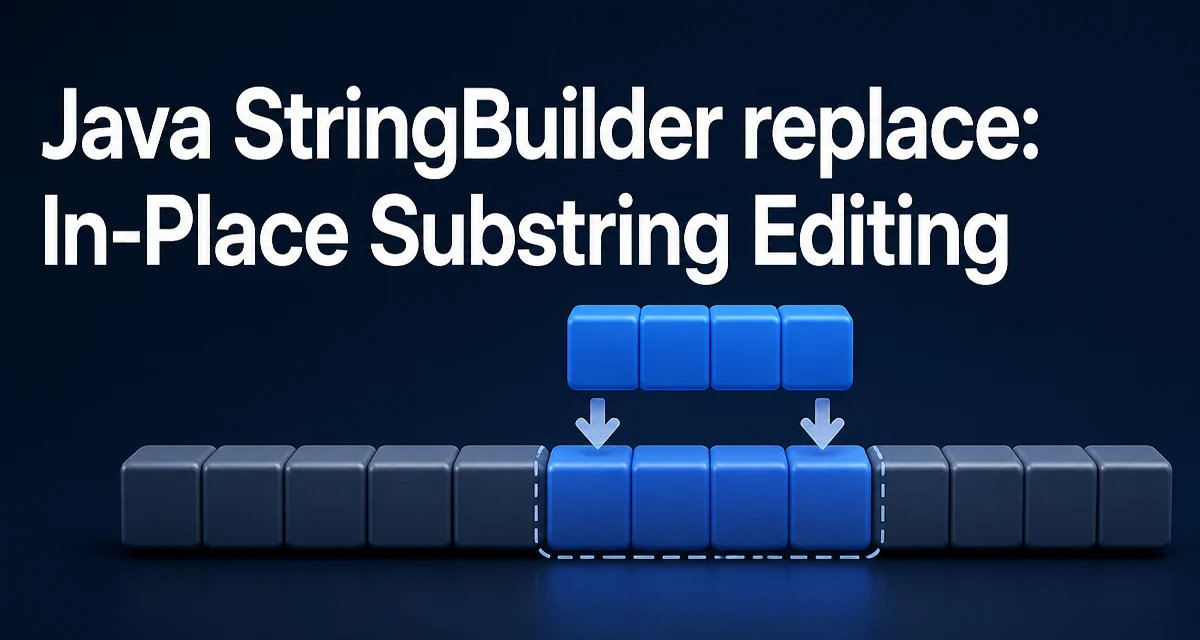
java stringbuilder replace requires a clear understanding of the core syntax, runtime behavior, and practical implementation patterns demonstrated in the examples below.
The StringBuilder.replace(int start, int end, String str) method removes the characters in the range [start, end) and inserts str at the start position, all within the existing buffer. It returns the same StringBuilder instance, so the operation mutates the object in place rather than producing a new string.
StringBuilder sb = new StringBuilder("Hello world");
sb.replace(6, 11, "Java");
System.out.println(sb); // Hello Java
The output is Hello Java. The characters at indices 6 through 10 (world) are removed, and Java is inserted at index 6. This is the core behavior behind java stringbuilder replace, and most of the mistakes developers make with it come from misreading the index arguments.
How StringBuilder.replace Works
The method signature is public StringBuilder replace(int start, int end, String str). It removes end - start characters beginning at start, then inserts the full contents of str at that same position. The resulting length is originalLength - (end - start) + str.length().
Because the method returns this, calls can be chained:
StringBuilder sb = new StringBuilder("a-b-c");
sb.replace(1, 2, "+").replace(3, 4, "+");
System.out.println(sb); // a+b+c
Each call operates on the current state of the builder, so the second replace sees the result of the first. Chaining is convenient, but it can obscure the order of mutations, so use it only when the sequence is short and obvious.
Index Semantics: Inclusive Start, Exclusive End
The start index is inclusive and the end index is exclusive, matching the convention used by String.substring. The character at start is removed; the character at end is not. For "Hello world", the space is at index 5 and w is at index 6, so replace(6, 11, "Java") removes exactly the five letters of world.
When start equals end, no characters are removed and the method behaves like an insert:
StringBuilder sb = new StringBuilder("Hello");
sb.replace(5, 5, "!");
System.out.println(sb); // Hello!
This is a valid way to insert at a specific position without calling insert separately. The same rule means an empty replacement string deletes the range, which is the idiomatic approach for removing a slice of characters.
Practical Example: Replacing a Token in a Template
A common use case is substituting a value at a known position inside a larger string. Locating the token with indexOf avoids hard-coding indices that can drift when the surrounding text changes:
StringBuilder template = new StringBuilder("User: {name} | Role: {role}");
int start = template.indexOf("{name}");
template.replace(start, start + 6, "Ada");
System.out.println(template); // User: Ada | Role: {role}
{name} is six characters including the braces, so start + 6 points just past the closing brace. If the placeholder length changes, update the offset accordingly. This pattern is useful for filling in templates where the placeholder positions are not fixed across versions of the input.
Edge Cases and Error Behavior
The method throws StringIndexOutOfBoundsException when start is negative, when start is greater than end, or when end exceeds the current length. Passing null as the replacement string throws NullPointerException.
StringBuilder sb = new StringBuilder("abc");
sb.replace(0, 4, "x"); // StringIndexOutOfBoundsException
An empty replacement string deletes the range without leaving a gap:
StringBuilder sb = new StringBuilder("abcdef");
sb.replace(2, 4, "");
System.out.println(sb); // abef
This is the standard way to remove a range of characters from a StringBuilder. Note that the bounds are checked against the current length at call time, so indices that were valid before an earlier mutation may no longer be valid afterward.
Performance: Why In-Place Replacement Matters
Each StringBuilder.replace call mutates the internal character array and returns the same instance, so repeated edits do not allocate a new String per operation. The only allocation happens when the buffer needs to grow beyond its current capacity, or when you finally call toString().
Contrast this with String operations: String.replace and substring-based edits allocate a new String object for every intermediate result. When a loop performs many edits, those intermediate allocations add up and put pressure on the garbage collector. StringBuilder avoids that cost by keeping the working data in a single mutable buffer.
That said, StringBuilder.replace still shifts the characters after the edited range within the buffer, so the cost is proportional to the distance from the edit point to the end of the string. Editing near the end of a large builder is cheaper than editing near the beginning. If you are doing many edits, prefer working from the end of the string toward the front when the order of operations allows it.
Choosing Between StringBuilder.replace and String Operations
Use String.replace(CharSequence, CharSequence) when you are replacing a fixed literal or pattern and do not need positional control. It is simpler to read and returns a new String without mutating the original.
Use StringBuilder.replace when you need to edit at specific indices, when you are performing many mutations before producing a final string, or when you are building output incrementally and want to avoid intermediate allocations.
String.substring combined with concatenation is rarely a good choice for repeated edits because it creates a new string at each step:
String s = "abcdef";
s = s.substring(0, 2) + "X" + s.substring(3);
This works for a single edit, but in a loop every concatenation allocates. For one-off edits the readability of substring may be worth the allocation; for repeated mutations StringBuilder is the better fit.
Common Mistakes When Using replace
The most common error is treating end as inclusive. replace(0, 3, "x") on "abcdef" removes indices 0, 1, and 2, leaving "xdef", not "xef". Always compute end as start + lengthOfRemovedRange.
A second mistake is reusing indices after the builder has changed. If you call replace and then compute new positions from the original string's indices, the offsets no longer match the current content. Recompute positions with indexOf or track the length change explicitly.
A third issue is assuming replace returns a new object. It returns the same StringBuilder, so storing the result in a new variable can mislead readers into thinking the original was left unchanged. The original is modified regardless of whether you use the return value. When the mutation is intentional, calling the method without assigning the result communicates that behavior more clearly.