Java Switch Statement vs Switch Expression
java switch statement vs switch expression: Compare the traditional Java switch statement with the switch expression: syntax, fall-through behavior, yield, exhaustiven...
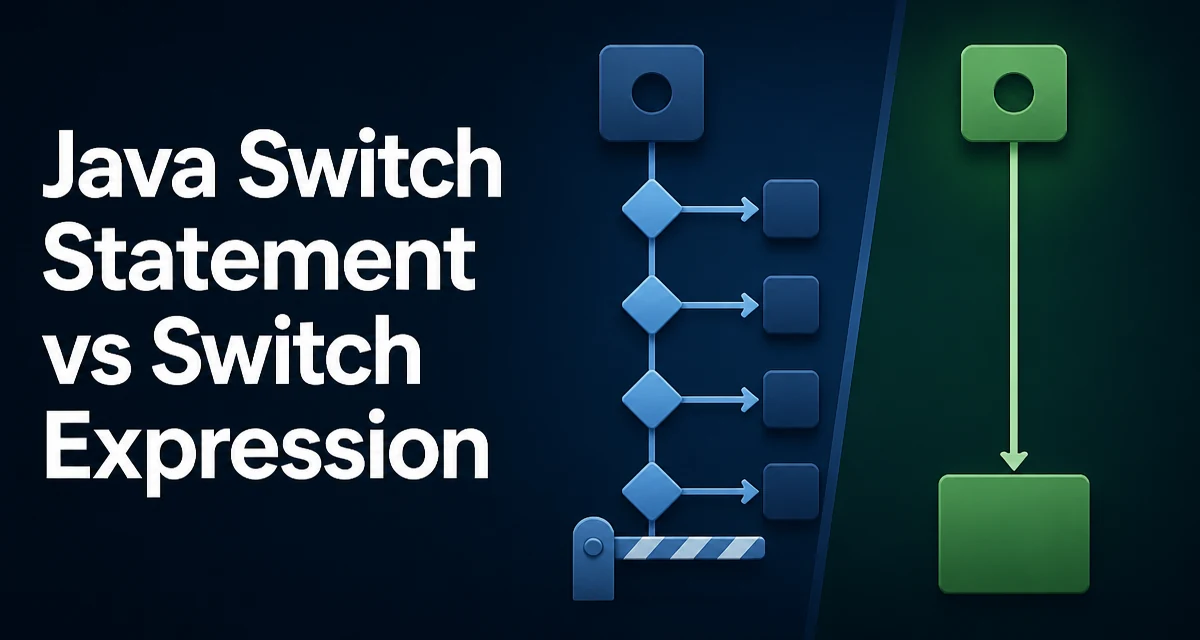
When comparing the java switch statement vs switch expression, the most important distinction is simple: a statement produces no value, while an expression does. The switch expression, standardized in Java 14, lets you assign the result directly and removes several error-prone parts of the older syntax.
The Core Difference: Statement vs Expression
A traditional switch statement executes a block of code and produces no value. A switch expression evaluates to a value that can be assigned to a variable, passed to a method, or used in a larger expression. This changes how you structure control flow and what the compiler can verify.
Traditional switch statement:
String message;
switch (status) {
    case 200:
        message = "OK";
        break;
    case 404:
        message = "Not Found";
        break;
    default:
        message = "Unknown";
        break;
}
Equivalent switch expression:
String message = switch (status) {
    case 200 -> "OK";
    case 404 -> "Not Found";
    default -> "Unknown";
};
The switch expression assigns directly to message. There is no separate assignment statement per case, and no break required because arrow cases do not fall through.
Fall-Through and the Break Requirement
The traditional switch statement requires an explicit break (or return, throw, or similar) at the end of each case block. Without it, execution continues into the next case. This fall-through behavior is a frequent source of bugs, especially when a case is added later and the developer forgets the break.
switch (day) {
    case MONDAY:
    case TUESDAY:
        System.out.println("Workday");
        break;
    case SATURDAY:
    case SUNDAY:
        System.out.println("Weekend");
        break;
    default:
        System.out.println("Invalid day");
}
The empty cases above deliberately share a body, which is a legitimate use of fall-through. The problem appears when a case with a body is missing its break. The compiler does not warn about this because it is valid Java.
With the arrow syntax, fall-through is impossible. Each arrow case has exactly one expression or statement block, and control never continues to the next case:
switch (day) {
    case MONDAY, TUESDAY -> System.out.println("Workday");
    case SATURDAY, SUNDAY -> System.out.println("Weekend");
    default -> System.out.println("Invalid day");
}
Multiple labels can be combined with commas, which removes the need for stacked empty cases.
Arrow Syntax Works with Statements Too
The arrow syntax is not exclusive to switch expressions. You can use it in a switch statement when you only need side effects and no value:
switch (command) {
    case "start" -> startService();
    case "stop" -> stopService();
    case "restart" -> {
        stopService();
        startService();
    }
    default -> logUnknownCommand(command);
}
A block after the arrow can contain multiple statements. The block form is also where yield becomes relevant in a switch expression.
Yield: Returning Values from Blocks
When a switch expression case needs more than a single expression, use a block with yield to return the value:
String result = switch (score) {
    case 90, 91, 92, 93, 94, 95, 96, 97, 98, 99, 100 -> "A";
    case 80, 81, 82, 83, 84, 85, 86, 87, 88, 89 -> "B";
    default -> {
        if (score < 0) {
            yield "Invalid";
        } else {
            yield "C or lower";
        }
    }
};
yield is a statement that produces a value from the enclosing switch expression. It is only valid inside a switch expression block, not inside a switch statement. Trying to use yield in a statement produces a compile-time error.
Exhaustiveness and the Compiler
A switch expression must be exhaustive. Every possible value of the selector type must be covered by a case or by a default. This is enforced at compile time.
For an enum selector, the compiler knows all constants, so omitting one constant or a default is an error:
enum Color { RED, GREEN, BLUE }

String name = switch (color) {
    case RED -> "red";
    case GREEN -> "green";
    case BLUE -> "blue";
    // no default needed: all constants covered
};
For a String or int selector, the compiler cannot know all possible values, so a default is required. The traditional switch statement has no such requirement; a statement can handle only some cases and do nothing for the rest.
This exhaustiveness check is the main reason a switch expression is safer when you want to guarantee that every input is handled.
When to Use Which
Use a switch expression when:
- You need to produce a value from the switch.
- You want the compiler to verify that all cases are covered.
- You want to avoid fall-through bugs entirely.
Use a switch statement when:
- You only need side effects and your codebase targets Java 11 or earlier.
- You need to share a body between multiple cases in a way that reads more clearly with stacked labels.
The arrow syntax is available in both statements and expressions since Java 14. If your project is already on Java 14 or later, there is little reason to write the old colon-based statement with break for new code, even when you do not need a return value.
Compatibility and Migration Considerations
Switch expressions require Java 14 or later. If your build targets Java 11 or earlier, you cannot use the arrow syntax or yield at all. The traditional statement remains fully supported and will not be removed.
When migrating existing code, the mechanical transformation is straightforward for simple cases: replace case X: ... break; with case X -> ...;. The harder part is handling fall-through cases that intentionally share code. Those need to be rewritten either by combining labels or by extracting the shared logic into a method.
Another migration detail: a switch expression used as a statement (ignoring its value) is legal, but it is usually clearer to write it as a switch statement with arrow syntax. The compiler will not complain either way, but the intent is more obvious with a statement.
Maintainability and Readability Tradeoffs
The switch expression reduces boilerplate by removing break and the separate assignment. It also makes the data flow explicit: the value of each case is exactly what appears after the arrow or after yield. This is easier to review because there is no mutation of a variable declared before the switch.
The main tradeoff is that a switch expression can encourage putting too much logic into a single expression. If a case block grows beyond a few lines, consider extracting it into a private method and yielding its result. The block form with yield remains readable for short branches, but long blocks are better served by a method call.
The exhaustiveness requirement also forces you to handle the default case for String and numeric selectors. This is usually desirable, but it means you must decide what the default behavior should be rather than silently doing nothing.