Java TreeSet: Ordering, Performance, and Use Cases
java treeset: Learn how Java TreeSet maintains sorted order, its performance characteristics, and when to choose it over other Set implementations.
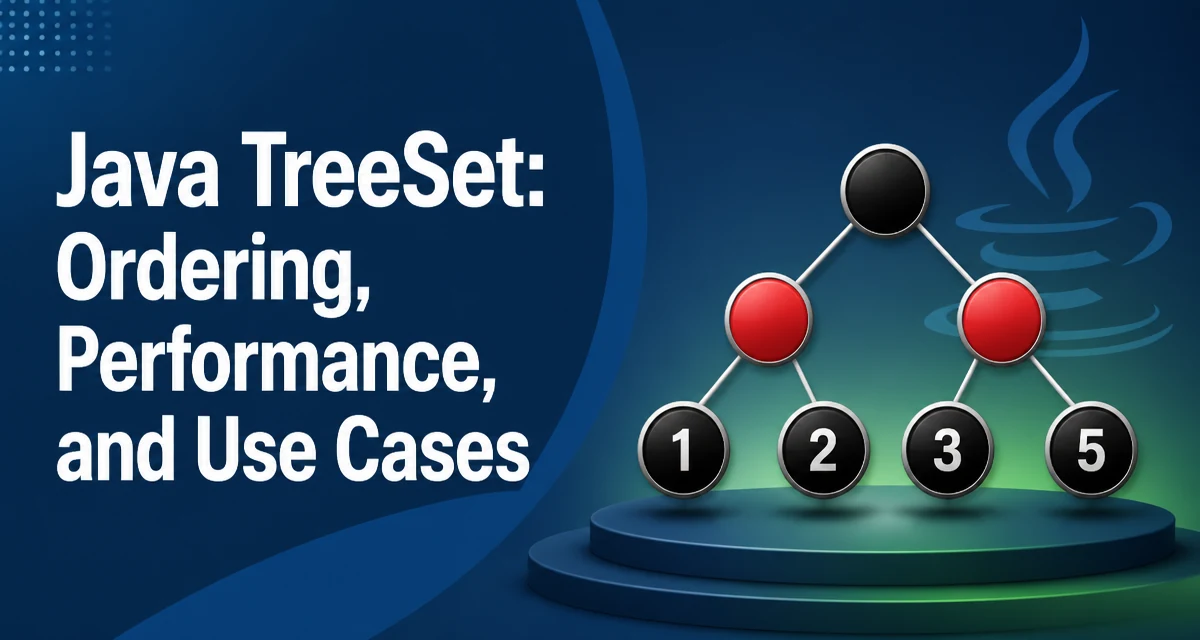
When you need a Set that keeps elements in sorted order, java treeset is the standard implementation. It stores elements in a red-black tree, ensuring that every insertion, deletion, and lookup runs in O(log n) time while maintaining a consistent sorted sequence. This article explains how TreeSet achieves this ordering, how to use it with natural ordering or custom comparators, and where its performance tradeoffs make it the right choice.
How TreeSet Maintains Sorted Order
Java's TreeSet implements the SortedSet and NavigableSet interfaces. Unlike HashSet, which uses a hash table and offers constant-time operations on average, TreeSet stores elements in a red-black tree. This tree structure keeps elements in sorted order at all times. Every insertion, deletion, and lookup runs in O(log n) time because the tree remains balanced.
The sorted order is determined either by the natural ordering of the elements (if they implement Comparable) or by a Comparator supplied at creation time. The ordering is consistent with equals and hashCode only if the comparator is consistent with equals. This matters because Set semantics rely on equals to identify duplicates, while TreeSet uses the comparator (or natural ordering) to decide whether two elements are the same. If the comparator returns zero for two elements that are not equal according to equals, the set will treat them as duplicates and discard the second one.
Creating a TreeSet with Natural Ordering
When the element type implements Comparable, you can create a TreeSet without any arguments. For example, Integer has natural ordering, so the set will sort integers in ascending order.
TreeSet<Integer> numbers = new TreeSet<>();
numbers.add(5);
numbers.add(1);
numbers.add(3);
numbers.add(2);
numbers.add(4);

System.out.println(numbers); // Output: [1, 2, 3, 4, 5]
The add method places each element in its correct position according to the natural ordering. Iterating over the set yields elements in sorted order, which is a key difference from HashSet. The first() and last() methods return the smallest and largest elements, and headSet, tailSet, and subSet provide range views.
Using a Custom Comparator
When the element type does not implement Comparable, or you need a different ordering, pass a Comparator to the constructor. For example, to sort strings by length instead of lexicographically:
TreeSet<String> words = new TreeSet<>(Comparator.comparingInt(String::length));
words.add("apple");
words.add("banana");
words.add("kiwi");
words.add("strawberry");

System.out.println(words); // Output: [kiwi, apple, banana, strawberry]
Note that the comparator must be consistent with equals to maintain the Set contract. In this case, two strings of the same length are considered equal by the comparator, so adding a second string with the same length will be ignored even if the strings themselves are different. This can cause unexpected behavior if you rely on contains or remove with a string that has the same length as an existing element.
If you need to sort by length but still treat distinct strings as distinct elements, you need a comparator that also breaks ties by natural order:
TreeSet<String> words = new TreeSet<>(
    Comparator.comparingInt(String::length).thenComparing(Comparator.naturalOrder())
);
This ensures that strings with the same length are ordered lexicographically and are not considered duplicates unless they are exactly equal.
Performance Characteristics and Complexity
The red-black tree underlying TreeSet guarantees O(log n) time for add, remove, and contains. This is worse than HashSet's average O(1) but better than a sorted list's O(n) insertion. The tree also uses more memory than a hash set because each node stores references to its left and right children, parent, and color flag.
Iteration over a TreeSet is O(n) and yields elements in sorted order. The first(), last(), ceiling(), floor(), higher(), and lower() methods also run in O(log n) time, which makes TreeSet a good choice for range queries.
Because the tree is self-balancing, the performance remains predictable even with many insertions and deletions. However, the constant factors are higher than for HashSet because of the tree traversal and pointer dereferences. For small collections, the difference is negligible, but for large collections with frequent lookups, HashSet is usually faster if you do not need ordering.
TreeSet vs. HashSet: When to Choose Which
| Feature | TreeSet | HashSet |
|---|---|---|
| Ordering | Sorted according to comparator | No guaranteed order |
| Time complexity | O(log n) for add/remove/contains | O(1) average for add/remove/contains |
| Memory usage | Higher due to tree nodes | Lower (hash table) |
| Null elements | Not allowed (since Java 7) | Allowed (one null) |
| Range operations | Supported (subSet, headSet, etc.) | Not supported |
| Best use case | Need sorted iteration or range queries | Fast lookups, no ordering needed |
Use TreeSet when you need to iterate in a specific order, perform range queries, or find the closest element to a given value. Use HashSet when order does not matter and you prioritize speed and memory efficiency. If you need insertion order, consider LinkedHashSet.
Handling Null Elements and Edge Cases
Since Java 7, TreeSet does not allow null elements. If you try to add null, a NullPointerException is thrown. This is because the comparator or natural ordering cannot compare null to other elements. If you must store null, you can write a custom comparator that handles null, but that is rarely a good idea because it complicates the ordering semantics.
Another edge case is the comparator consistency with equals. As mentioned earlier, if the comparator returns zero for non-equal elements, the set will silently drop elements. This can lead to subtle bugs. Always test your comparator with the actual data to ensure it does not collapse distinct elements.
Concurrency and Thread Safety Considerations
TreeSet is not thread-safe. If multiple threads access the same TreeSet concurrently, and at least one thread modifies it, you must synchronize externally. You can wrap it with Collections.synchronizedSortedSet:
SortedSet<Integer> syncSet = Collections.synchronizedSortedSet(new TreeSet<>());
However, this still requires manual synchronization when iterating, because the iterator is not fail-safe. Alternatively, use ConcurrentSkipListSet, which provides thread-safe sorted set behavior with similar O(log n) performance and is often a better choice for concurrent applications.
TreeSet in Practice: A Sorted Event Queue Example
A common use case for TreeSet is maintaining a queue of events sorted by timestamp. Suppose you have an Event class with a time field. You can create a TreeSet with a comparator that sorts by time:
class Event {
    long time;
    String name;
    // constructor, getters, etc.
}

TreeSet<Event> eventQueue = new TreeSet<>(Comparator.comparingLong(Event::getTime));
eventQueue.add(new Event(100, "start"));
eventQueue.add(new Event(50, "init"));
eventQueue.add(new Event(200, "finish"));

Event next = eventQueue.first(); // "init" with time 50
This gives you constant-time access to the earliest event. When you process an event, you remove it from the set, and the next earliest becomes available. This pattern is efficient for scheduling tasks where you frequently need the minimum element.
One limitation is that if two events have the same timestamp, the comparator will treat them as duplicates and only one will be stored. To handle this, you can add a secondary key, such as an ID, to the comparator to make the ordering total.