Java TreeSet Sorting: Natural Order and Comparator
java treeset sorting: Understand how TreeSet maintains sorted order, when to use natural ordering or a custom comparator, and what to watch for with mutable objects.
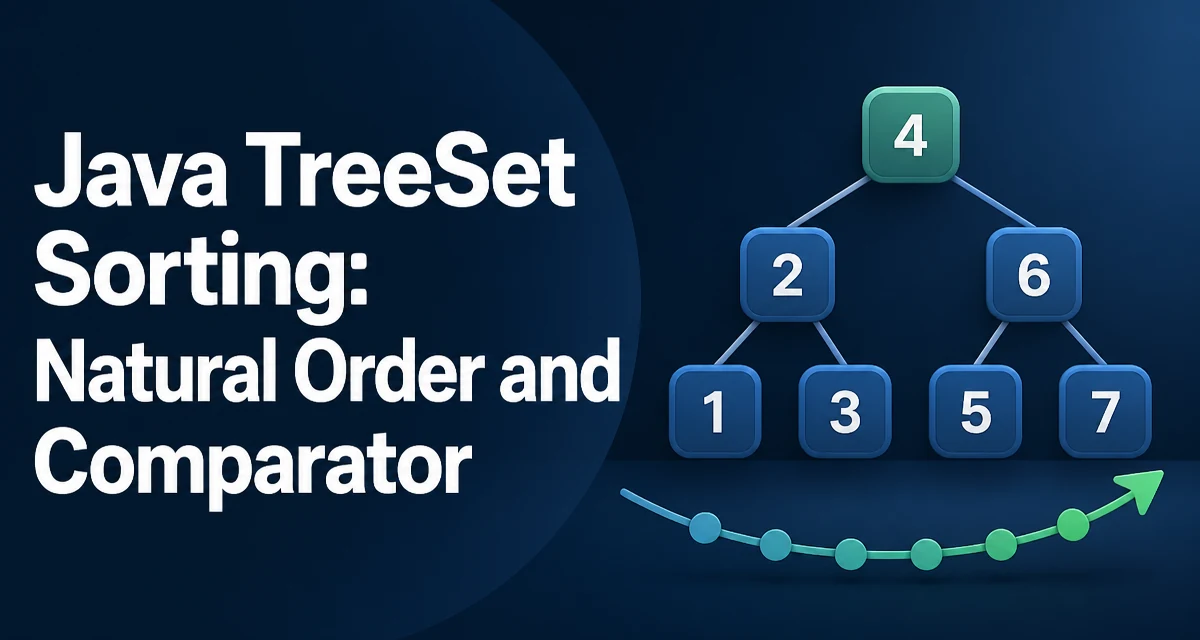
TreeSet stores elements in sorted order using a red-black tree. The sorting behavior of java treeset sorting depends on either the natural ordering of its elements or a comparator supplied at construction time. If you add an element that cannot be compared with the existing ones, the set will throw a ClassCastException at insertion time, not later when you iterate. This makes TreeSet different from a HashSet, which accepts any object until you try to use it in a way that requires equality or hashing.
How TreeSet Maintains Sorted Order
Internally, TreeSet is backed by a TreeMap, which uses a red-black tree. Every insertion, deletion, and lookup follows the tree structure, comparing elements along the path from root to leaf. The comparator is used for two purposes: ordering and equality. Two elements are considered equal only if the comparator returns zero. This is why TreeSet does not use equals() or hashCode() for uniqueness.
When you create a TreeSet without a comparator, it relies on the elements implementing Comparable. The compareTo method defines both the sort order and the notion of uniqueness. For example, a TreeSet<String> sorts strings lexicographically because String implements Comparable.
Sorting with Natural Ordering
Natural ordering is the simplest way to get a sorted set. You just create a TreeSet and add elements that implement Comparable.
TreeSet<Integer> numbers = new TreeSet<>();
numbers.add(5);
numbers.add(1);
numbers.add(3);
System.out.println(numbers); // [1, 3, 5]
The set is sorted in ascending order because Integer.compareTo returns negative, zero, or positive based on numeric value. If you need descending order, you can reverse the natural ordering by supplying Comparator.reverseOrder().
TreeSet<Integer> descending = new TreeSet<>(Comparator.reverseOrder());
descending.add(5);
descending.add(1);
descending.add(3);
System.out.println(descending); // [5, 3, 1]
For custom classes, you must implement Comparable and define compareTo. The contract requires consistency with equals, but TreeSet only uses compareTo for uniqueness. If compareTo returns zero for two non-equal objects, the second one is silently dropped.
Using a Custom Comparator for TreeSet Sorting
When you cannot modify the class, or when you need multiple sorting orders, pass a Comparator to the constructor. This gives you full control over how elements are ordered and deduplicated.
TreeSet<String> byLength = new TreeSet<>(Comparator.comparingInt(String::length));
byLength.add("banana");
byLength.add("apple");
byLength.add("fig");
System.out.println(byLength); // [fig, apple, banana]
Here the set is sorted by string length, not alphabetically. Note that "apple" and "banana" have different lengths, but if two strings had the same length, only the first one added would be kept. The comparator determines equality, so a length-based comparator treats "fig" and "dog" as equal even though they are different strings.
A comparator can also chain multiple criteria. For example, sort by length first, then alphabetically.
TreeSet<String> byLengthThenAlpha = new TreeSet<>(
    Comparator.comparingInt(String::length)
              .thenComparing(Comparator.naturalOrder())
);
This avoids dropping valid entries that share the same length.
Handling Null Elements in TreeSet
TreeSet does not allow null elements. The reason is that null cannot be compared with any object, and the tree structure requires a comparison for every insertion. If you try to add null, a NullPointerException is thrown at runtime. This is true for both natural ordering and most custom comparators.
If you must allow null, you need a comparator that explicitly handles it. For example, you can treat null as smaller than any non-null value.
Comparator<String> nullSafe = Comparator.nullsFirst(Comparator.naturalOrder());
TreeSet<String> set = new TreeSet<>(nullSafe);
set.add(null);
set.add("b");
set.add("a");
System.out.println(set); // [null, a, b]
Be careful with nullsFirst and nullsLast because they change the ordering semantics. Also, if the comparator returns zero for two nulls, only one null is stored, which is usually the desired behavior.
Performance Characteristics of TreeSet Sorting
TreeSet operations have logarithmic time complexity. Adding, removing, and checking membership all run in O(log n) because the underlying red-black tree stays balanced. This is slower than HashSet's average O(1) but faster than a sorted list where insertion requires shifting elements.
Sorting itself is not a separate step. The tree is sorted at all times, so iterating over a TreeSet always yields elements in order. This is useful when you need a continuously sorted collection that supports efficient insertion and deletion.
The cost of maintaining order is the comparison operation. For natural ordering, compareTo runs on every tree traversal. If comparison is expensive, such as comparing long strings or complex objects, the overhead becomes visible. A custom comparator that performs heavy computation can degrade performance significantly.
Memory usage is another consideration. Each element is stored in a node with references to left and right children, so TreeSet consumes more memory than a HashSet of the same size. For large collections, this can matter.
Common Pitfalls with Mutable Objects and Sorting
TreeSet assumes that the ordering of an element never changes after it is inserted. If you modify an object in a way that affects its compareTo result, the tree's internal structure becomes invalid. The set may produce wrong iteration order, or elements may become unreachable.
class Item implements Comparable<Item> {
    int value;
    Item(int v) { value = v; }
    public int compareTo(Item o) { return Integer.compare(value, o.value); }
}

TreeSet<Item> set = new TreeSet<>();
Item a = new Item(10);
set.add(a);
a.value = 5; // breaks the tree ordering
After changing value, the set still contains the element, but its position in the tree is wrong. The fix is to remove the element before modifying it and re-add it afterward. Never mutate fields used by the comparator while the object is in the set.
This also applies to natural ordering. If a class's compareTo depends on mutable state, using it in a TreeSet is unsafe. Prefer immutable keys or ensure that modifications happen only outside the set.
Choosing Between TreeSet and Other Sorted Structures
TreeSet is not the only way to get sorted data. A PriorityQueue gives you the smallest element in O(1) but does not allow efficient arbitrary access. A sorted ArrayList requires O(n) insertion but offers O(1) indexing. A TreeSet is the right choice when you need a dynamic collection that stays sorted and supports efficient insertion, deletion, and membership checks.
If you only need to sort once and then read the results, copying elements into a list and calling Collections.sort is simpler and uses less memory. If you need to repeatedly retrieve the smallest or largest element, a PriorityQueue may be more appropriate. TreeSet shines when the collection changes frequently and you always need a sorted view.
For concurrent access, TreeSet is not thread-safe. You can wrap it with Collections.synchronizedSortedSet, but for high concurrency consider ConcurrentSkipListSet, which provides similar ordering with better scalability under contention.