Java TreeSet Usage: Sorted Set Operations
java treeset usage: Learn how to use Java TreeSet for sorted collections: natural ordering, custom comparators, performance tradeoffs, and common pitfalls.
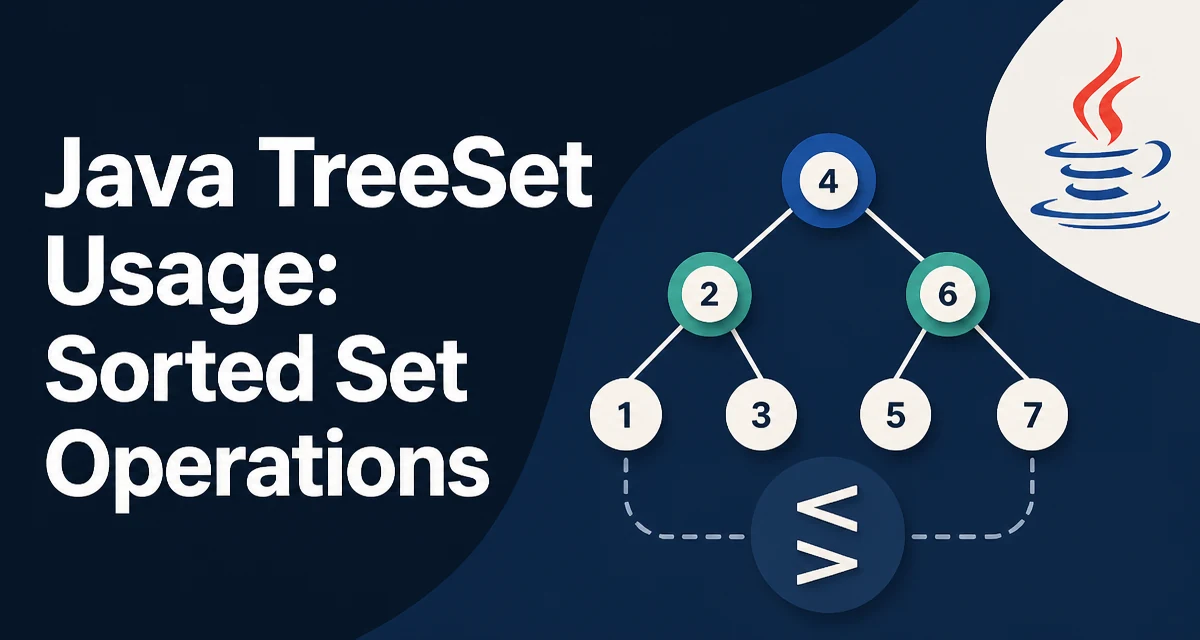
When you need a Set that maintains its elements in sorted order, Java's TreeSet is the standard collection. It implements NavigableSet and SortedSet, providing ordering guarantees that HashSet does not. This article covers java treeset usage: how to create and populate a TreeSet, how to control ordering with a Comparator, and where its performance characteristics matter.
TreeSet's Ordering Guarantee
TreeSet stores elements in a red-black tree, a self-balancing binary search tree. This structure keeps elements sorted at all times, and every insertion, deletion, and lookup runs in O(log n) time. The ordering is either the natural ordering of the elements (if they implement Comparable) or the ordering imposed by a Comparator you provide at construction.
The most direct consequence is that iteration over a TreeSet always yields elements in ascending order. That makes it a good fit for scenarios where you need a unique collection that is also sorted, such as maintaining a leaderboard, processing events by timestamp, or keeping a set of configuration keys in deterministic order.
Creating a TreeSet with Natural Ordering
If the element type implements Comparable, you can create a TreeSet with no arguments and it will use the element's compareTo method.
TreeSet<Integer> numbers = new TreeSet<>();
numbers.add(5);
numbers.add(2);
numbers.add(8);
numbers.add(1);
System.out.println(numbers); // [1, 2, 5, 8]
The same works for String, LocalDate, and other standard types that implement Comparable. The set rejects null elements because null cannot be compared to anything. Attempting to add null throws a NullPointerException.
Controlling Order with a Comparator
When the natural ordering is not what you need, pass a Comparator to the constructor. This is common for custom domain objects or when you want a different sort order than the class's default.
TreeSet<String> byLength = new TreeSet<>(Comparator.comparingInt(String::length));
byLength.add("apple");
byLength.add("pear");
byLength.add("kiwi");
byLength.add("banana");
System.out.println(byLength); // [pear, kiwi, apple, banana]
Notice that pear and kiwi both have length 4. The comparator only compares length, so the set treats them as equal and keeps only the first one added. If you need a secondary sort key, chain comparators with thenComparing.
TreeSet<String> byLengthThenAlpha = new TreeSet<>(
    Comparator.comparingInt(String::length)
              .thenComparing(Comparator.naturalOrder())
);
byLengthThenAlpha.add("apple");
byLengthThenAlpha.add("pear");
byLengthThenAlpha.add("kiwi");
byLengthThenAlpha.add("banana");
System.out.println(byLengthThenAlpha); // [kiwi, pear, apple, banana]
Now kiwi comes before pear because of the alphabetical tiebreaker.
Navigating TreeSet: Subsets and Range Queries
Because TreeSet is a NavigableSet, it offers methods to find elements relative to a given value. These are useful for range queries without iterating the entire set.
TreeSet<Integer> set = new TreeSet<>(Set.of(10, 20, 30, 40, 50));
System.out.println(set.ceiling(25)); // 30
System.out.println(set.floor(25));   // 20
System.out.println(set.higher(30));  // 40
System.out.println(set.lower(30));   // 20
You can also extract a subview with subSet, headSet, or tailSet. These views are backed by the original set, so changes to one affect the other.
SortedSet<Integer> sub = set.subSet(20, 40); // [20, 30]
sub.add(25);
System.out.println(set); // [10, 20, 25, 30, 40, 50]
Be careful with the bound arguments: subSet(from, to) includes from but excludes to. Use the overload with true/false flags for inclusive/exclusive control.
Performance and Memory Characteristics
TreeSet operations are O(log n) for add, remove, and contains. That is slower than HashSet's O(1) average, but the sorted iteration is a built-in benefit. If you only need fast membership checks and do not care about order, HashSet is usually the better choice. If you need to iterate in sorted order repeatedly, TreeSet avoids the cost of sorting a separate list.
Memory overhead is higher than HashSet because each element is stored in a tree node with references to left and right children. For large collections, this can be significant. The tree also rebalances itself on insertion and deletion, which adds constant-factor overhead to those operations.
Common Pitfalls with TreeSet
Mutable Elements
If you add an object to a TreeSet and then modify it in a way that changes its comparison value, the set's internal ordering becomes inconsistent. The element may no longer be found with contains, and iteration order may be wrong. This is a known issue with any sorted set or map. The safest approach is to use immutable elements or remove and re-add the element after modification.
Inconsistent with equals
The TreeSet uses compareTo (or the comparator) to determine equality, not equals. If compareTo returns 0 for two objects that are not equals, the set will treat them as duplicates and drop one. This is usually fine if your comparator is consistent with equals, but if not, you may lose data unexpectedly.
Null Elements
As mentioned, TreeSet does not allow null because comparison against null is impossible. If you need to store null, consider a custom comparator that handles null explicitly, but that often introduces ambiguity.
When to Choose TreeSet Over Other Collections
Use TreeSet when you need both uniqueness and sorted order. If you only need uniqueness, HashSet is faster and uses less memory. If you need sorted order but duplicates are allowed, use a PriorityQueue or a sorted list. If you need to maintain a sorted map, use TreeMap instead.
For example, a PriorityQueue gives you O(log n) insertion and O(1) retrieval of the smallest element, but you cannot iterate over all elements in sorted order without removing them. TreeSet allows you to iterate freely and perform range queries, which makes it more flexible for many reporting and analytics scenarios.
Thread Safety and Concurrent Access
TreeSet is not thread-safe. If multiple threads modify it concurrently, you must synchronize externally or use a SortedSet from Collections.synchronizedSortedSet. Even with synchronization, compound operations like contains followed by add require additional locking to avoid race conditions. For concurrent scenarios, consider ConcurrentSkipListSet, which provides similar ordering guarantees with better concurrency characteristics.
When you wrap a TreeSet with Collections.synchronizedSortedSet, iteration still requires manual synchronization on the returned set to avoid ConcurrentModificationException. The ConcurrentSkipListSet avoids this by using a lock-free skip list, but it has higher memory overhead per element.