Java Two Dimensional Array: Syntax, Memory, and Iteration
java two dimensional array: Learn how to declare, initialize, and iterate a Java two dimensional array, including ragged arrays, deep copying, and memory behavior.
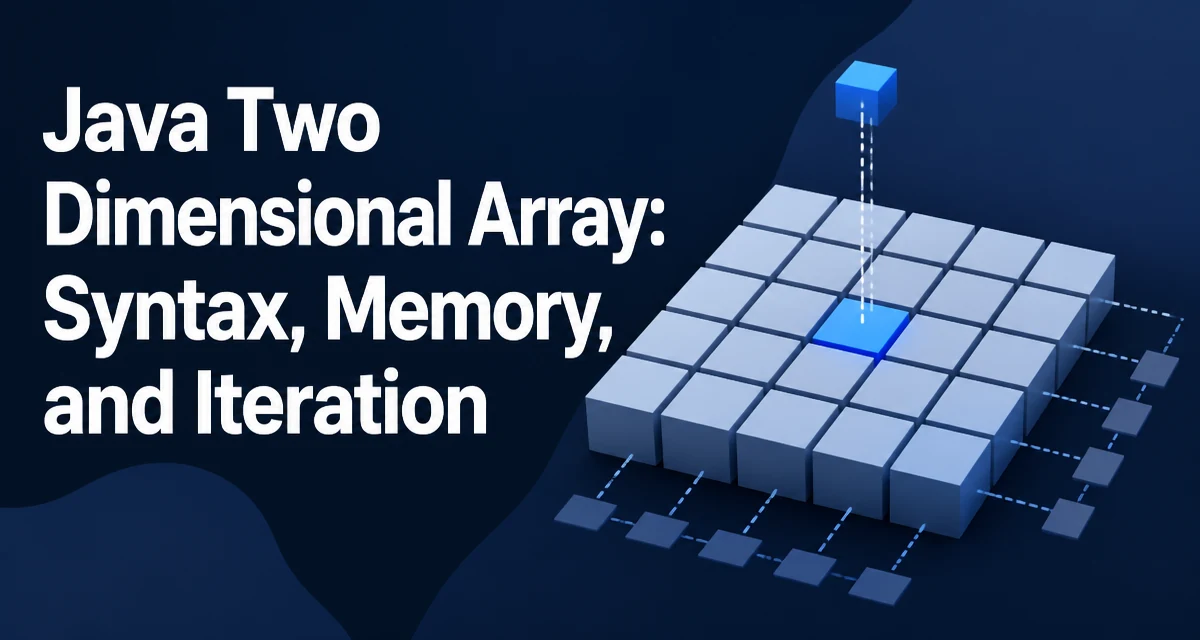
A two-dimensional array in Java is an array whose elements are themselves arrays. That single fact explains most of the behavior you will encounter once you start working with a java two dimensional array. The most common declaration looks like this:
int[][] grid = new int[4][5];
This allocates an outer array of four references, each pointing to a freshly created int array of length five. Every element in grid is initialized to 0, because that is the default value for int.
You can also build the same structure with a literal, which is convenient when the data is known at compile time:
int[][] matrix = {
    {1, 2, 3},
    {4, 5, 6},
    {7, 8, 9}
};
Here matrix has three rows and three columns. The compiler infers the inner array lengths from the literal, so you do not need to write new int[3][3] explicitly.
The syntax int array[][] also compiles, but the convention in Java code is to place both brackets on the type: int[][]. That matches how the type reads: an array of arrays of int.
How Java Stores a Two-Dimensional Array in Memory
Because each row is a separate array object, a 2D array in Java is not a contiguous block of memory. grid[0], grid[1], grid[2], and grid[3] are references to four independent objects on the heap. The outer array stores only those references.
This has a practical consequence: the rows do not have to be the same length. Java lets you create an outer array first and then assign rows of varying sizes:
int[][] triangle = new int[5][];
for (int i = 0; i < triangle.length; i++) {
    triangle[i] = new int[i + 1];
}
This produces a triangular structure where row i has i + 1 elements. The outer array is initialized with null references before the loop runs, so reading triangle[i] before assigning a row throws a NullPointerException.
The non-contiguous layout also matters for performance. Iterating row by row touches one row object at a time, which tends to be cache-friendly. Iterating column by column jumps from one row object to the next on every step, so the CPU cache has to work harder. For large grids, row-major traversal is usually noticeably faster.
Iterating Over Rows and Columns
The standard way to visit every element is a nested loop over the row and column indices:
for (int row = 0; row < grid.length; row++) {
    for (int col = 0; col < grid[row].length; col++) {
        grid[row][col] = row * col;
    }
}
Notice that the inner loop uses grid[row].length rather than a fixed column count. That keeps the loop correct even when the array is ragged, because each row can have a different length.
If you only need to read the values, an enhanced for loop is shorter:
for (int[] row : grid) {
    for (int value : row) {
        System.out.print(value + " ");
    }
    System.out.println();
}
The enhanced loop cannot modify the original array through the loop variable, because value is a copy of the element. To write values, use the indexed form.
Copying, Comparing, and Printing 2D Arrays
The clone() method on a 2D array performs a shallow copy. It copies the outer array, so the new array contains references to the same row objects. Mutating copy[0][0] will also change original[0][0].
A deep copy requires copying each row explicitly:
int[][] copy = new int[original.length][];
for (int i = 0; i < original.length; i++) {
    copy[i] = original[i].clone();
}
Comparing two 2D arrays with equals() does not work as you might expect, because equals() on an array compares identity, not content. Use Arrays.deepEquals(a, b) to compare element by element. Similarly, Arrays.deepToString(grid) produces a readable representation like [[1, 2, 3], [4, 5, 6]].
These utility methods matter in practice because the default behavior of arrays in Java is reference-based. Forgetting the deep variants is a common source of subtle bugs.
Memory and Cache Behavior to Keep in Mind
The memory cost of a 2D array is the sum of the outer array plus one object header and one backing array per row. For a small grid that overhead is negligible, but for a grid with many short rows it can become significant relative to the data itself.
If you need a large rectangular grid and want the best cache behavior, a flat one-dimensional array is often a better choice:
int[] flat = new int[rows * cols];
int value = flat[row * cols + col];
This keeps all data in a single contiguous array, avoids the per-row object overhead, and makes column traversal cheaper because there is no indirection through row references. The tradeoff is that the index arithmetic makes the code slightly harder to read.
When a 2D Array Is the Wrong Choice
A 2D array is fixed in size once created. If the number of rows or columns needs to grow dynamically, a List<List<Integer>> is more practical, even though it adds boxing overhead for primitives and a layer of indirection per element.
A 2D array is also awkward when the shape changes frequently, because every resize requires allocating a new outer array and copying references. For rectangular data of known size, the array is simple and fast. For dynamic or sparse data, a list of lists or a dedicated matrix class is usually easier to maintain.
The decision comes down to whether the dimensions are known ahead of time and whether the data is dense. Fixed rectangular data maps cleanly to int[][]. Everything else benefits from a higher-level structure.