Java Varargs Method: Syntax and Practical Use
java varargs method: Learn how to declare and call a Java varargs method, understand the array behind it, and avoid common pitfalls with overloading, nulls, and generics.
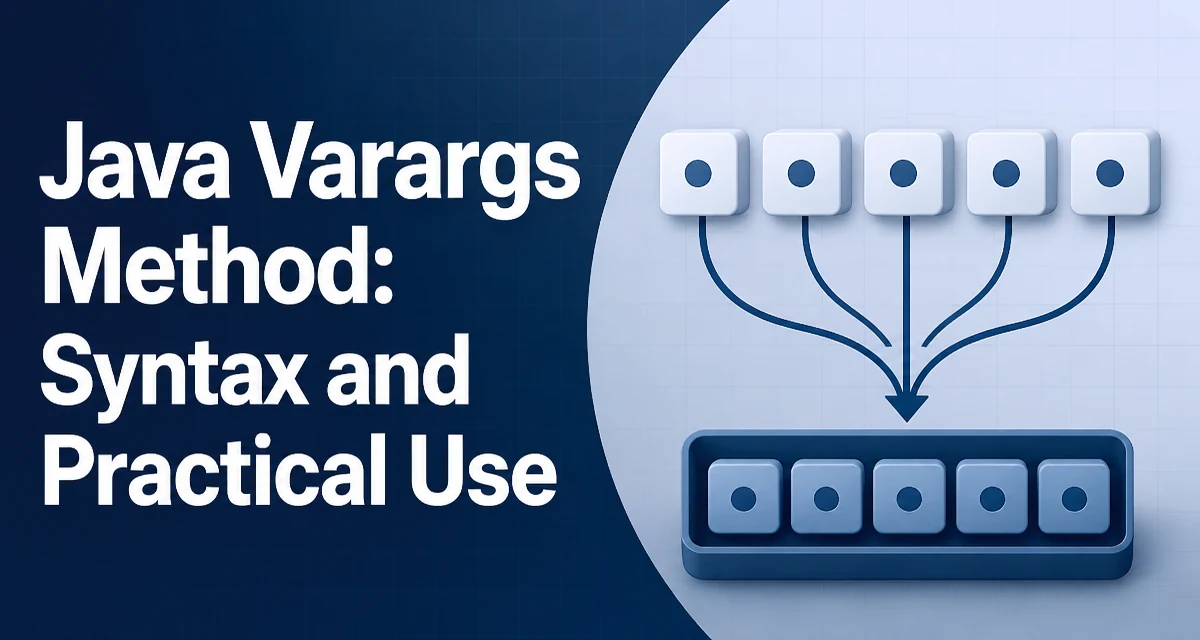
A java varargs method accepts a variable number of arguments of the same type. The compiler collects the arguments into an array, and the method body sees that array as an ordinary parameter. This syntax is convenient for APIs where the number of inputs is not known at compile time, such as logging, message formatting, or aggregation helpers.
Declaring a Varargs Parameter
A varargs parameter is declared by appending three dots (...) to the type. The parameter must be the last parameter in the method signature, and a method can have at most one varargs parameter.
public static int sum(int... numbers) {
    int total = 0;
    for (int n : numbers) {
        total += n;
    }
    return total;
}
The parameter numbers is actually an int[]. You can call the method with zero or more arguments:
int a = sum();
int b = sum(1, 2, 3);
int c = sum(new int[]{4, 5});
The array is allocated by the compiler at the call site, unless you pass an existing array directly. This behavior is the foundation of every varargs method.
How the Compiler Handles the Call
When you write sum(1, 2, 3), the compiler transforms it into sum(new int[]{1, 2, 3}). The method body has no way to tell whether the caller passed individual values or an array. This transformation happens for every invocation, which has a small runtime cost: an array allocation and a copy of the arguments.
A zero-argument call becomes sum(new int[0]). That means the method always receives a non-null array, even when no arguments are provided. This is useful because you can safely iterate over the parameter without a null check.
There is one important exception: if the caller passes null explicitly, the array itself is null. For example:
sum(null);
Inside the method, numbers is null, and iterating over it throws a NullPointerException. This is a common source of confusion, especially when a method is designed to accept a variable number of values but callers occasionally pass null from another variable.
Overloading and Ambiguity
Varargs methods participate in overload resolution like any other method, but the they can introduce ambiguity. Consider these two signatures:
public static void print(String prefix, String... values) { }
public static void print(String prefix, String value) { }
Calling print("x", "y") matches the fixed-arity version exactly, so the compiler chooses it over the varargs version. The varargs version is only considered when no fixed-arity method matches. This is the same rule that applies to autoboxing and widening: the most specific applicable method wins.
Ambiguity arises when two varargs signatures could both accept the same call. For example:
public static void handle(int... values) { }
public static void handle(long... values) { }
Calling handle(1, 2) is ambiguous because both methods are applicable after widening int to long. The compiler reports an error, and you must cast the arguments or rename one method to resolve it.
A more subtle issue occurs when a varargs method is overloaded with a method that takes an array. Since the varargs parameter is an array, the signatures void m(int[] arr) and void m(int... nums) are actually identical after erasure. You cannot declare both in the same class; the compiler treats them as duplicate methods.
Passing Arrays and Individual Values
You can pass an existing array to a varargs method, which avoids a second array allocation. The method receives the same array reference, not a copy. This is efficient, but it also means the method can modify the caller's array if it mutates the parameter.
int[] data = {1, 2, 3};
int total = sum(data); // no new array is created
If the method changes data[0], the caller sees that change. If you need to protect the caller's data, copy the array inside the method before modifying it. This aliasing behavior is the same as passing an array to a normal method; varargs does not add any special protection.
When mixing individual arguments and an array, you must be careful with the null case. Calling sum((int[]) null) passes a null array, while sum((int) null) is not valid because int cannot be null. For reference types, print((String) null) passes a single null element, whereas print((String[]) null) passes a null array. The cast is necessary to tell the compiler which overload or which interpretation you intend.
Performance and Memory Considerations
Every varargs invocation that passes individual values allocates a new array. For hot paths that are called millions of times, this allocation can add measurable garbage collection pressure. The array is small, but the allocation and copy still take time.
If the method is called with an existing array, no new array is created. That is the cheapest way to invoke a varargs method. If you control the call site and already have the values in an array, pass the array directly instead of spreading the elements.
For methods that are extremely performance-sensitive, consider providing a fixed-arity overload for the most common argument count. For example, String.format has overloads for zero, one, and two arguments in addition to the varargs form. This avoids the array allocation for those common cases. The JIT may also optimize small array allocations, but that is not guaranteed across all JVM versions and workloads.
Memory-wise, the varargs array is a regular object. It lives in the heap and is eligible for garbage collection once the method returns. There is no special memory pool or stack allocation for varargs arrays.
Generic Varargs and Heap Pollution
Declaring a varargs parameter with a generic type, such as T... or List<String>..., produces a compiler warning about possible heap pollution. This happens because the array created at the call site is an array of the raw component type, not the parameterized type.
@SafeVarargs
public static <T> List<T> combine(List<T>... lists) {
    List<T> result = new ArrayList<>();
    for (List<T> list : lists) {
        result.addAll(list);
    }
    return result;
}
The @SafeVarargs annotation suppresses the warning when the method does not store or expose the varargs array. If the method reassigns the array elements or passes the array to another method that might treat it as an array of Object, heap pollution can occur. For example, storing the varargs array in a field and later reading it as T[] can cause a ClassCastException at an unrelated call site.
Only annotate a generic varargs method with @SafeVarargs if the method is static, final, or a constructor, and if it treats the array as read-only. If the method modifies the array or lets it escape, the annotation hides a real risk.
Choosing Between Varargs and Alternatives
Varargs is the right choice when the number of arguments is genuinely variable and the method treats them uniformly. Logging, message formatting, and aggregation methods fit this pattern. It is also appropriate when the method is a thin wrapper around an array-based API.
If the method needs to accept different types of arguments, varargs with Object... is possible but loses type safety. A better alternative is a builder or a List<T> parameter. For example, a method that accepts a list of configuration options can use List<Option> instead of Option... to make the collection explicit and allow empty lists without a separate sentinel.
Fixed-arity overloads are preferable when there are a small number of common argument counts and the extra overloads are easy to maintain. The standard library uses this pattern for MessageFormat and String.format. Overloading also avoids the array allocation for the most frequent calls.
When the number of arguments is bounded and known, a regular array parameter is simpler. It does not hide the array creation and makes the caller's intent clearer. Varargs is syntactic sugar over an array, so the decision should be based on call-site readability and API ergonomics, not on a belief that varargs is inherently faster or safer.
A common mistake is to use varargs for a method that always requires at least one argument. Since a varargs parameter can be empty, the method must handle the zero-argument case explicitly, often by throwing an IllegalArgumentException. If the API contract requires at least one element, define a fixed parameter first and then a varargs parameter for the rest:
public static int min(int first, int... rest) {
    int result = first;
    for (int value : rest) {
        result = Math.min(result, value);
    }
    return result;
}
This signature makes it impossible to call the method with no arguments, and it preserves the variable-length behavior for the remaining values. It also avoids the null-array edge case because first is always a real value.
When a method accepts a collection that may be empty, a List<T> parameter is often clearer than varargs. It makes the empty case explicit, works with streams and other collection APIs, and does not require the caller to think about array semantics. The tradeoff is that the caller must wrap individual values with List.of(...), which is a small syntactic cost.
For APIs that are part of a public library, consider the maintenance cost of varargs. Changing a method from String... to List<String> is a breaking change. Adding a varargs parameter to an existing method is also breaking because callers that used the old signature will no longer compile. The decision should account for backward compatibility and how the method is likely to evolve.