Java While Loop: Syntax and Usage
java while loop: Learn how to use the while loop in Java: syntax, practical examples, common mistakes, and how it compares with other loop constructs.
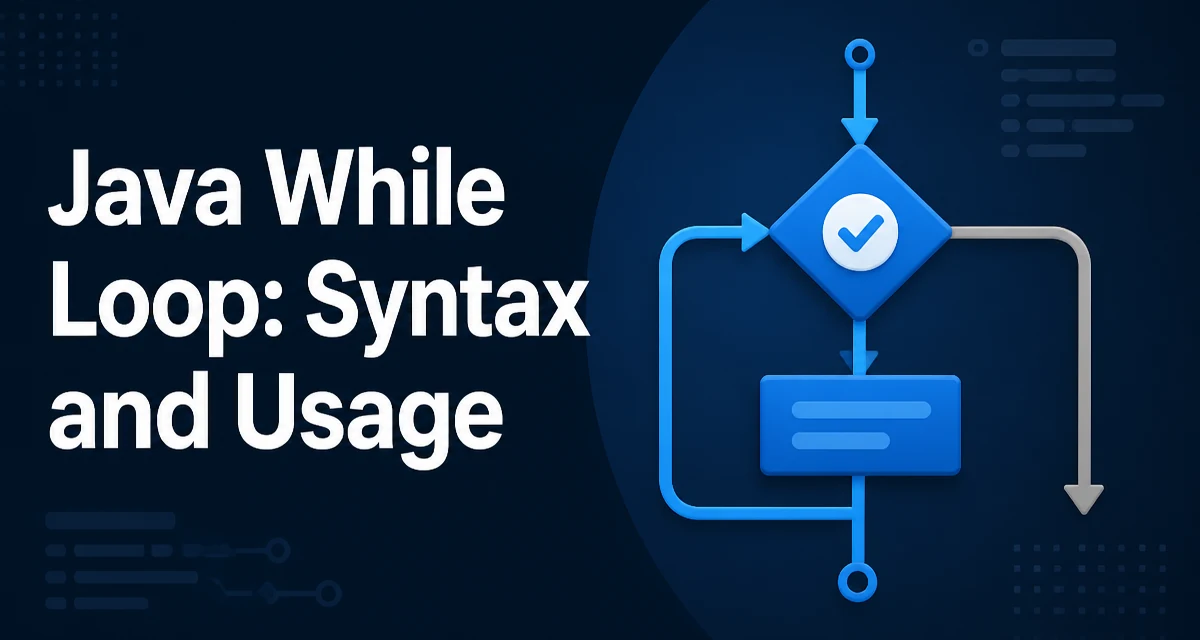
java while loop requires a clear understanding of the core syntax, runtime behavior, and practical implementation patterns demonstrated in the examples below.
The while loop is one of the most fundamental control flow structures in Java. It repeatedly executes a block of code as long as a given boolean condition evaluates to true. Its syntax is minimal:
while (condition) {
    // body
}
The condition is evaluated before each iteration. If it returns true, the body runs; if false, the loop exits and control moves to the next statement after the loop. This pre-test behavior distinguishes it from the do-while loop, which evaluates the condition after the body.
The while Loop Syntax and Basic Behavior
A simple example that prints numbers from 0 to 4:
int i = 0;
while (i < 5) {
    System.out.println(i);
    i++;
}
The variable i is initialized before the loop. The condition i < 5 is checked each iteration. Inside the body, i is incremented. Without that increment, the condition never becomes false, and the loop runs forever.
The loop body can contain any valid Java statements, including nested loops, method calls, or conditional logic. The condition must be a boolean expression; Java does not allow numeric truthiness like some languages. For example, while (1) will not compile.
Practical Examples: Reading Input and Processing Data
A common use of the while loop is processing input when the number of iterations is not known in advance. For instance, reading lines from a BufferedReader until null is returned:
BufferedReader reader = new BufferedReader(new InputStreamReader(System.in));
String line;
while ((line = reader.readLine()) != null) {
    System.out.println(line);
}
Here, the condition performs an assignment and a null check in one expression. The loop continues as long as readLine() returns a non-null string. This pattern is idiomatic for stream-like data sources.
Another typical scenario is polling a flag that changes asynchronously:
while (!server.isReady()) {
    Thread.sleep(100);
}
This loop waits until a server becomes ready, checking every 100 milliseconds. The condition is re-evaluated each time, so the loop reacts to state changes.
Infinite Loops: How They Happen and How to Avoid Them
An infinite loop occurs when the condition never becomes false. This often results from forgetting to update a variable that affects the condition. A classic example:
int count = 0;
while (count < 10) {
    System.out.println(count);
    // missing count++
}
The loop prints 0 forever because count never changes. Infinite loops can also arise from conditions that are logically impossible to satisfy, such as while (x > 0) when x is decremented but starts negative.
To avoid accidental infinite loops, ensure that the loop body makes progress toward the exit condition. This does not mean the body must always change a variable; it can break out explicitly using break, but the condition itself must eventually become false or a break must be reached.
Another cause is comparing floating-point values with ==. Due to precision, a condition like while (x != 1.0) may never be false if x is incremented by 0.1. Use a tolerance or an integer counter instead.
Using break and continue Inside a while Loop
The break statement immediately terminates the loop, skipping the condition check. It is useful when a search condition is met early:
int[] numbers = {3, 7, 2, 9, 5};
int i = 0;
while (i < numbers.length) {
    if (numbers[i] == 9) {
        System.out.println("Found at index " + i);
        break;
    }
    i++;
}
The continue statement skips the rest of the current iteration and jumps to the next condition evaluation. For example, printing only even numbers:
int i = 0;
while (i < 10) {
    i++;
    if (i % 2 != 0) {
        continue;
    }
    System.out.println(i);
}
Notice that i is incremented before the continue; otherwise the loop would get stuck because the increment would be skipped. This is a common mistake when using continue in a while loop.
While vs. For: Choosing the Right Loop
Java offers several loop constructs, and the choice often depends on whether the number of iterations is known in advance. A for loop is ideal when iterating over a range or a collection with a known size:
for (int i = 0; i < 10; i++) {
    // ...
}
A while loop is better when the termination condition depends on dynamic state that is not tied to an index. For example, reading from a stream, waiting for a flag, or processing user input until a sentinel value is entered.
The following table summarizes the typical use cases:
| Loop Type | Use When | Example |
|---|---|---|
for | Iterating a known number of times | for (int i = 0; i < n; i++) |
while | Condition depends on runtime state | while (input.hasNext()) |
do-while | Body must run at least once | do { ... } while (condition) |
A do-while loop is a variant that evaluates the condition after the body, guaranteeing at least one execution. It is useful for menus or retry logic where the first attempt should always happen.
Performance and Maintainability Considerations
From a performance perspective, a while loop has no inherent overhead compared to a for loop; both compile to similar bytecode. The main cost is the condition evaluation and any work inside the body. Avoid placing expensive operations in the condition if they can be hoisted out. For example, if a method call is invariant across iterations, compute it once before the loop:
int limit = getLimit(); // expensive
while (i < limit) {
    // ...
}
Maintainability suffers when the loop body becomes long or the exit condition is buried deep inside. Prefer to extract the body into a method if it grows. Also, be cautious with break and continue in complex loops—they can make the control flow harder to follow. In such cases, a for loop with a clear increment might be more readable.
Another operational concern is resource cleanup. If a while loop acquires resources (e.g., a database connection), ensure they are released properly, ideally with try-with-resources or a finally block. An infinite loop that holds resources can cause leaks and degrade the application.
Finally, consider using the enhanced for loop when iterating over collections or arrays without needing the index. It is more concise and avoids off-by-one errors. The while loop remains valuable for scenarios where the iteration count is unpredictable, but it requires discipline to keep the exit condition clear and the body focused.