Python APScheduler: Background vs Async Schedulers
python apscheduler background and async schedulers: Learn when to use BackgroundScheduler vs AsyncIOScheduler, how to run sync and async jobs, and what breaks when you...
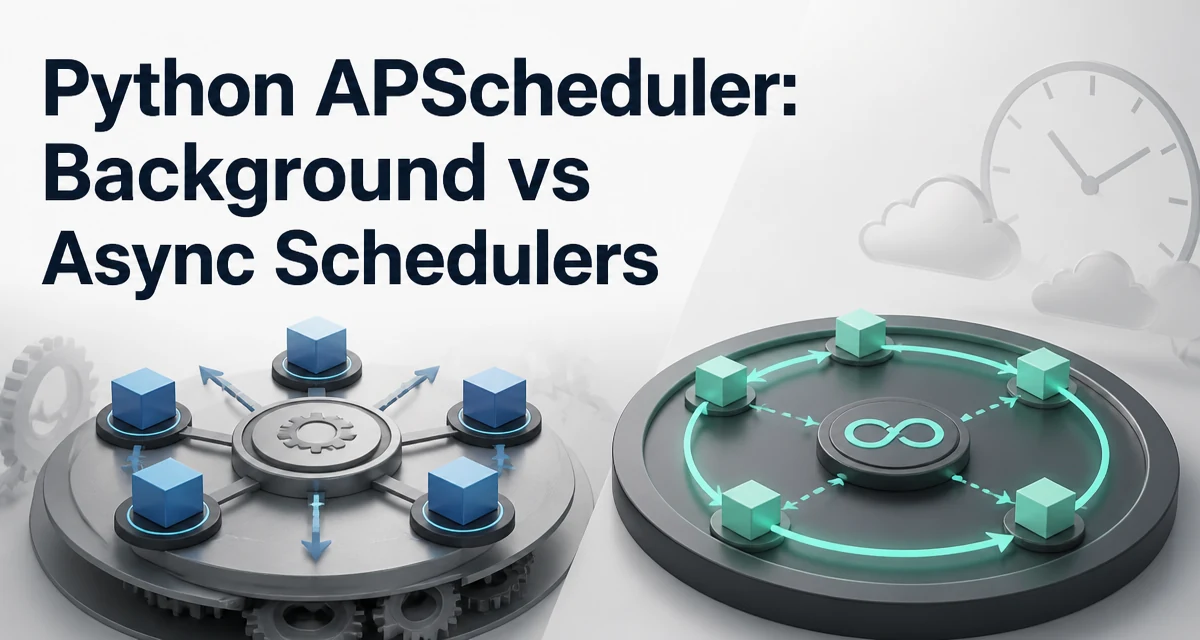
python apscheduler background and async schedulers requires a clear understanding of the core syntax, runtime behavior, and practical implementation patterns demonstrated in the examples below.
When you need to schedule background jobs in Python, APScheduler offers two common entry points: BackgroundScheduler and AsyncIOScheduler. The choice between them depends on whether your application already uses asyncio and whether your job functions are synchronous or asynchronous. This article explains how each scheduler executes jobs, how to configure them correctly, and what happens when you mix sync and async code in the same scheduler.
What BackgroundScheduler and AsyncIOScheduler Actually Do
BackgroundScheduler runs in a separate thread from your main program. It maintains its own thread pool for executing jobs, so it can run synchronous Python functions without blocking your main thread. This makes it suitable for traditional scripts, web frameworks like Flask or Django, and any application that does not use asyncio.
AsyncIOScheduler, on the other hand, is designed to run inside an asyncio event loop. It does not create its own threads for job execution. Instead, it schedules coroutines and runs them as tasks on the existing event loop. This is the right choice when your application is already built around asyncio, such as a FastAPI service or an asyncio-based worker.
The key difference is not just API syntax. It is the execution model. BackgroundScheduler uses threads, so blocking calls inside a job do not stop other jobs from running. AsyncIOScheduler uses cooperative multitasking, so a blocking call inside an async job will stall the entire event loop.
Setting Up BackgroundScheduler for Regular Python Code
Here is a minimal example of starting a background scheduler that runs a synchronous function every five seconds:
from apscheduler.schedulers.background import BackgroundScheduler
import time

def tick():
    print("Tick at", time.time())

scheduler = BackgroundScheduler()
scheduler.add_job(tick, 'interval', seconds=5)
scheduler.start()

try:
    time.sleep(30)
except KeyboardInterrupt:
    pass
finally:
    scheduler.shutdown()
The BackgroundScheduler starts its own thread and uses a default thread pool executor to run the tick function. The main thread can continue doing other work, or in this case, just sleep to keep the process alive. When you call shutdown(), the scheduler stops accepting new jobs and waits for currently running jobs to finish.
You can control the thread pool size with the max_instances parameter on each job, and the executor itself can be configured when creating the scheduler. For example, to limit the number of worker threads:
from apscheduler.executors.pool import ThreadPoolExecutor

executors = {
    'default': ThreadPoolExecutor(4)
}
scheduler = BackgroundScheduler(executors=executors)
This is useful when your jobs are I/O-bound but you still want to avoid creating too many threads.
Setting Up AsyncIOScheduler for asyncio Applications
When your application already runs an asyncio event loop, you should use AsyncIOScheduler. Here is a basic example with an asyncio-based main function:
import asyncio
from apscheduler.schedulers.asyncio import AsyncIOScheduler

async def async_tick():
    print("Async tick")

async def main():
    scheduler = AsyncIOScheduler()
    scheduler.add_job(async_tick, 'interval', seconds=5)
    scheduler.start()
    try:
        await asyncio.Event().wait()
    except (KeyboardInterrupt, asyncio.CancelledError):
        pass
    finally:
        scheduler.shutdown()

asyncio.run(main())
The AsyncIOScheduler must be started after the event loop is running. In the example, scheduler.start() is called inside the main() coroutine, which runs on the event loop. The scheduler then schedules async_tick as a task on that loop.
If you try to start AsyncIOScheduler outside a running event loop, you will get a runtime error because there is no loop to bind to. This is a common mistake when porting code from BackgroundScheduler.
Mixing Sync and Async Jobs: What Works and What Fails
A frequent question is whether you can add a synchronous function to an AsyncIOScheduler or an async function to a BackgroundScheduler. The short answer is: it works, but with significant caveats.
If you add a regular function to an AsyncIOScheduler, APScheduler will run it as a blocking call inside the event loop. This means the function will block the loop for its entire duration, preventing any other async tasks from progressing. For short, non-blocking functions this might be acceptable, but for anything that performs I/O or sleeps, it will freeze your application.
Conversely, if you add an async function to a BackgroundScheduler, APScheduler will schedule it as a coroutine on a thread pool executor. However, the thread pool does not have an event loop, so the coroutine will never be awaited. In practice, the coroutine object is created but never executed, and you will see a warning about a never-awaited coroutine. This is a silent failure that can be hard to debug.
To avoid these problems, keep the job types aligned with the scheduler. Use AsyncIOScheduler only for async functions, and BackgroundScheduler only for synchronous functions. If you must mix them, wrap the synchronous function in an async wrapper using asyncio.to_thread for the async scheduler, or use asyncio.run inside a synchronous job for the background scheduler, but be aware of the overhead and event loop nesting.
Concurrency and Thread Safety Considerations
BackgroundScheduler runs jobs in multiple threads, so your job functions must be thread-safe if they share mutable state. APScheduler does not provide locking around job execution. If two jobs modify the same global variable or database connection, you need to handle synchronization yourself.
AsyncIOScheduler runs all jobs on a single thread, so there is no data race between jobs. However, because everything runs on one event loop, a long-running async job will delay all other scheduled tasks. You must design your async jobs to yield control regularly, for example by using await asyncio.sleep(0) or by breaking work into smaller chunks.
Another subtlety is that BackgroundScheduler uses a thread pool, and the default executor is a ThreadPoolExecutor with a maximum of 10 workers. If you schedule more than 10 jobs that all block, they will queue up and run later than intended. You can adjust the executor size as shown earlier, but you should also consider whether your workload is truly I/O-bound or CPU-bound. For CPU-bound jobs, threads do not give you parallelism due to the GIL; you would need a process pool executor instead.
Error Handling and Job Execution Behavior
By default, APScheduler logs exceptions raised in jobs but does not propagate them to the main program. This is true for both BackgroundScheduler and AsyncIOScheduler. If a job raises an unhandled exception, the scheduler logs the traceback and moves on to the next scheduled run. This is convenient for long-running services, but it can hide bugs if you are not monitoring logs.
You can attach a listener to catch job execution events and handle errors programmatically:
from apscheduler.events import EVENT_JOB_EXECUTED, EVENT_JOB_ERROR

def job_listener(event):
    if event.exception:
        print(f"Job {event.job_id} failed: {event.exception}")
    else:
        print(f"Job {event.job_id} succeeded")

scheduler.add_listener(job_listener, EVENT_JOB_EXECUTED | EVENT_JOB_ERROR)
This listener works for both scheduler types. It is the recommended way to implement retry logic or alerting without relying on the job function itself.
Another behavior to understand is the max_instances setting. If a job is still running when its next scheduled time arrives, APScheduler will skip that run by default. You can set max_instances to a higher value to allow overlapping executions, but you must ensure your job can handle concurrent runs safely.
Choosing Between BackgroundScheduler and AsyncIOScheduler in Production
The decision is primarily driven by your application's architecture. If you are building a synchronous service, such as a Django management command or a Flask app that does not use asyncio, BackgroundScheduler is the natural fit. It keeps your main thread responsive and allows you to schedule jobs without restructuring your code.
If you are building an asyncio-native application, such as a FastAPI service or an asyncio-based consumer, AsyncIOScheduler is the correct choice. It integrates with the existing event loop, avoids extra threads, and lets you use async/await inside your jobs naturally.
There is also a BlockingScheduler, which is useful for standalone scripts that do nothing else except run scheduled jobs. It blocks the main thread and runs jobs in the same thread, which is simpler but not suitable for applications that need to serve requests or run other logic concurrently.
In production, you should also consider persistence. APScheduler offers job stores that can save jobs to a database, allowing them to survive process restarts. Both BackgroundScheduler and AsyncIOScheduler support the same job stores, so the choice of scheduler does not affect persistence. However, if you use a database-backed job store, you must ensure that your scheduler is started only once per process to avoid duplicate job execution.
Finally, monitor the health of your scheduler. For BackgroundScheduler, check that the thread pool is not exhausted. For AsyncIOScheduler, watch for event loop blockage. A simple health check can be a scheduled job that writes a heartbeat to a log or a metrics endpoint. This gives you early warning when the scheduler is not running jobs on time.