Python Argument Unpacking: *args and **kwargs
python argument unpacking: Learn how to use Python argument unpacking with *args and **kwargs to pass sequences and mappings to functions, handle dynamic arguments, an...
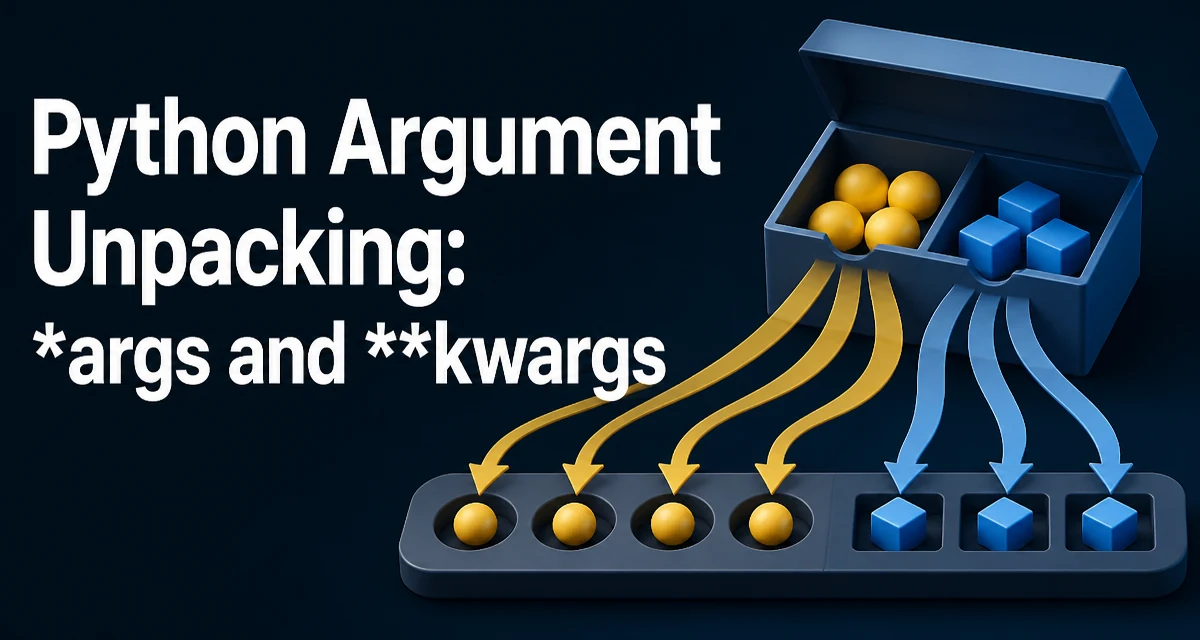
Python argument unpacking is a feature that lets you pass the elements of a sequence or the key-value pairs of a mapping as individual arguments to a function. The syntax uses a single asterisk (*) for sequences and a double asterisk (**) for mappings. This is not just a shortcut; it is a core part of Python's function-call model that shows up in library code, decorators, and everyday application logic.
Unpacking Sequences into Positional Arguments
When you write func(*values), Python iterates over values and passes each element as a separate positional argument. The length of the sequence must match the number of positional parameters the function accepts, unless the function also collects extra arguments.
def add(a, b, c):
    return a + b + c

nums = [1, 2, 3]
result = add(*nums)  # equivalent to add(1, 2, 3)
This works with any iterable, not just lists. Tuples, sets, generators, and even strings can be unpacked. For example, print(*"abc") prints a b c because the string is iterated character by character.
The same syntax appears in function definitions. When you define def func(*args), args is a tuple containing all positional arguments passed to the function. This is how functions like print accept a variable number of arguments.
def log(*messages):
    for msg in messages:
        print(msg)
Unpacking Dictionaries into Keyword Arguments
The double asterisk ** unpacks a mapping into keyword arguments. The keys must be strings, and they must match the parameter names of the target function.
def configure(host, port, debug=False):
    print(host, port, debug)

options = {"host": "localhost", "port": 8080, "debug": True}
configure(**options)
This is common when you have a configuration dictionary and want to pass it to a function without writing out each key. It also appears in class constructors and when wrapping functions with decorators.
In function definitions, **kwargs collects all unmatched keyword arguments into a dictionary. This is useful for building flexible APIs where callers can pass options that the function does not explicitly declare.
def request(url, **headers):
    print(url, headers)
Combining *args and **kwargs
You can use both in a function call, but the order matters. Positional arguments come first, then the unpacked sequence, then the unpacked mapping. For example:
def func(a, b, c, d):
    return a + b + c + d

values = [1, 2]
extra = {"c": 3, "d": 4}
result = func(*values, **extra)
The same combination works in function definitions, which is the basis of many decorators and wrappers that need to forward arbitrary arguments.
def wrapper(*args, **kwargs):
    # do something before
    return original(*args, **kwargs)
Extended Unpacking in Assignments
Python 3 introduced extended unpacking, which lets you use * in assignment targets to capture a variable-length portion of a sequence. This is not directly about function calls, but it shares the same operator and is often used together with argument unpacking.
first, *middle, last = [1, 2, 3, 4, 5]
# first = 1, middle = [2, 3, 4], last = 5
This pattern is useful when you need to split a list into a leading element, a trailing element, and the rest. It works with any iterable and can simplify code that would otherwise require slicing.
Common Mistakes and Edge Cases
One frequent mistake is unpacking a sequence whose length does not match the function's parameters. This raises a TypeError at runtime. For example, calling add(*[1, 2]) when add expects three arguments fails. The error message tells you exactly how many arguments were given and how many were expected.
Another issue is mixing positional arguments with *args in a call. You cannot use * after a keyword argument. For example, func(a=1, *[2, 3]) is a syntax error. The unpacking operator must appear before any keyword arguments.
When unpacking a generator, the generator is fully consumed to produce the arguments. This can have memory and performance implications if the generator produces a large number of items. The function call will allocate a tuple of all arguments, so the entire sequence exists in memory at once.
Performance and Memory Considerations
Unpacking a large iterable into a function call creates a tuple of all arguments. This is an implicit allocation that can be significant for very large sequences. If you are passing millions of elements, the memory overhead of the tuple may be noticeable. In most applications, this is not a problem because function calls typically receive a small number of arguments. But if you are processing large data sets, consider passing the iterable itself and letting the function iterate over it, rather than unpacking it into a fixed set of parameters.
There is also a subtle performance difference between func(*list) and func(list[0], list[1], ...). The unpacking version is implemented in C and is generally faster than manual indexing, but the difference is rarely measurable unless the call is in a tight loop. The real cost is the tuple allocation, which is unavoidable when using *.
Advanced Unpacking Patterns
Unpacking can be combined with slicing and comprehensions to create concise transformations. For example, you can merge two dictionaries using ** in a dictionary literal:
merged = {**dict1, **dict2}
This creates a new dictionary that includes all keys from both. Later keys override earlier ones. This pattern is widely used in Python 3.5+.
Another pattern is using * to unpack a list into a function that accepts a variable number of arguments, such as print(*items) to print each item on the same line.
In function definitions, you can use * to force keyword-only arguments. For example:
def func(a, *, b):
    return a + b
Here b must be passed as a keyword argument. This is a way to make the API more explicit and avoid accidental positional misuse.
These patterns show that argument unpacking is not just a convenience but a language feature that shapes how Python code is written and read. Understanding when to use * and ** correctly helps you write functions that are flexible, maintainable, and clear.