Using Python asyncio Queue for Producer-Consumer Tasks
python asyncio queue: Learn how to use asyncio.Queue to coordinate coroutines, implement producer-consumer patterns, handle backpressure, and manage task completion in...
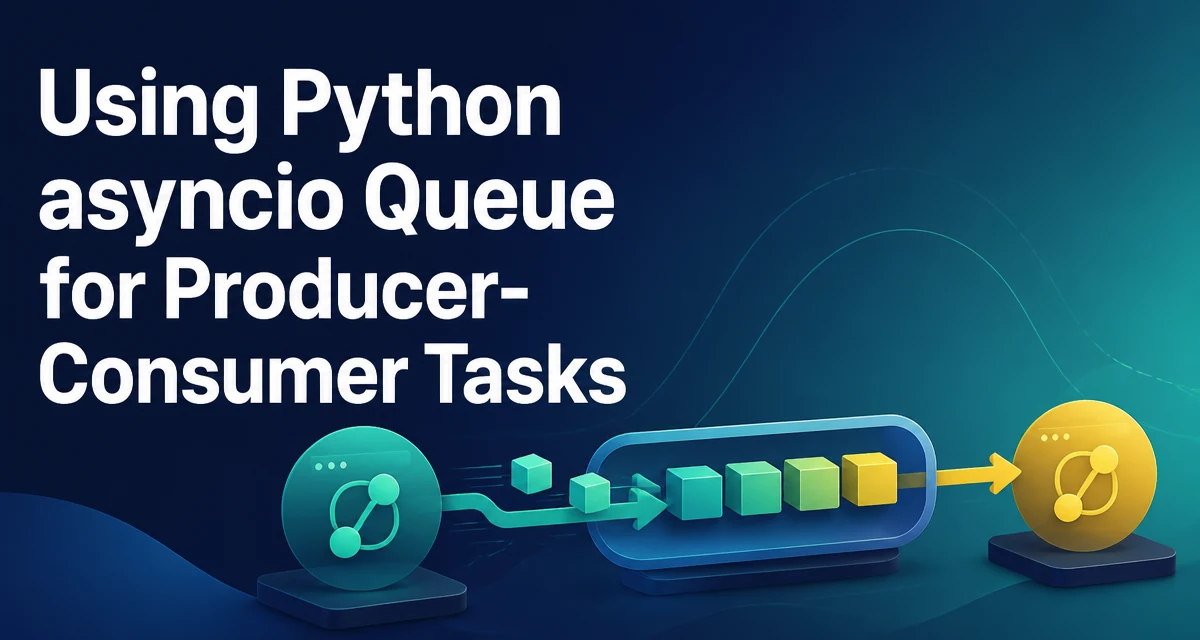
python asyncio queue requires a clear understanding of the core syntax, runtime behavior, and practical implementation patterns demonstrated in the examples below.
The asyncio.Queue class provides a coroutine-safe FIFO queue for passing data between tasks in an asyncio event loop. It is the primary tool for implementing producer-consumer patterns where one coroutine produces items and another consumes them. Unlike queue.Queue, which is designed for threads, asyncio.Queue integrates with the event loop and supports await on put() and get(), allowing coroutines to yield control while waiting for space or items.
What Is asyncio.Queue?
asyncio.Queue is an async-aware version of a queue. It stores items in memory and provides coroutine methods for adding and retrieving them. The queue is not thread-safe; it is meant to be used only within a single event loop. This makes it ideal for coordinating work between multiple coroutines without introducing locks or race conditions.
The core methods are put() and get(). Both are coroutines. put() suspends the calling coroutine if the queue is full (when maxsize is set). get() suspends if the queue is empty. This cooperative behavior lets other tasks run while a coroutine waits.
Creating a Queue and Basic put/get
Create a queue with asyncio.Queue(). Optionally pass maxsize to limit the number of items. Here is a minimal example:
import asyncio

async def main():
    q = asyncio.Queue()
    await q.put(1)
    item = await q.get()
    print(item)  # 1

asyncio.run(main())
The put() and get() methods are coroutines, so they must be awaited. If you call them without await, you get a coroutine object, not the actual operation. This is a common mistake for developers new to asyncio.
The queue also provides non-blocking variants: put_nowait() and get_nowait(). These raise asyncio.QueueFull and asyncio.QueueEmpty respectively instead of suspending. Use them when you need to avoid blocking the event loop.
Producer-Consumer Pattern with asyncio Tasks
The most common use case is a producer that generates items and one or more consumers that process them. The queue decouples the two sides, allowing them to run at different speeds.
import asyncio

async def producer(q, n):
    for i in range(n):
        await q.put(i)
        print(f"Produced {i}")
        await asyncio.sleep(0.1)

async def consumer(q, name):
    while True:
        item = await q.get()
        print(f"{name} consumed {item}")
        q.task_done()

async def main():
    q = asyncio.Queue()
    producers = [asyncio.create_task(producer(q, 5))]
    consumers = [asyncio.create_task(consumer(q, f"C{i}")) for i in range(2)]
    await asyncio.gather(*producers)
    await q.join()  # Wait until all items are processed
    for c in consumers:
        c.cancel()

asyncio.run(main())
Here, the producer puts five items. Two consumers compete to get them. The task_done() call is crucial: it tells the queue that an item has been fully processed. The join() method waits until task_done() has been called for every item put into the queue. Without task_done(), join() would block forever.
Limiting Queue Size and Backpressure
Setting maxsize on the queue provides backpressure. When the queue is full, put() suspends the producer until a consumer frees up space. This prevents unbounded memory growth and allows the consumer to control the flow.
q = asyncio.Queue(maxsize=10)
If the producer is faster than the consumer, the queue fills up, and the producer waits. This is often desirable to avoid overwhelming downstream resources. However, if the consumer is slow and the producer must continue, you might want to use put_nowait() and handle QueueFull explicitly, perhaps by discarding items or logging.
Coordinating Completion with join() and task_done()
The join() method blocks until all items in the queue have been retrieved and every task_done() call has been made. This is useful for knowing when all work is complete. The pattern is:
- Each
get()is paired with atask_done()after processing. await q.join()waits until the queue is empty and all items are marked done.
It is important to call task_done() exactly once for each item retrieved. Calling it more times than items put raises ValueError. Calling it fewer times causes join() to hang.
Handling Cancellation and Errors
When a consumer task is cancelled while waiting on get(), the coroutine raises CancelledError. This can leave the queue in an inconsistent state if you don't handle it. A common pattern is to use try/finally to ensure cleanup:
async def consumer(q):
    while True:
        try:
            item = await q.get()
        except asyncio.CancelledError:
            break
        try:
            process(item)
        finally:
            q.task_done()
If process() raises an exception, task_done() is still called, preventing join() from hanging. But the exception propagates, potentially crashing the task. You may want to catch and log exceptions inside the consumer to keep it running.
Performance and Concurrency Considerations
asyncio.Queue is designed for cooperative concurrency within a single thread. It does not use locks; it relies on the event loop's scheduling. This makes it very lightweight compared to thread-safe queues. However, it is not suitable for multi-threaded or multi-process scenarios. If you need to share data across threads, use queue.Queue with loop.call_soon_threadsafe or asyncio.run_coroutine_threadsafe.
Another performance consideration is that put() and get() are coroutines, so they add overhead compared to put_nowait() and get_nowait(). For high-throughput scenarios where you know the queue is never full or empty, consider using the non-blocking variants and handling exceptions.
Also, be mindful of the number of consumers. Adding more consumers than necessary can increase contention on the queue, though the GIL and event loop scheduling usually make this a minor issue. The optimal number depends on the workload: I/O-bound tasks benefit from more consumers, while CPU-bound tasks may not.
Common Pitfalls and Alternatives
One common pitfall is forgetting to call task_done() after get(). This causes join() to block forever. Another is using get_nowait() in a loop without catching QueueEmpty, leading to a busy-wait that starves other tasks.
A more advanced alternative is to use asyncio.Queue with a sentinel value to signal consumers to stop. For example, the producer puts a None after all items, and consumers exit when they see it. This avoids cancelling tasks manually.
If you need priority-based processing, asyncio.PriorityQueue is available. It works like asyncio.Queue but returns the smallest item first. Similarly, asyncio.LifoQueue provides last-in-first-out behavior. These are useful when the order of processing matters.
For more complex coordination, consider using asyncio.StreamReader and asyncio.StreamWriter for network streams, or asyncio.TaskGroup for structured concurrency in Python 3.11+. But for simple data passing between coroutines, asyncio.Queue remains the most direct and readable solution.