Working with Python asyncio Tasks
python asyncio task: Understand Python asyncio tasks: how to create them with create_task, await multiple tasks, handle cancellation and exceptions, and avoid common p...
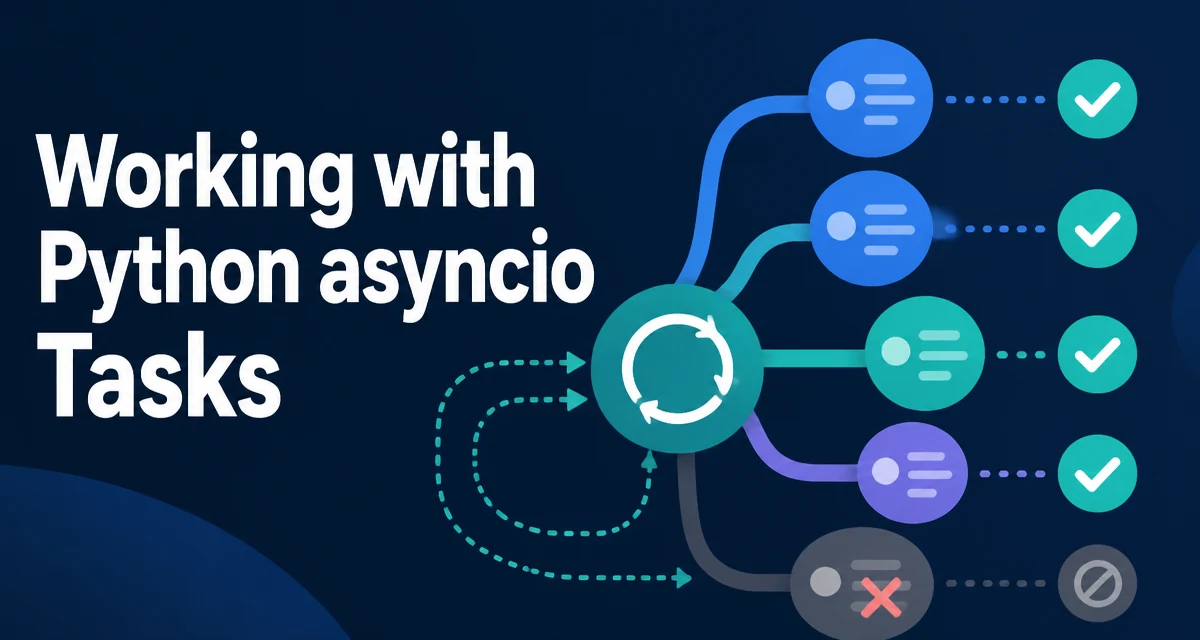
In Python's asyncio model, a coroutine is not the same thing as a task. Calling an async def function returns a coroutine object that does nothing until it is awaited or scheduled. A task is the wrapper that schedules that coroutine on the event loop and tracks its state. The difference between a bare coroutine and a python asyncio task is the first thing to understand before writing concurrent code, because it determines when your code actually runs, how it can be cancelled, and how errors surface.
What a Task Adds Over a Coroutine
A coroutine only executes when something awaits it. If you call an async function and never await the result, the body never runs:
import asyncio

async def fetch(name: str) -> str:
    print(f"{name} started")
    await asyncio.sleep(1)
    return f"{name} finished"

async def main() -> None:
    coro = fetch("first")  # nothing runs yet
    result = await coro    # now it runs
    print(result)

asyncio.run(main())
A task changes that. asyncio.create_task() wraps the coroutine and schedules it to run on the event loop as soon as control returns to the loop. The task starts executing independently of whatever code created it, which is what allows multiple coroutines to make progress in the same thread.
A task is also a Future. That means it can be awaited, cancelled, given a done callback, and queried for its result or exception. The event loop holds only a weak reference to tasks, so you must keep a reference yourself if you want a task to survive until completion. That detail causes one of the most common asyncio bugs, covered later.
Creating Tasks with asyncio.create_task
asyncio.create_task() takes a coroutine and returns a Task immediately. The coroutine does not start until the event loop gets control, but it is already scheduled:
import asyncio

async def poll(service: str, interval: float) -> str:
    await asyncio.sleep(interval)
    return f"{service} healthy"

async def main() -> None:
    task = asyncio.create_task(poll("auth", 0.5))
    # other work can happen here while poll runs
    result = await task
    print(result)

asyncio.run(main())
Passing arguments works the same way as calling the coroutine directly. The loop parameter that older code passed to asyncio.ensure_future() was removed in Python 3.10, so create_task() is the standard way to schedule work today. Use asyncio.ensure_future() only when you already have a Future or a coroutine and need a uniform interface; for new code, create_task() is clearer.
One common mistake is creating a task and then awaiting the original coroutine instead of the task:
async def main() -> None:
    task = asyncio.create_task(poll("auth", 0.5))
    result = await poll("auth", 0.5)  # wrong: awaits a new coroutine
This runs two separate operations and ignores the task you created. Await the task object itself.
Awaiting Multiple Tasks: gather vs TaskGroup
When several independent operations should run concurrently, you can create tasks and await them individually, but asyncio.gather() is the direct tool for collecting results:
import asyncio

async def worker(name: str, delay: float) -> str:
    await asyncio.sleep(delay)
    return name

async def main() -> None:
    results = await asyncio.gather(
        worker("db", 0.4),
        worker("cache", 0.2),
        worker("api", 0.7),
    )
    print(results)  # ['db', 'cache', 'api']

asyncio.run(main())
gather() waits for every coroutine and returns results in the order the coroutines were passed, not in completion order. If one raises, the exception propagates immediately and the other tasks keep running unless you pass return_exceptions=True, which collects exceptions as values instead.
Python 3.11 introduced asyncio.TaskGroup, which provides structured concurrency. When any task in the group fails, the group cancels the remaining tasks and re-raises the first exception after all tasks finish:
import asyncio

async def main() -> None:
    async with asyncio.TaskGroup() as group:
        t1 = group.create_task(worker("db", 0.4))
        t2 = group.create_task(worker("cache", 0.2))
    print(t1.result(), t2.result())

asyncio.run(main())
The difference matters for error handling. With gather(), a failure does not stop the other tasks; you must decide whether that is acceptable. With TaskGroup, a failure cancels everything, which is usually the safer behavior for dependent work. For independent work where partial results are useful, gather(..., return_exceptions=True) gives you the most control.
Task Cancellation and Shielding
Calling task.cancel() schedules a CancelledError to be thrown into the coroutine at its next suspension point. The task does not stop immediately; it stops when the coroutine next awaits. The coroutine can catch CancelledError, but it should re-raise it after cleanup, otherwise the cancellation is swallowed and the task ends in a completed state instead of a cancelled state:
import asyncio

async def download() -> str:
    try:
        await asyncio.sleep(10)
        return "payload"
    except asyncio.CancelledError:
        print("cleaning up")
        raise  # required for proper cancellation

async def main() -> None:
    task = asyncio.create_task(download())
    await asyncio.sleep(1)
    task.cancel()
    try:
        await task
    except asyncio.CancelledError:
        print("download was cancelled")

asyncio.run(main())
asyncio.shield() protects a task from cancellation by the caller. When the awaiting coroutine is cancelled, the shielded task keeps running, but the await still raises CancelledError. Shield does not make the inner task immune to its own cancellation; it only prevents cancellation from propagating through the outer await. Use it sparingly, because it can leave background work running after the surrounding operation has failed.
Handling Exceptions Raised Inside Tasks
An exception raised inside a task is stored on the task object. Awaiting the task re-raises it at the await point:
import asyncio

async def parse(data: str) -> int:
    if not data.isdigit():
        raise ValueError("not a number")
    return int(data)

async def main() -> None:
    task = asyncio.create_task(parse("abc"))
    try:
        await task
    except ValueError as exc:
        print(f"caught: {exc}")

asyncio.run(main())
If a task raises and nothing ever awaits it or retrieves its exception, asyncio logs Task exception was never retrieved when the task is garbage collected. This warning is easy to trigger with fire-and-forget tasks. If you intentionally do not await a task, attach a done callback that calls task.exception() to consume the exception:
def on_done(task: asyncio.Task) -> None:
    if task.cancelled():
        return
    exc = task.exception()
    if exc is not None:
        print(f"background task failed: {exc}")

task = asyncio.create_task(parse("abc"))
task.add_done_callback(on_done)
This keeps the error visible without blocking the main flow.
Keeping References to Fire-and-Forget Tasks
The event loop keeps only weak references to tasks. If your code creates a task and drops the reference, the task can be garbage collected before it finishes, and its coroutine is cancelled silently. This is the documented reason to save a reference to every task you create:
async def main() -> None:
    # the task may disappear before it completes
    asyncio.create_task(background_work())
    await asyncio.sleep(3)
Store tasks in a set or list that lives as long as the work should:
async def main() -> None:
    tasks = set()
    for i in range(5):
        task = asyncio.create_task(background_work(i))
        tasks.add(task)
    await asyncio.gather(*tasks)
Keeping the set until gather() returns ensures every task stays alive and every exception is retrieved. This pattern also makes shutdown predictable: you know exactly which tasks are still running and can cancel them explicitly.
When asyncio Tasks Are the Wrong Tool
Tasks provide concurrency, not parallelism. All tasks in one event loop run on the same thread, so CPU-bound work does not speed up when split into tasks; it just interleaves. For CPU-heavy computation, use ProcessPoolExecutor or the multiprocessing module instead. Tasks are the right tool when the work spends most of its time waiting on I/O: network requests, database queries, file reads, or sleeps.
Also consider the cost of task creation. Creating thousands of tasks for trivial operations adds scheduling overhead and makes cancellation and error handling harder to reason about. If the operations are short and independent, a bounded set of worker tasks consuming from a queue is often simpler to manage than one task per item. If the operations are genuinely sequential, plain await calls without tasks are the clearest option.
The choice between gather, TaskGroup, and manual task management comes down to how failures should behave. gather lets independent work continue after an error. TaskGroup cancels siblings on failure. Manual task tracking gives you full control over cancellation and shutdown but requires you to handle references and exceptions yourself. Pick the one that matches the failure semantics of your workload rather than the one that looks most concise.