Python Break vs Continue: Loop Control Explained
python break vs continue: Understand the difference between break and continue in Python loops, with code examples and guidance on when to use each for clear, efficien...
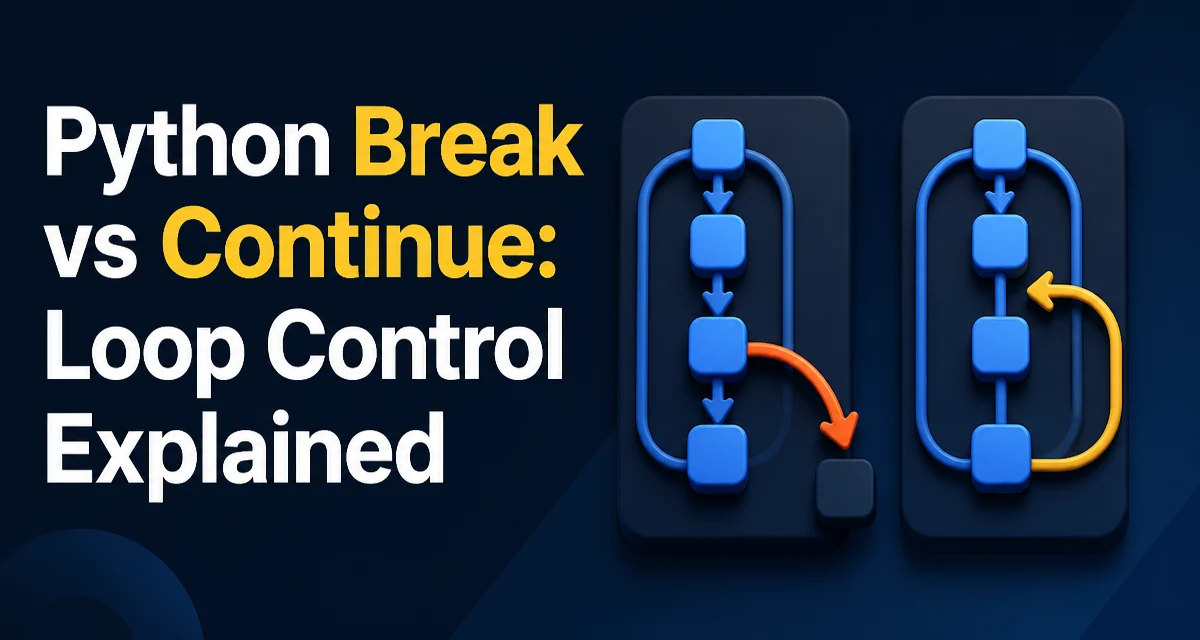
In Python, break and continue are the two statements that give you direct control over loop execution. Knowing python break vs continue is not just about syntax; it affects how you structure search logic, data filtering, and even input validation. This article explains the behavior of each statement, their differences, and the situations where one is the better choice.
How Break Terminates a Loop
The break statement immediately exits the loop, skipping any remaining code in the loop body and the loop's else clause (if present). It is commonly used to stop iterating once a condition is met, such as finding an item in a list.
items = [1, 2, 3, 4, 5]
for item in items:
    if item == 3:
        break
    print(item)
# Output: 1, 2
When item equals 3, break exits the loop, so print is not executed for 3, 4, or 5. This is useful when you only need the first occurrence of a value and want to avoid unnecessary processing.
break works in both for and while loops. In a while loop, it can be used to exit based on a condition that is not the loop condition itself:
count = 0
while True:
    count += 1
    if count >= 5:
        break
print(count)  # Output: 5
How Continue Skips to the Next Iteration
The continue statement skips the rest of the current iteration and jumps to the next iteration of the loop. It does not exit the loop; it simply moves to the next element or condition check. This is useful when you want to filter out certain values but continue processing the rest.
for number in range(1, 6):
    if number % 2 == 0:
        continue
    print(number)
# Output: 1, 3, 5
For even numbers, continue skips the print call, so only odd numbers are printed. The loop continues to the next number.
In a while loop, continue jumps back to the condition check. This means you must ensure the loop condition will eventually become false; otherwise, you risk an infinite loop.
Break vs Continue: Side-by-Side Comparison
| Behavior | break | continue |
|---|---|---|
| Effect on loop | Exits the loop entirely | Skips the rest of the current iteration |
| When to use | Stop processing once a condition is met | Filter out certain values but keep iterating |
else clause | Skipped if break is executed | Still executes if loop completes normally |
| Example use case | Search for first occurrence | Process only items that meet a criterion |
Both statements can be used in for and while loops. The choice depends on whether you need to terminate the loop or just skip one iteration.
Interaction with Nested Loops and the Else Clause
In nested loops, break only exits the innermost loop. It does not affect the outer loop unless you use a flag or a function return. Similarly, continue only affects the loop it is directly inside.
for i in range(3):
    for j in range(3):
        if j == 1:
            break
        print(i, j)
# Output: (0,0), (1,0), (2,0)
Here, break exits the inner loop when j == 1, but the outer loop continues with the next i.
Python loops can have an else block that runs only if the loop completes without encountering break. The continue statement does not affect this behavior; the else block still executes if the loop finishes normally.
for i in range(5):
    if i == 2:
        continue
else:
    print("Loop completed")
# Output: Loop completed
If you replace continue with break, the else block is skipped. This is a common point of confusion.
Performance and Readability Considerations
Using break can reduce the number of iterations, which can be beneficial when searching a large collection. For example, if you are looking for a specific item, exiting early avoids scanning the rest of the list. The performance gain is proportional to how early you find the item. continue can also save work by skipping expensive operations for items that do not meet a condition.
The greater benefit is often readability. break and continue let you express control flow without deeply nested if statements. However, overusing them can make the logic harder to follow. If you find yourself using many break and continue statements in a single loop, consider extracting the loop body into a function or using a flag variable to clarify the intent.
Common Mistakes and Edge Cases
One common mistake is forgetting that break only exits the innermost loop. If you need to break out of multiple levels, you must use a flag or refactor into a function with a return value.
Another issue is using continue in a while loop without updating the loop condition. Because continue jumps back to the condition check, any code that updates the condition may be skipped, leading to an infinite loop.
i = 0
while i < 5:
    if i == 2:
        continue  # i is never incremented here
    print(i)
    i += 1
This loop will hang because i stays at 2. Always ensure the loop variable is updated before any continue that could skip it.
Choosing the Right Statement for Your Loop
The decision between break and continue comes down to the loop's goal. Use break when you need to stop the entire loop based on a condition, such as finding a result and no longer needing to iterate. Use continue when you need to skip certain iterations but continue processing the remaining items.
If you are writing a loop that processes all items except those that fail a validation check, continue is the natural choice. If you are searching for a specific item and want to stop as soon as it is found, break is better. Keeping this distinction clear in your code will make your loops easier to read and maintain.