Python Bytes Hex: Converting Between Bytes and Hex
python bytes hex: Learn how to convert between bytes and hex in Python using built-in methods and binascii, with practical examples and performance considerations.
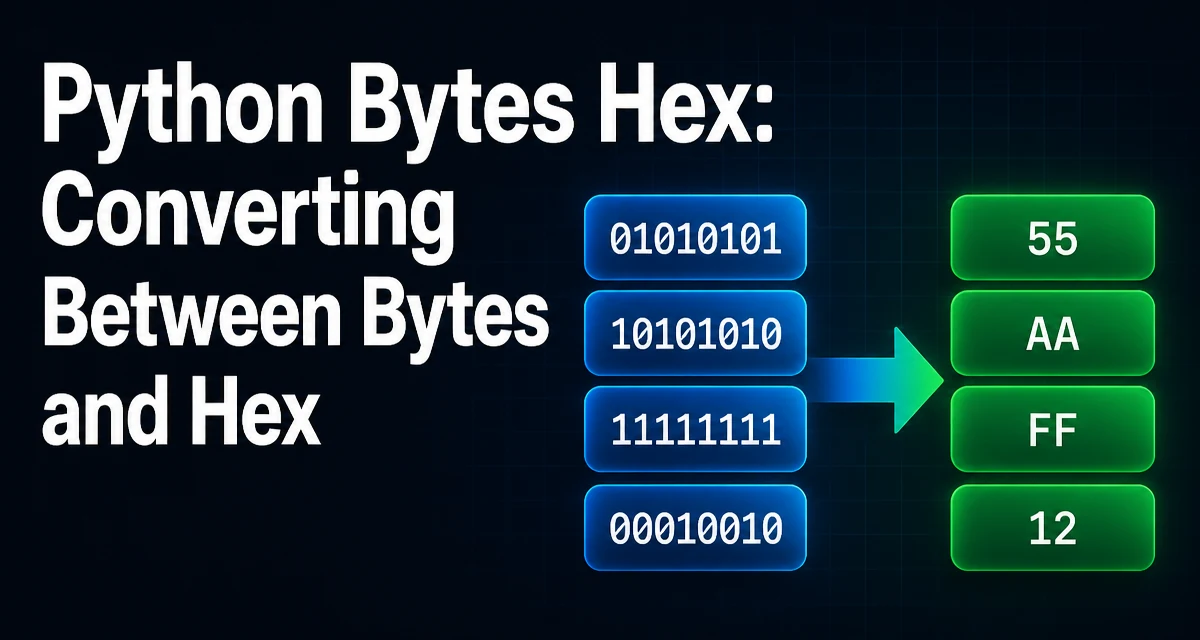
python bytes hex requires a clear understanding of the core syntax, runtime behavior, and practical implementation patterns demonstrated in the examples below.
When working with binary data in Python, converting between bytes and hexadecimal strings is a frequent task. The bytes type provides built-in methods for this, but there are also functions in the binascii module that offer similar functionality. Understanding the differences and when to use each is important for writing efficient and correct code.
Converting Bytes to Hex with bytes.hex()
The simplest way to get a hexadecimal representation of a bytes object is to call the .hex() method. This method returns a string containing two hexadecimal digits for each byte.
data = b'\x01\x02\xff'
hex_str = data.hex()
print(hex_str)  # '0102ff'
The .hex() method is available on all bytes objects in Python 3.5 and later. It is concise and does not require importing any additional modules. The output is always lowercase hexadecimal characters.
If you need uppercase letters, you can call .upper() on the resulting string, but be aware that this creates a new string object.
hex_str_upper = data.hex().upper()
print(hex_str_upper)  # '0102FF'
Converting Hex Strings Back to Bytes with bytes.fromhex()
The inverse operation is performed with the class method bytes.fromhex(). This method parses a string containing hexadecimal digits and returns a bytes object.
hex_str = '0102ff'
data = bytes.fromhex(hex_str)
print(data)  # b'\x01\x02\xff'
bytes.fromhex() ignores whitespace between pairs of hex digits, which can be convenient when parsing formatted input.
data = bytes.fromhex('01 02 ff')
print(data)  # b'\x01\x02\xff'
If the input string contains an odd number of hex digits, a ValueError is raised. The method also rejects characters that are not valid hexadecimal digits.
Using binascii for Hex Conversion
The binascii module provides hexlify() and unhexlify() functions that work similarly to the bytes methods. These functions are particularly useful when working with byte-like objects that are not necessarily bytes, such as bytearray or memory views.
import binascii

data = b'\x01\x02\xff'
hex_str = binascii.hexlify(data).decode('ascii')
print(hex_str)  # '0102ff'
Note that binascii.hexlify() returns a bytes object, so you often need to decode it to a string. Similarly, binascii.unhexlify() can convert a hex string (or bytes) back to bytes.
hex_str = '0102ff'
data = binascii.unhexlify(hex_str)
print(data)  # b'\x01\x02\xff'
One advantage of binascii is that it can handle input that is already a bytes object, which can be useful when you are working with data from a socket or file and want to avoid unnecessary string conversions.
Handling Large Byte Sequences Efficiently
When dealing with large binary data, the choice of conversion method can affect memory usage and performance. Both bytes.hex() and binascii.hexlify() produce a complete string representation of the entire input. For very large byte sequences, this can double the memory footprint because the hex string is roughly twice the size of the original data.
If memory is a concern, you might process the data in chunks rather than converting the whole object at once. For example, you can read a file in blocks and convert each block individually, writing the hex output to a file or buffer.
def file_to_hex(file_path, chunk_size=8192):
    with open(file_path, 'rb') as f:
        while True:
            chunk = f.read(chunk_size)
            if not chunk:
                break
            yield chunk.hex()
This generator yields hex strings for each chunk, allowing you to stream the output without holding the entire converted data in memory.
Common Pitfalls with Hex Conversion
A frequent mistake is confusing bytes.hex() with the hex() built-in function, which is used for integers. Calling hex() on a bytes object raises a TypeError because bytes is not an integer.
Another pitfall is mixing up the direction of conversion. bytes.fromhex() expects a string of hex digits, not a string with 0x prefix. If you have a string like '0x1a', you must strip the prefix first.
hex_str = '0x1a'
data = bytes.fromhex(hex_str[2:])
When using binascii.unhexlify(), the input can be either a string or a bytes object, but it must contain an even number of hex digits. If you pass a string with spaces, unhexlify() does not ignore them, unlike bytes.fromhex(). This is a subtle difference that can cause errors if you rely on whitespace tolerance.
Choosing Between bytes.hex() and binascii.hexlify()
In most cases, the built-in bytes.hex() and bytes.fromhex() methods are sufficient and more readable. They are also slightly faster because they are implemented directly on the bytes type. However, binascii functions are more flexible when you need to work with byte-like objects other than bytes, such as bytearray or memory views.
If you are writing code that must support Python 2 (though it is end-of-life), binascii.hexlify() is the only option because bytes.hex() was introduced in Python 3.5. For modern Python 3 code, prefer the bytes methods for clarity and simplicity.
Performance and Memory Considerations
The time complexity of both conversion methods is linear in the size of the input. The main difference is in how they handle input types and whether they return a string or a bytes object. For most applications, the performance difference is negligible. However, if you are converting extremely large byte arrays repeatedly, consider whether you need the entire hex string at once or if you can process chunks.
Memory usage is more significant: the hex string is always twice the size of the original bytes. If you are storing many hex strings, this can add up. In such cases, you might store the original bytes and convert on demand, or use a more compact representation if the data is highly compressible.
Another consideration is the encoding of the hex string. If you need to send the hex over a network or write it to a text file, you might want to use ASCII encoding. The bytes.hex() method returns a str, which is already Unicode in Python 3, so it can be written directly to a text file. With binascii.hexlify(), you must decode the returned bytes to a string, which adds a small overhead.
For most practical purposes, the built-in methods are the right choice. They are simple, fast, and directly express the intent of converting between bytes and hex. The binascii module remains useful for compatibility and for handling byte-like objects that are not strictly bytes.