Python Bytes Indexing: How It Works and Where It Breaks
python bytes indexing: Learn how indexing works on Python bytes objects, what values are returned, and common pitfalls when slicing and iterating over binary data.
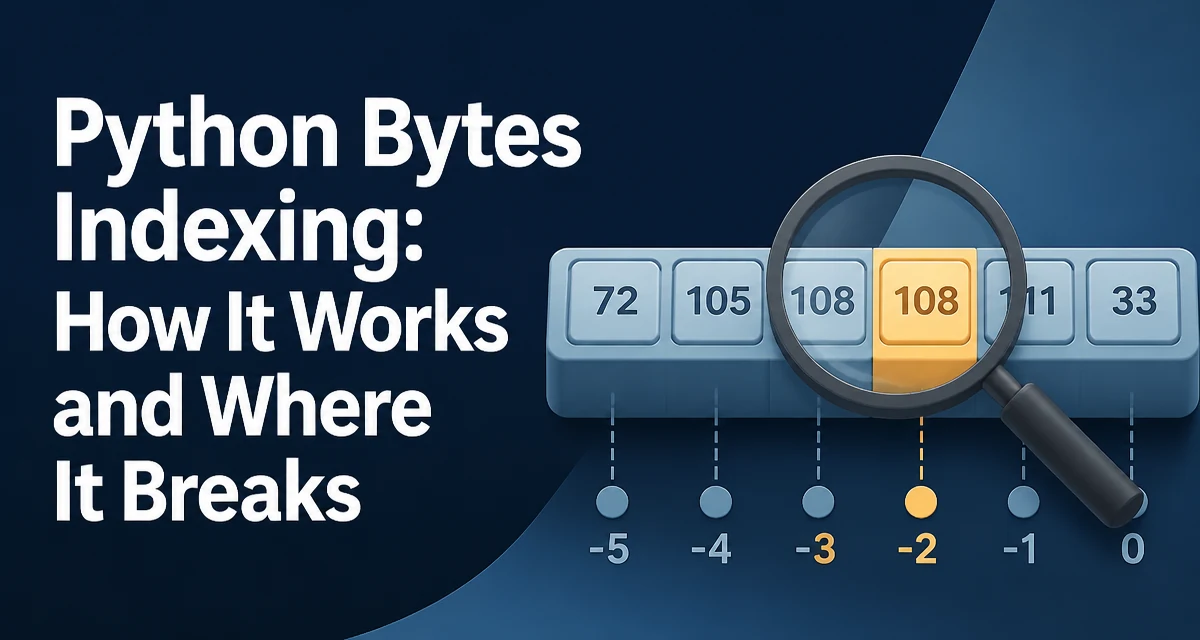
Indexing into a Python bytes object returns an integer, not a one-byte bytes object. This is the first thing that surprises developers coming from strings or lists. For example, b'abc'[0] evaluates to 97, the ASCII code for 'a', not b'a'. Understanding this behavior is essential for correct binary data handling, especially when porting code from languages where indexing a byte array returns a byte.
What Python Bytes Indexing Returns
A bytes object is an immutable sequence of integers in the range 0–255. Each index position holds a single unsigned byte value. The syntax b[i] returns that integer directly. No conversion is needed, and no intermediate object is created for the returned value.
b = b'hello'
print(b[0])  # 104
print(b[1])  # 101
print(b[4])  # 111
This differs from a str object, where s[i] returns a one-character string. It also differs from a bytearray, which also returns an integer when indexed. The key distinction is that bytes is immutable, while bytearray is mutable.
Basic Indexing and Slicing
Slicing a bytes object returns a new bytes object, not a list of integers. The slice syntax b[start:stop] works exactly like list slicing, but the result is a contiguous sequence of bytes.
b = b'python'
print(b[1:4])  # b'yth'
print(b[:2])   # b'py'
print(b[3:])   # b'hon'
When you need a single byte as a bytes object rather than an integer, use a slice with a length of one: b[i:i+1]. This is a common pattern when you want to pass a single byte to a function that expects a bytes-like object.
def first_byte_as_bytes(b):
    return b[:1]
Negative Indices and Steps
Negative indices count from the end of the sequence. b[-1] returns the last byte as an integer, and b[-3:] returns the last three bytes as a bytes object. This mirrors list behavior.
b = b'python'
print(b[-1])   # 110 (ord('n'))
print(b[-3:])  # b'hon'
The step parameter allows you to skip bytes. b[::2] returns every second byte, and b[::-1] reverses the sequence.
b = b'python'
print(b[::2])   # b'pto'
print(b[::-1])  # b'nohtyp'
Reversing with [::-1] creates a new bytes object. For large binary blobs, this copies the entire data. If you need to process bytes in reverse order without copying, consider iterating with a reversed range or using a memoryview with a negative step.
Indexing vs. Iteration
Iterating over a bytes object yields integers, not one-byte bytes objects. This is consistent with indexing behavior.
for byte in b'abc':
    print(byte, type(byte))
# 104 <class 'int'>
# 101 <class 'int'>
# 99 <class 'int'>
If you need to iterate over the individual bytes as bytes objects, you can use a slice or convert each integer back with bytes([byte]). The latter creates a new object per byte, which is inefficient for large data. A more efficient approach is to use memoryview and cast to a different format if needed.
Common Mistakes with Bytes Indexing
One frequent mistake is assuming b[i] returns a bytes object and then attempting to concatenate it with another bytes object. This raises a TypeError because you are mixing int and bytes.
b = b'hello'
# This fails: can't concat int to bytes
# b'x' + b[0]
Another mistake is trying to assign to an indexed position of a bytes object, which is immutable. If you need mutable byte sequences, use bytearray.
ba = bytearray(b'hello')
ba[0] = 72  # ASCII 'H'
print(ba)  # bytearray(b'Hello')
A third issue arises when comparing b[i] to a bytes literal. For example, b'abc'[0] == b'a' is False because the left side is 97 and the right side is b'a'. Always compare to an integer or use a slice for comparison.
Performance and Memory Considerations
Indexing a bytes object is O(1) and does not allocate a new object. Slicing, however, always creates a new bytes object and copies the selected bytes. For large buffers, repeated slicing can cause significant memory churn.
If you need to access non-contiguous bytes without copying, use a memoryview. A memoryview exposes the buffer protocol and supports indexing and slicing without copying the underlying data.
b = b'abcdef'
mv = memoryview(b)
print(mv[1])    # 98
print(mv[1:4])  # <memory at 0x...>
print(bytes(mv[1:4]))  # b'bcd'
Note that memoryview indexing still returns an integer, and slicing returns another memoryview. To get a bytes object, you must call bytes() on the slice. This is useful when you want to avoid copying large chunks of data during parsing or protocol handling.
When to Use bytearray or memoryview
Choose bytes when you need an immutable, hashable sequence of bytes. Choose bytearray when you need to modify individual bytes in place. Choose memoryview when you need to view or slice a large binary buffer without copying, especially when working with network packets, file I/O, or C extensions.
Indexing a bytearray behaves the same as indexing bytes — it returns an integer. But bytearray allows assignment, which is often necessary when building binary protocols.
ba = bytearray(4)
ba[0] = 0x01
ba[1] = 0x02
print(ba)  # bytearray(b'\x01\x02\x00\x00')
For read-only access to a large buffer without copying, memoryview is the right tool. It also supports format casting, which can be useful when interpreting binary data as integers or floats. However, a memoryview is more complex and requires careful handling of the underlying buffer's lifetime.
Understanding the exact return type of bytes indexing and slicing prevents subtle bugs when parsing binary formats, implementing network protocols, or interfacing with low-level system calls. Always verify whether you are working with an integer or a bytes object before using the result in further operations.