Python Bytes Type: Binary Data Handling
python bytes type: Learn how to create, manipulate, and convert Python bytes objects for binary data handling, with practical examples and performance considerations.
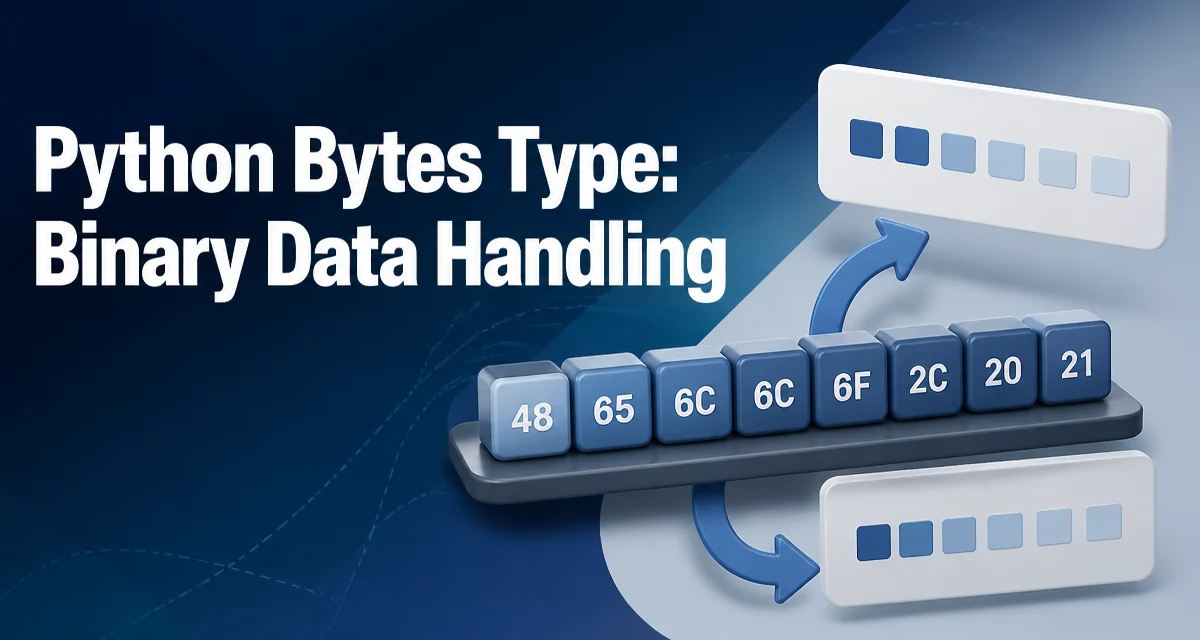
The Python bytes type is an immutable sequence of integers in the range 0 to 255. It is the fundamental type for working with binary data, network packets, file I/O, and encoded text. Understanding how bytes behaves is essential for any developer handling raw data, because it sits at the boundary between text and machine-level representation.
What the bytes Type Actually Is
A bytes object is a fixed-length, immutable sequence of unsigned integers. Each element is a value from 0 to 255, which corresponds directly to a single byte in memory. This is distinct from a str object, which stores Unicode code points. The separation exists so that binary data and text are never silently mixed. When you read from a binary file or a socket, you receive bytes; when you read from a text file, you receive str.
The immutability of bytes means that once created, you cannot modify individual elements. This is a deliberate design choice that allows bytes objects to be used as dictionary keys, stored in sets, and safely shared across threads without locking. If you need a mutable buffer, you use bytearray or memoryview instead.
Creating bytes Objects
There are several ways to create a bytes object, each suited to a different source of data.
The most direct is a literal, using a b prefix:
raw = b'hello'
print(type(raw))  # <class 'bytes'>
print(raw)        # b'hello'
The literal only accepts ASCII characters. For non-ASCII text, you must provide an encoding explicitly via the bytes() constructor:
raw = bytes('héllo', encoding='utf-8')
print(raw)  # b'h\xc3\xa9llo'
You can also create a bytes object from an iterable of integers, a single integer (which produces a zero-filled sequence), or a buffer object:
from_iterable = bytes([104, 101, 108, 108, 111])  # b'hello'
from_int = bytes(5)                                # b'\x00\x00\x00\x00\x00'
from_buffer = bytes(memoryview(b'abc'))            # b'abc'
The integer form is useful for preallocating a buffer, but be aware that it fills with null bytes, not zeros in a meaningful sense.
Indexing, Slicing, and Concatenation
Indexing a bytes object returns an integer, not a single-byte bytes object. This is a common point of confusion for developers coming from other languages.
data = b'abc'
print(data[0])   # 97
print(data[0:1]) # b'a'
Slicing always returns a new bytes object. Concatenation with + creates a new object, as does repetition with *:
combined = b'foo' + b'bar'   # b'foobar'
repeated = b'ab' * 3         # b'ababab'
Because bytes is immutable, every concatenation allocates a new object and copies the original data. If you are building a large binary payload in a loop, this repeated copying can become a performance bottleneck. In that case, use a bytearray to accumulate data and then convert it to bytes once at the end.
Common bytes Methods
The bytes type provides a rich set of methods that operate on the binary content. Many mirror str methods, but they work on byte values rather than characters.
data = b'one,two,three'
parts = data.split(b',')          # [b'one', b'two', b'three']
replaced = data.replace(b'two', b'2')  # b'one,2,three'
found = data.find(b'two')         # 4
Methods like startswith, endswith, count, and index behave as expected. The hex method returns a string of hexadecimal digits, and fromhex is a classmethod that builds a bytes object from a hex string:
hex_repr = b'\x01\xff'.hex()   # '01ff'
back = bytes.fromhex('01ff')    # b'\x01\xff'
For binary protocols, int.from_bytes and int.to_bytes are indispensable for converting between integers and fixed-length byte sequences:
value = 0x1234
as_bytes = value.to_bytes(2, byteorder='big')   # b'\x12\x34'
back = int.from_bytes(as_bytes, byteorder='big')  # 4660
Converting Between bytes and str
The most common operation is converting between bytes and str. This is always an encoding or decoding step, never a cast. The encode method on str produces bytes, and the decode method on bytes produces str.
text = 'café'
encoded = text.encode('utf-8')   # b'caf\xc3\xa9'
decoded = encoded.decode('utf-8') # 'café'
You must specify the same encoding in both directions. UTF-8 is the default, but if the data came from a legacy system, you may need latin-1, utf-16, or another codec. When decoding, you can handle malformed data with the errors parameter:
raw = b'\xff\xfe'
try:
    text = raw.decode('utf-8')
except UnicodeDecodeError:
    text = raw.decode('utf-8', errors='replace')  # '��'
The errors parameter accepts 'strict', 'ignore', 'replace', and 'backslashreplace', among others. Choosing the right error handler is critical when processing untrusted input.
bytes vs bytearray vs memoryview
bytes is immutable, but Python also provides bytearray (mutable) and memoryview (zero-copy view). The choice depends on whether you need to modify the data and whether you can afford copying.
| Feature | bytes | bytearray | memoryview |
|---|---|---|---|
| Mutability | Immutable | Mutable | Depends on underlying |
| Index returns | int | int | int |
| Slice returns | bytes | bytearray | memoryview |
| Use case | Fixed data | Building buffers | Zero-copy access |
A bytearray can be modified in place, which is efficient for accumulating data. Once complete, you can convert it to bytes with bytes(bytearray_obj). A memoryview lets you access a buffer without copying, which is useful when working with large binary files or network frames.
buf = bytearray(b'hello')
buf[0] = 72  # now b'Hello'
final = bytes(buf)
Performance and Memory Considerations
The immutability of bytes has direct performance implications. Concatenation in a loop creates a new object each iteration, leading to O(n²) copying. For building large payloads, use bytearray and append, or use io.BytesIO for stream-like accumulation.
# Inefficient: repeated concatenation
result = b''
for i in range(1000):
    result += b'x'

# Efficient: bytearray accumulation
buf = bytearray()
for i in range(1000):
    buf.append(ord('x'))
result = bytes(buf)
Memory usage is also affected by slicing. A slice of a bytes object copies the data, so holding a small slice of a large object keeps the entire original object alive if you keep a reference to the slice. If you need to keep only a portion, consider copying it explicitly or using memoryview to avoid the copy.
Common Pitfalls and Compatibility
A frequent error is mixing str and bytes in operations like concatenation or comparison. Python raises a TypeError when you try to combine them without explicit conversion.
# TypeError: can't concat str to bytes
text = b'hello' + ' world'
Another pitfall is assuming indexing returns a one-byte bytes object. It returns an integer, so you must use a slice to get a single byte. This matters when you are iterating over binary data and trying to compare bytes.
data = b'abc'
for b in data:
    print(b)  # prints integers 97, 98, 99
Finally, be aware of Python 2 legacy code where str was effectively bytes. In Python 3, the distinction is strict, and code that relied on implicit conversion will break. When migrating, use bytes for binary data and str for text, and always specify encodings explicitly.
For network and file I/O, always read and write binary data using bytes and avoid decoding unless you know the encoding. This prevents data corruption and keeps your code robust across different platforms.