Python Casting: Explicit Type Conversion Explained
python casting: Learn how Python casting works: explicit conversion with built-in functions, implicit coercion, container conversions, and common pitfalls.
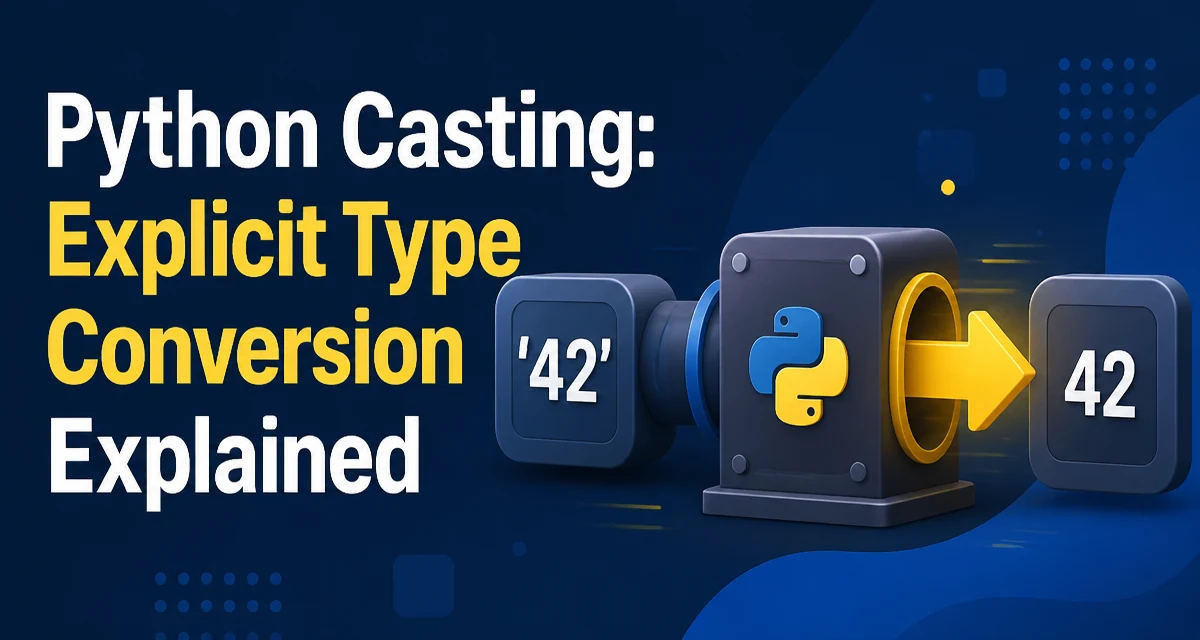
Python casting refers to the explicit conversion of a value from one type to another using built-in functions. Unlike statically typed languages, Python doesn't require you to declare variable types, but you often need to convert values when reading user input, parsing data from files, or passing arguments to functions that expect a specific type. Understanding how casting behaves—and where it can fail—prevents subtle bugs and keeps code predictable.
Explicit Casting with Built-in Functions
The most direct form of python casting is calling a type constructor like int(), float(), str(), or bool() on a value. These functions return a new object of the target type when the conversion is possible.
number_str = "42"
number_int = int(number_str)
print(number_int, type(number_int))  # 42 <class 'int'>

pi_str = "3.14159"
pi_float = float(pi_str)
print(pi_float, type(pi_float))  # 3.14159 <class 'float'>
int() accepts strings that represent whole numbers, with optional leading and trailing whitespace. It also accepts floats, truncating toward zero: int(3.9) returns 3. float() accepts strings containing decimal points, exponents, or the special values "inf" and "nan". str() converts almost any object to its printable representation, which is useful for logging or concatenation.
bool() follows Python's truthiness rules: False for zero, empty containers, None, and False itself; everything else is True. This is often used implicitly in conditions, but explicit casting can make intent clear when storing a boolean flag derived from another value.
Implicit Type Coercion in Python
Python also performs implicit type coercion in certain operations, which is not the same as explicit casting. When you combine int and float in arithmetic, Python automatically converts the int to float to avoid losing precision.
result = 3 + 0.14
print(result, type(result))  # 3.14 <class 'float'>
This behavior is defined by numeric type promotion: bool is a subclass of int, and int promotes to float, which promotes to complex. No explicit cast is needed. However, Python will not implicitly convert a string to a number. The expression "3" + 4 raises a TypeError because the semantics are ambiguous. This strictness prevents silent data corruption and forces you to decide how to handle the conversion.
Casting Between Container Types
Python's container types—list, tuple, set, and dict—can be converted from one to another using their constructors. These conversions are shallow: they copy references to the elements, not the elements themselves.
my_tuple = (1, 2, 3)
my_list = list(my_tuple)
my_set = set(my_list)
print(my_set)  # {1, 2, 3}

my_dict = {"a": 1, "b": 2}
keys_list = list(my_dict)
print(keys_list)  # ['a', 'b']
list() and tuple() preserve order, while set() discards duplicates and loses ordering. Converting a dictionary to a list yields its keys. To get key-value pairs, use list(my_dict.items()). These conversions are common when you need to change a data structure for a specific algorithm or API requirement.
Common Casting Pitfalls
Several casting operations fail in ways that surprise new developers. int() cannot parse a string that contains a decimal point or exponent, even if the value is mathematically an integer. For example, int("3.0") raises a ValueError. You must first convert to float and then to int.
value = "3.0"
try:
    number = int(value)
except ValueError:
    number = int(float(value))
print(number)  # 3
Another pitfall is converting None or an empty string. int(None) raises TypeError, while int("") raises ValueError. When parsing user input, always validate the format before casting, or catch the exceptions and provide a meaningful error message.
bool("False") returns True because any non-empty string is truthy. If you need to interpret the string "False" as a boolean, you must compare explicitly: value.lower() == "true". Similarly, float("nan") returns a float that is not equal to itself, which can break equality checks.
Performance and Readability Considerations
Casting in Python is not free; every call creates a new object and may involve parsing or allocation. In performance-sensitive loops, avoid repeated casting of the same value. For example, if you read a list of numeric strings and need to sum them, cast once and store the result.
# Inefficient: casts twice for each element
values = ["1", "2", "3"]
total = sum(int(v) for v in values)

# Better: cast once and reuse
numbers = [int(v) for v in values]
total = sum(numbers)
The second version is clearer and avoids re-parsing the same string if you later need the numeric values. Readability also improves when you use descriptive variable names for the converted result, such as user_id = int(raw_id) instead of reusing the original variable.
When to Rely on Duck Typing Instead of Explicit Casting
Python's dynamic nature often lets you avoid explicit casting altogether through duck typing. If a function only needs an object that supports iteration, you can pass any iterable without converting it to a list. If you need to call a method that expects a string, you can use str.format() or f-strings to interpolate values directly, which internally calls __format__ and handles conversion.
def print_scores(scores):
    for score in scores:
        print(f"Score: {score}")

print_scores([90, 85, 88])  # No casting needed
Explicit casting becomes necessary when you must guarantee a specific type for an API contract, such as passing an integer to a function that uses it as a list index or dictionary key. In those cases, casting early and validating the result is better than relying on implicit behavior that might change with the input.
Handling Casting Failures Gracefully
When casting data from untrusted sources, such as HTTP request parameters or configuration files, assume the conversion can fail. Use try/except to handle ValueError and TypeError separately, and log the original value for debugging.
def safe_int(value, default=0):
    try:
        return int(value)
    except (ValueError, TypeError):
        return default
This pattern keeps the rest of your code free from repeated exception handling. For more complex validation, consider using a library like pydantic or dataclasses with custom __post_init__ methods, but for a single conversion, a small helper function is sufficient. The key is to make the failure mode explicit and avoid letting a TypeError propagate to an unrelated part of the application.