Python Celery Rate Limits: Syntax and Worker Behavior
python celery rate limits: Configure and enforce rate limits on Celery tasks, understand the rate limit string syntax, and learn how limits behave across worker proces...
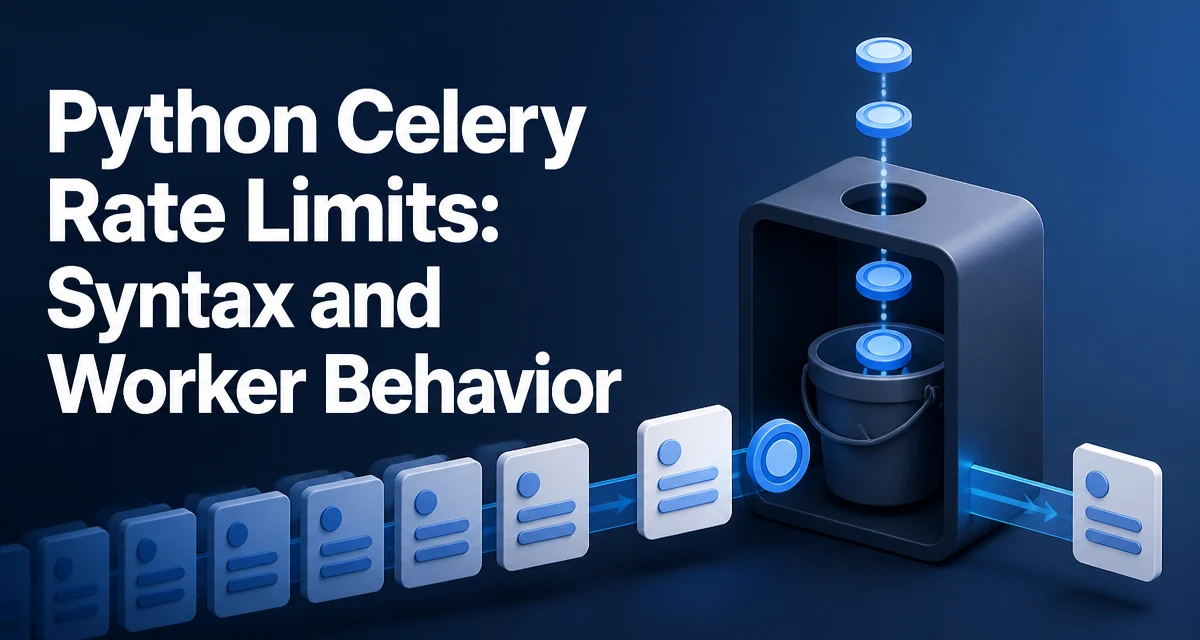
Python Celery rate limits control how many times a task can run within a given time window. The limit is declared on the task itself, either in the task decorator or through task annotations, and the worker enforces it as tasks are consumed from the broker. Rate limits are useful for tasks that call external APIs with quota limits, write to rate-limited services, or must not flood a shared resource.
How Celery Rate Limits Are Enforced
The rate limit is not applied by the broker. The broker simply delivers messages to workers. Each worker process maintains its own rate limiter and applies the limit independently. This means the effective throughput of a task is the per-worker rate multiplied by the number of worker processes running that task.
Celery implements rate limiting with a token bucket. The bucket refills at a fixed rate, and each task execution consumes a token. When the bucket is empty, the worker holds the task until a token becomes available. The task stays in the worker's memory during this wait; it is not returned to the broker.
Setting a Rate Limit on a Task
The simplest way to set a rate limit is the rate_limit argument in the task decorator:
from celery import Celery

app = Celery("tasks", broker="redis://localhost:6379/0")

@app.task(rate_limit="10/m")
def send_notification(user_id):
    # ...
    pass
Here 10/m means the worker will start at most ten executions of send_notification per minute. The rate limit applies to that task only. Other tasks in the same worker are unaffected.
You can also set the rate limit after the task is defined:
send_notification.rate_limit = "30/m"
Changing the attribute affects the task definition in the current process. For a change to apply across all workers, it must be part of the task definition or configuration that every worker loads.
Rate Limit String Syntax
The rate limit string has two parts: a number and a time unit.
| Example | Meaning |
|---|---|
10/s | 10 executions per second |
100/m | 100 executions per minute |
1000/h | 1000 executions per hour |
2000/d | 2000 executions per day |
0 | No limit (rate limiting disabled) |
The time unit is a single letter: s for seconds, m for minutes, h for hours, d for days. The number must be a positive integer. Setting the rate limit to 0 or None disables the limit entirely.
Runtime Configuration with task_annotations
Rate limits can also be applied globally through task_annotations in the Celery configuration. This keeps rate limits out of the task code and lets you change them without editing the task module:
app.conf.task_annotations = {
    "send_notification": {"rate_limit": "30/m"},
    "tasks.export_report": {"rate_limit": "2/m"},
}
Annotations can match by task name, and the values are merged into the task options at worker startup. This is useful when the same task is shared across projects and each deployment needs a different limit.
Why Rate Limits Are Per Worker Process
The most common misunderstanding is that a rate limit of 10/m means ten executions per minute across the entire cluster. It does not. Each worker process enforces its own limit.
If you run four worker processes with --concurrency=4, a task with rate_limit="10/m" can execute up to 40 times per minute, because each of the four processes maintains its own token bucket. The same applies when you run multiple worker instances on different machines.
This behavior matters when the limit exists to protect an external service. If the external API allows 100 requests per minute, a single worker with rate_limit="100/m" is safe. Scaling to two workers with the same limit doubles the request rate to 200 per minute, which may exceed the quota.
To enforce a cluster-wide limit, you need an external mechanism such as a shared token bucket in Redis or a distributed rate limiter. Celery's built-in rate limit does not coordinate across processes.
Edge Cases and Common Mistakes
Rate limits interact with task retries. When a task is retried, the retry is a separate execution and consumes a token. A task that fails repeatedly can exhaust the bucket and delay all other executions of that task.
Long-running tasks also affect the observed rate. The rate limit controls how many tasks the worker starts per time window, not how long each task takes. If tasks take longer than the interval between allowed starts, the actual throughput will be lower than the configured rate.
The rate limit applies per task, not per queue. Two different tasks that both call the same external API each have their own limit. If you need a combined limit across multiple tasks, you need a shared limiter outside Celery.
Observing Rate Limit Behavior in Production
The worker logs when a task is rate limited. In the default logging setup, you will see messages indicating the task was delayed due to rate limiting. Monitoring the queue depth and the worker's active and reserved task counts helps distinguish rate limiting from a slow consumer.
If a rate-limited task is also part of a chain or group, the downstream tasks wait until the limited task completes. This can create backpressure that appears as an idle worker even though the queue is full. Inspecting the worker's reserved tasks shows whether tasks are held by the rate limiter.