Python Complex Numbers: Syntax, Operations, and the cmath Module
python complex numbers: Learn how Python represents complex numbers, performs arithmetic, and uses the cmath module for advanced math functions with practical examples.
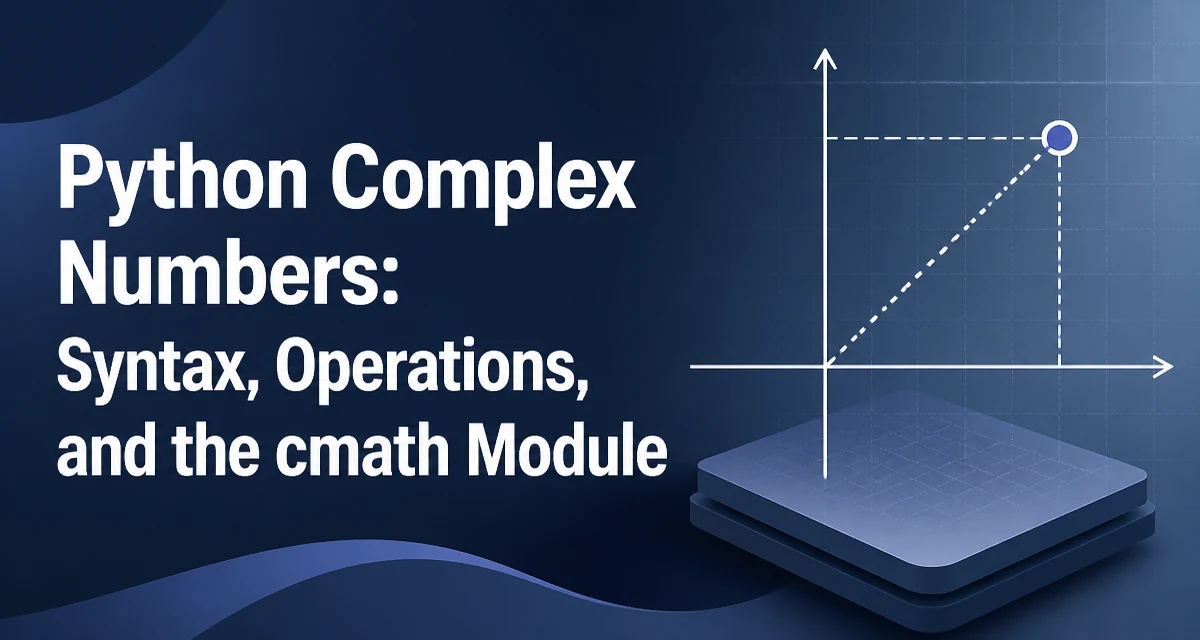
Python has built-in support for complex numbers, making it straightforward to work with values that have real and imaginary parts. The complex type is a first-class citizen, so you can assign, compare, and perform arithmetic without importing external libraries. This article covers the syntax, core operations, the cmath module for advanced math, common pitfalls, and performance considerations for python complex numbers.
How Python Represents Complex Numbers
A complex number in Python is created either with the complex(real, imag) constructor or with the literal syntax a + bj, where j (or J) denotes the imaginary unit. The literal form is often more readable and avoids a function call.
z1 = complex(3, 4)   # 3 + 4j
z2 = 3 + 4j          # same value
print(z1 == z2)      # True
The real and imag attributes give direct access to the components. Both are stored as Python floats, even if the input was an integer.
z = 2 + 5j
print(z.real)  # 2.0
print(z.imag)  # 5.0
Because the components are floats, operations on complex numbers inherit the usual floating-point behavior. This matters when you compare values or rely on exact equality.
Arithmetic Operations on Complex Numbers
All standard arithmetic operators work with complex numbers: +, -, *, /, and **. The result is always a complex number, even when the imaginary part becomes zero.
a = 1 + 2j
b = 3 - 4j

print(a + b)  # (4-2j)
print(a - b)  # (-2+6j)
print(a * b)  # (11+2j)
print(a / b)  # (-0.2+0.4j)
Division follows the standard formula: multiply numerator and denominator by the conjugate of the denominator. Python handles this internally, so you don't need to normalize manually.
The absolute value (abs()) returns the magnitude, and the .conjugate() method returns the complex conjugate.
z = 3 + 4j
print(abs(z))        # 5.0
print(z.conjugate()) # (3-4j)
These operations are implemented in C and are efficient for individual calculations. However, when you need to perform many operations in a loop, the overhead of creating new complex objects can become noticeable, which we'll revisit later.
Using the cmath Module for Advanced Functions
The standard math module works only with real numbers. For complex-specific functions, Python provides the cmath module. It includes versions of common mathematical functions that accept and return complex numbers, such as sqrt, exp, log, sin, cos, and phase.
import cmath

z = 1 + 1j
print(cmath.sqrt(z))      # (1.09868411346781+0.45508986056222733j)
print(cmath.exp(z))       # (1.4686939399158851+2.2873552871788423j)
print(cmath.phase(z))     # 0.7853981633974483  (π/4 radians)
The cmath.phase() function returns the angle in radians, which is useful for polar representation. To convert from polar to rectangular form, use cmath.rect(r, phi).
r = 2.0
phi = cmath.pi / 4
z = cmath.rect(r, phi)
print(z)  # (1.4142135623730951+1.4142135623730951j)
When you need a mathematical function that isn't in cmath, you can often build it from the available primitives. For example, a complex logarithm with a different branch cut can be constructed using cmath.log and adjusting the phase, but the default branch is sufficient for most applications.
Converting Between Complex and Other Numeric Types
Converting a complex number to a real type is only possible when the imaginary part is exactly zero. Attempting to call float(z) on a complex number with a nonzero imaginary part raises a TypeError. You can check the imaginary part explicitly.
z = 2 + 0j
if z.imag == 0:
    value = float(z.real)
    print(value)  # 2.0
else:
    print("Cannot convert to float; imaginary part is not zero")
Converting from real numbers to complex is implicit in arithmetic, but you can also use the constructor. For example, complex(3) gives (3+0j). This is often useful when you need a complex result from a real input.
Common Pitfalls When Working with Complex Numbers
A frequent mistake is forgetting the j suffix in literals. Writing 3 + 4 is just integer addition, not a complex number. Always include j for the imaginary part.
Another issue is that complex numbers do not support ordering. You cannot use <, >, <=, or >= on them. If you need to sort a list of complex numbers, you must define a key, such as magnitude or real part.
numbers = [1+2j, 3-1j, -2+4j]
sorted_by_magnitude = sorted(numbers, key=abs)
print(sorted_by_magnitude)  # [(3-1j), (1+2j), (-2+4j)]
Floating-point equality is another subtlety. Because components are floats, two complex numbers that should be mathematically equal may differ due to rounding. Use math.isclose with a tolerance when comparing.
import math
z1 = 0.1 + 0.2j
z2 = 0.3 + 0.0j
print(z1 == z2)  # False
print(math.isclose(z1.real, z2.real) and math.isclose(z1.imag, z2.imag))  # True
Finally, be careful when using complex numbers as dictionary keys. They are hashable, but because of floating-point representation, two values that are mathematically equal might not have the same hash if computed differently. Prefer using strings or tuples of rounded values if exact matching is required.
Performance Considerations for Complex Number Operations
Each complex operation allocates a new complex object. In tight loops, this allocation overhead can dominate, especially when the loop runs millions of times. For example, summing a list of complex numbers with a loop creates a new object for each addition.
def sum_complex(values):
    total = 0j
    for v in values:
        total += v
    return total
This is fine for moderate-sized lists, but for heavy numeric workloads, consider using a library like NumPy, which stores complex numbers in contiguous arrays and performs vectorized operations without per-element object allocation. NumPy is not part of the standard library, but it is the de facto standard for numerical computing in Python.
If you must stay with the standard library, you can reduce overhead by minimizing intermediate objects. For instance, when performing many operations on the same pair of complex numbers, reuse the results rather than creating new variables. Also, avoid converting between complex and float repeatedly inside loops; keep values in complex form until you need the real component.
Another consideration is memory. Each complex object stores two floats and carries Python object overhead. For large datasets, this can be significant. Again, arrays or structured storage are more memory-efficient. The standard library's array module supports complex numbers via the 'd' typecode for real and imaginary parts separately, but it does not provide a native complex array type. For that, you would need a third-party library.
In practice, the built-in complex type is suitable for most application-level code, such as signal processing in small scripts, educational examples, or prototypes. When performance becomes a bottleneck, profile first and then consider vectorized alternatives.