Python Dict Copy: Shallow vs Deep Copy
python dict copy: Learn how to copy dictionaries in Python: assignment vs .copy(), shallow vs deep copy, and when to use copy.deepcopy().
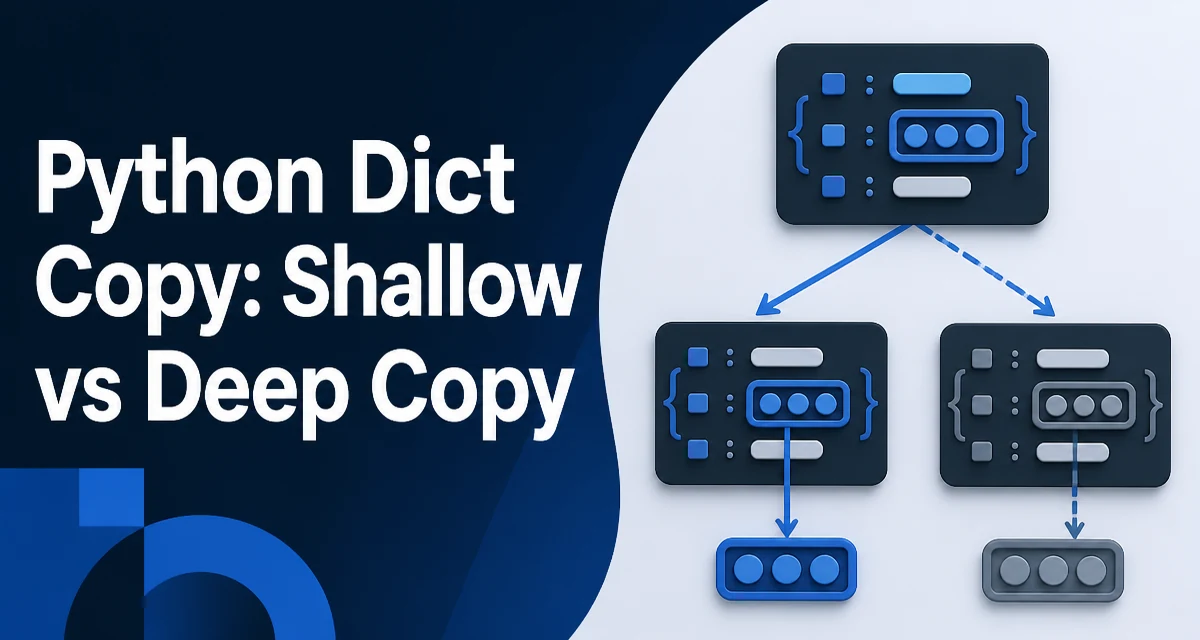
In Python, copying a dictionary is not as straightforward as assigning it to a new variable. The = operator creates a reference, not a copy. This article explains the behavior of python dict copy methods, when to use shallow vs deep copy, and how nested structures affect the result.
The Difference Between Assignment and Copying
When you write new_dict = original_dict, you are not creating a new dictionary. Both names point to the same object in memory. Any change made through one name is visible through the other.
original = {"key": [1, 2, 3]}
assigned = original
assigned["key"].append(4)
print(original)  # {'key': [1, 2, 3, 4]}
This behavior is often surprising when you expect assigned to be an independent copy. The same applies when passing a dictionary to a function: modifying it inside the function affects the caller's dictionary unless you explicitly copy it.
To create an actual copy, you need to use one of the dictionary copy methods. The two main approaches are shallow copy and deep copy.
Shallow Copy with .copy() and dict()
The dict.copy() method and the dict() constructor both produce a shallow copy. A shallow copy creates a new dictionary object but inserts references to the same values. For immutable values like strings, integers, or tuples, this is indistinguishable from a deep copy. For mutable values like lists or other dictionaries, the nested objects are still shared.
original = {"items": [1, 2, 3]}
shallow = original.copy()
shallow["items"].append(4)
print(original)  # {'items': [1, 2, 3, 4]}
The top-level dictionary is independent, so adding or removing keys from shallow does not affect original. But modifying a mutable value inside the dictionary affects both because they reference the same list.
The dict() constructor behaves identically:
shallow = dict(original)
Both methods are O(n) where n is the number of top-level keys. They are fast because they only copy the mapping structure, not the values themselves.
Deep Copy with copy.deepcopy()
When you need a fully independent copy, including all nested mutable objects, use copy.deepcopy(). It recursively copies every object it encounters, creating a new object for each mutable container.
import copy

original = {"items": [1, 2, 3], "nested": {"a": 1}}
deep = copy.deepcopy(original)
deep["items"].append(4)
deep["nested"]["b"] = 2
print(original)  # {'items': [1, 2, 3], 'nested': {'a': 1}}
deepcopy also handles circular references and repeated references correctly. If the same object appears multiple times in the dictionary, deepcopy will create a single copy and reuse it, preserving the reference structure.
This comes at a cost. Deep copying is significantly slower and uses more memory than shallow copying because it traverses the entire object graph. The exact overhead depends on the size and depth of the structure.
What Happens with Nested Dictionaries
Nested dictionaries are a common source of copy-related bugs. A shallow copy of a dictionary that contains another dictionary still shares the inner dictionary. Consider a configuration dictionary:
config = {
    "database": {"host": "localhost", "port": 5432},
    "cache": {"ttl": 60}
}

shallow = config.copy()
shallow["database"]["port"] = 5433
print(config["database"]["port"])  # 5433
If you need to modify the inner configuration without affecting the original, a shallow copy is insufficient. You must use deepcopy or manually copy each nested level.
For deeply nested structures, writing manual recursive copy logic is error-prone. copy.deepcopy is the reliable choice unless you have a specific reason to avoid it, such as performance constraints or objects that cannot be deep-copied.
Performance and Memory Considerations
Shallow copying is cheap because it only copies the dictionary's internal table of keys and references. The time is proportional to the number of top-level keys. Deep copying, on the other hand, recursively allocates new objects for every mutable container, which can be orders of magnitude slower for large nested structures.
Memory usage follows the same pattern. A shallow copy shares the underlying values, so it adds only the overhead of a new dictionary object. A deep copy duplicates every mutable object, increasing memory consumption roughly in proportion to the total size of the data.
If you only need to modify the top-level keys, a shallow copy is sufficient. If you need to modify nested values independently, you need a deep copy. There is no middle ground in the standard library without writing custom logic.
One practical approach is to use shallow copy when you know the values are immutable. For example, if a dictionary contains only strings and numbers, a shallow copy behaves like a deep copy. But if there is any chance a value is mutable, assume the copy is shallow unless you verify otherwise.
Choosing the Right Copying Method
The choice between shallow and deep copy depends on how the copy will be used.
Use a shallow copy when:
- You only need to add or remove top-level keys without affecting the original.
- The dictionary values are all immutable (strings, numbers, tuples).
- You want to pass a snapshot of the mapping structure while still sharing large mutable objects intentionally.
Use a deep copy when:
- You need to modify nested lists, dictionaries, or custom objects without affecting the original.
- The dictionary contains user-defined objects that you want to duplicate.
- You are caching or storing a configuration that will be mutated later.
For most production code, copy.deepcopy is the safer default when you are unsure about the structure. The performance cost is usually acceptable unless the data is extremely large or the copy happens in a hot loop.
If performance is critical, consider whether you can restructure the data to avoid deep copying. For example, storing immutable data in tuples or using frozenset for nested collections can make shallow copies behave like deep copies while keeping memory usage low.
Edge Case: Copying Dictionaries with Custom Objects
copy.deepcopy handles objects that implement the __deepcopy__ method. If an object does not implement it, Python falls back to __reduce_ex__ or __copy__. In practice, most built-in types and many third-party classes support deep copying. However, some objects like file handles, sockets, or generator objects cannot be meaningfully deep-copied.
When you call deepcopy on a dictionary containing such objects, Python will raise an exception. In that case, you need to implement a custom copy strategy, either by overriding __deepcopy__ on the object class or by manually reconstructing the dictionary with new instances of the problematic objects.
For example, if a dictionary holds a database connection, a shallow copy is the only sensible option because the connection should be shared. Deep copying would attempt to duplicate the connection, which is usually not supported. This is a case where you must explicitly choose shallow copy and document why.
Understanding these edge cases helps you avoid subtle bugs when copying dictionaries in real applications. Always inspect the types of values in the dictionary before deciding which copy method to use.