Python dict popitem: Remove and Return Dictionary Items
python dict popitem: Learn how dict.popitem() removes and returns entries, its LIFO behavior in Python 3.7+, empty-dict KeyError handling, and when to use it over pop(...
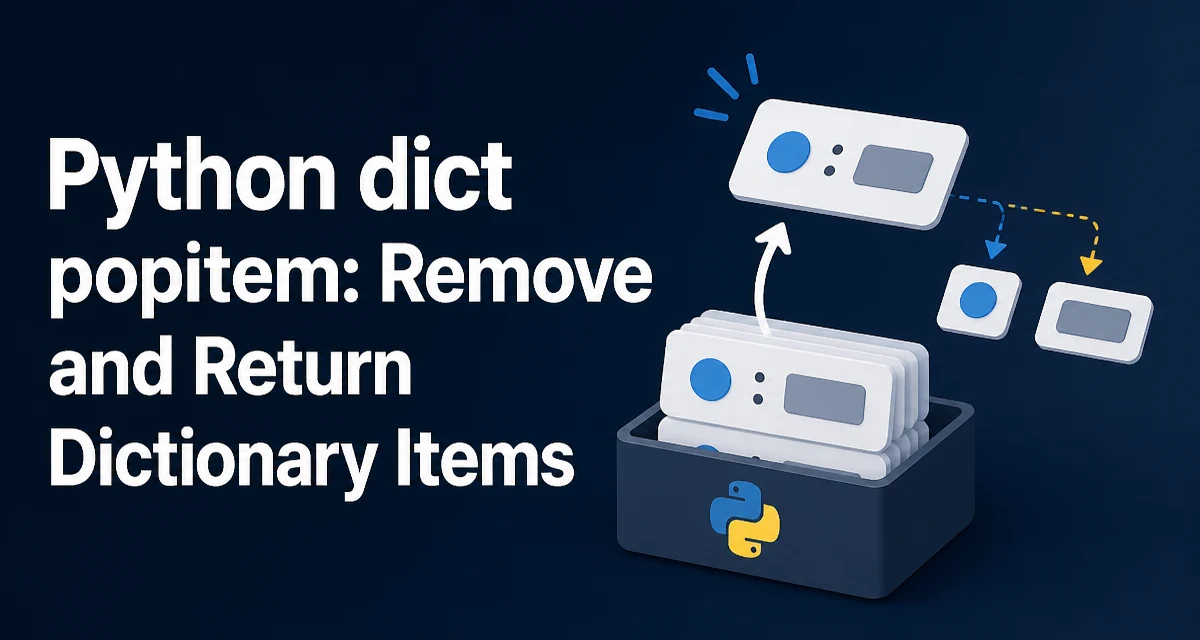
The dict.popitem() method, often searched as python dict popitem, removes and returns a (key, value) pair from a dictionary. It is the only built-in dict method that removes an entry and gives you both the key and the value back in a single call. In Python 3.7 and later, where dictionaries preserve insertion order, popitem() removes the most recently inserted item, which makes it behave like a LIFO stack operation.
Basic Syntax and Return Value
The method takes no arguments. Calling it on a non-empty dictionary returns a two-element tuple:
config = {"host": "localhost", "port": 5432, "timeout": 30}
entry = config.popitem()
print(entry)   # ('timeout', 30)
print(config)  # {'host': 'localhost', 'port': 5432}
The returned tuple is always (key, value), so unpacking works directly:
key, value = config.popitem()
Because popitem() removes the entry from the dictionary, the dictionary shrinks by one element on each call. This differs from methods like get() or items(), which leave the dictionary unchanged.
What Happens When the Dictionary Is Empty
Calling popitem() on an empty dictionary raises KeyError:
empty = {}
empty.popitem()  # KeyError: 'popitem(): dictionary is empty'
The error message is specific to this method and states that the dictionary is empty rather than pointing to a missing key. If your code may reach an empty dictionary, guard the call explicitly:
if data:
    key, value = data.popitem()
else:
    # handle the empty case
This matters in loops that drain a dictionary. A naive while loop that calls popitem() without checking emptiness will terminate with an uncaught KeyError once the last item is removed.
LIFO Ordering in Python 3.7 and Later
The ordering behavior of popitem() depends on the Python version. Since Python 3.7, dictionary insertion order is guaranteed by the language specification, and popitem() removes the last inserted item. Before that, dictionaries were unordered, and popitem() removed an arbitrary item.
tasks = {"first": 1, "second": 2, "third": 3}
tasks.popitem()  # ('third', 3)
tasks.popitem()  # ('second', 2)
This LIFO behavior makes popitem() useful for stack-like processing where the most recently added entry should be handled first. If you need FIFO order, popitem() is the wrong tool; you would typically use collections.deque or iterate over list(dict.items()).
Using popitem() to Consume a Dictionary
A common pattern is draining a dictionary while processing each entry. Because popitem() removes entries as it goes, the dictionary becomes empty when processing is complete:
pending = {"task_a": 10, "task_b": 20, "task_c": 30}

while pending:
    name, priority = pending.popitem()
    print(f"Processing {name} with priority {priority}")
This pattern is safe because the loop condition checks pending for truthiness — an empty dictionary is falsy. The loop terminates when the dictionary is empty, and no KeyError occurs.
This approach is useful when you need to track what remains to be processed without maintaining a separate set of seen keys. The dictionary itself acts as the work queue.
popitem() vs pop() vs del
The distinction between these three ways of removing dictionary entries is worth understanding:
| Method | Removes entry | Returns value | Returns key | Raises on missing |
|---|---|---|---|---|
popitem() | Yes | Yes (in tuple) | Yes (in tuple) | KeyError when empty |
pop(key) | Yes | Yes | No | KeyError if key absent |
del d[key] | Yes | No | No | KeyError if key absent |
popitem() is the only one that returns both the key and the value without you having to name the key. pop() requires you to know the key in advance. del gives you nothing back.
Choose popitem() when you want to remove an entry and process its key and value together, and when the specific key does not matter — you just need the most recently added one. Choose pop(key) when you know exactly which key to remove. Choose del when you only need to remove an entry and do not need the value.
Performance Characteristics
popitem() runs in O(1) average time because removing the last entry from a hash table does not require rehashing or shifting other entries. The cost is constant regardless of dictionary size.
The same is true for pop() and del on individual keys — they are also O(1) average. The practical difference is not speed but behavior: popitem() avoids the overhead of a key lookup when you do not care which key is removed.
There is no meaningful memory benefit to using popitem() over pop(); both release the reference held by the dictionary entry. If the value is a large object, removing the entry allows it to be garbage-collected once no other references exist.
Common Mistakes and Edge Cases
One frequent mistake is assuming popitem() returns the first inserted item. In Python 3.7+ it returns the last inserted item. If your code relies on processing entries in insertion order, popitem() will process them in reverse.
Another edge case is calling popitem() inside a loop that also iterates over the dictionary with for key in d. Mutating a dictionary while iterating over it raises RuntimeError: dictionary changed size during iteration. If you need to remove entries while iterating, either collect keys first or use a while loop with popitem() as shown above.
A third consideration is that popitem() modifies the dictionary in place. If you need the original dictionary intact, copy it first with dict(data) before draining.
When Not to Use popitem()
popitem() is not suitable for every removal scenario. If you need to remove a specific key, use pop(key) or del. If you need FIFO processing, use a deque with popleft(). If you need to preserve the dictionary while processing its contents, iterate over list(d.items()) instead.
The method is most valuable in scenarios where the dictionary acts as a mutable work stack: you add entries, then consume them in reverse insertion order, and the dictionary naturally empties as work completes.