Python Dictionary Iterator: Keys, Values, and Items
python dictionary iterator: Learn how Python dictionary iteration works: keys, values, and items views, live view behavior, insertion order, and safe modification patt...
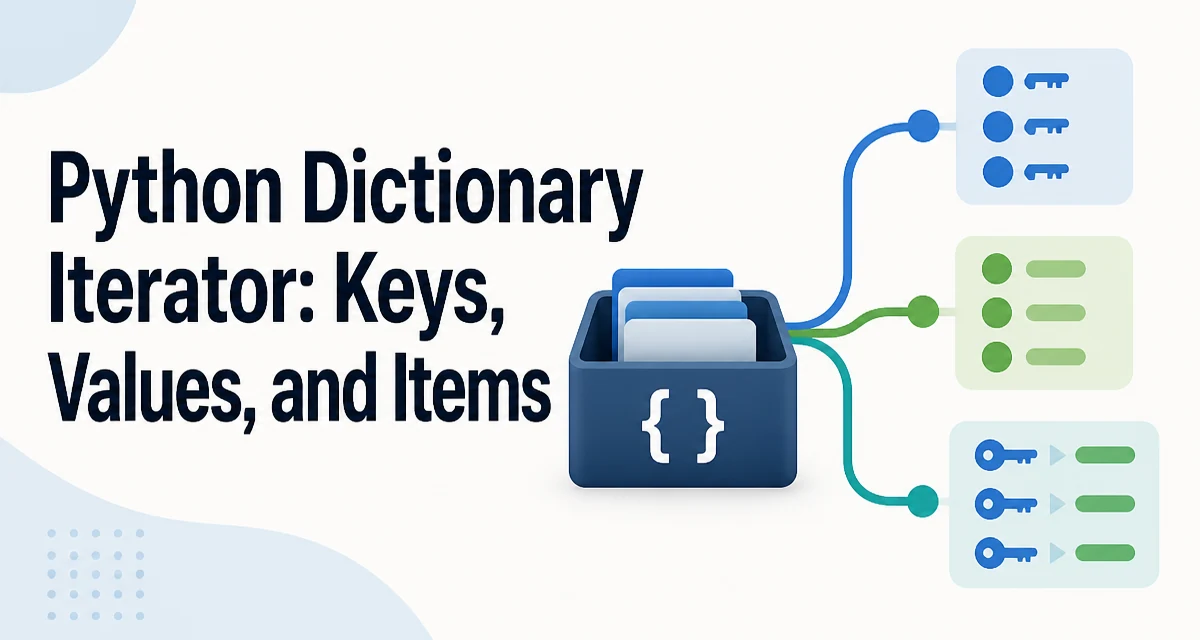
When you write for element in some_dict, Python iterates over the dictionary's keys, not its values. This is the first thing to understand about the python dictionary iterator: the default iteration protocol for a dict object yields keys, and everything else—values, key-value pairs, and even reverse iteration—requires an explicit method call.
The Three Core Iteration Methods
A Python dictionary exposes three methods that return view objects, each designed for a different iteration target:
dict.keys()yields the keysdict.values()yields the valuesdict.items()yields(key, value)tuples
config = {"host": "localhost", "port": 5432, "ssl": True}

for key in config:
    print(key)

for value in config.values():
    print(value)

for key, value in config.items():
    print(f"{key} = {value}")
The first loop is equivalent to for key in config.keys(), but the direct form is more idiomatic because it avoids an extra method call and reads naturally. The items() method is the most common choice when you need both parts of each entry, because unpacking the tuple directly in the for statement avoids indexing into a two-element tuple.
Dictionary Views Are Live, Not Snapshots
The objects returned by keys(), values(), and items() are dictionary views, not copies. A view reflects the current state of the dictionary even if the dictionary changes after the view was created.
scores = {"alice": 90, "bob": 85}
view = scores.keys()

scores["carol"] = 95
print(list(view))  # ['alice', 'bob', 'carol']
This behavior matters when you hold a view in a variable and then mutate the dictionary elsewhere in the same scope. The view updates automatically, which can be useful for caching a reference to the keys without copying them, but it also means you cannot rely on the view representing the dictionary's state at the moment it was created.
Views also support set-like operations when the underlying elements are hashable. keys() and items() support &, |, -, and ^ because their elements are hashable; values() does not, because values are not guaranteed to be hashable.
Iteration Order Follows Insertion Order
Since Python 3.7, dictionary iteration order is guaranteed to match insertion order. This is a language guarantee, not an implementation detail. That means the python dictionary iterator produces keys in the order they were added, which makes dictionaries usable in contexts where ordering matters, such as building JSON payloads or processing configuration files in a defined sequence.
order = {}
order["first"] = 1
order["second"] = 2
order["third"] = 3

print(list(order))  # ['first', 'second', 'third']
If you need reverse order, use reversed() on the dictionary directly, or on keys() or items() in Python 3.8 and later. reversed() works on dictionaries because they support the __reversed__ protocol, but it requires the dictionary to have a known size, so it is not available on all view types in older Python versions.
Modifying a Dictionary While Iterating
Attempting to add or remove keys while iterating over a dictionary raises RuntimeError: dictionary changed size during iteration. This is a deliberate safety mechanism: the iterator tracks the dictionary's size and version, and any structural change invalidates the iteration.
users = {"alice": "admin", "bob": "editor", "carol": "viewer"}

for name in users:
    if name == "bob":
        del users[name]  # RuntimeError
The safe pattern is to collect the keys you want to remove first, then delete them after the loop finishes:
to_remove = [name for name in users if users[name] == "editor"]

for name in to_remove:
    del users[name]
Mutating a value in place—such as users[name] = new_role—does not change the dictionary's size, so it is allowed during iteration. Only operations that add or remove keys trigger the error.
Performance and Memory Behavior
Iterating over a dictionary is O(n) in the number of entries, and each of the three methods has the same cost. The difference between keys(), values(), and items() is not performance but what you get per iteration step. items() avoids a separate lookup: if you need both the key and the value, for key, value in d.items() is faster than for key in d: value = d[key] because the latter performs a hash lookup on every iteration.
Memory usage is also worth noting. Views do not copy the dictionary's contents, so creating a view is cheap. Converting a view to a list with list(d.keys()) copies the references into a new list, which costs O(n) memory. For large dictionaries, avoid materializing views unless you actually need a snapshot.
Choosing the Right Iteration Approach
| Need | Method |
|---|---|
| Only keys | for key in d: or d.keys() |
| Only values | d.values() |
| Both key and value | d.items() |
| Reverse order | reversed(d) or reversed(d.items()) |
| Set operations on keys | d.keys() & other |
Use the direct for key in d form when you only need keys, because it is the most idiomatic and avoids an extra attribute lookup. Use items() whenever you need both parts, because unpacking in the loop is clearer and faster than indexing into a tuple or doing a separate lookup. Use values() only when keys are irrelevant, which is common when aggregating or transforming data.
One edge case worth knowing: if you need to iterate while removing entries, consider building a new dictionary with a comprehension instead of mutating the original:
filtered = {name: role for name, role in users.items() if role != "editor"}
This avoids the size-change error entirely and often reads more clearly than a delete loop. The tradeoff is that it allocates a new dictionary, so for very large dictionaries where memory is constrained, the collect-then-delete pattern may be preferable.