Python DuckDB Register Dataframe: Syntax and Examples
python duckdb register dataframe: Learn how to register a pandas or other dataframe in DuckDB for SQL querying, including syntax, behavior, and performance tradeoffs.
Why Register a Dataframe in DuckDB
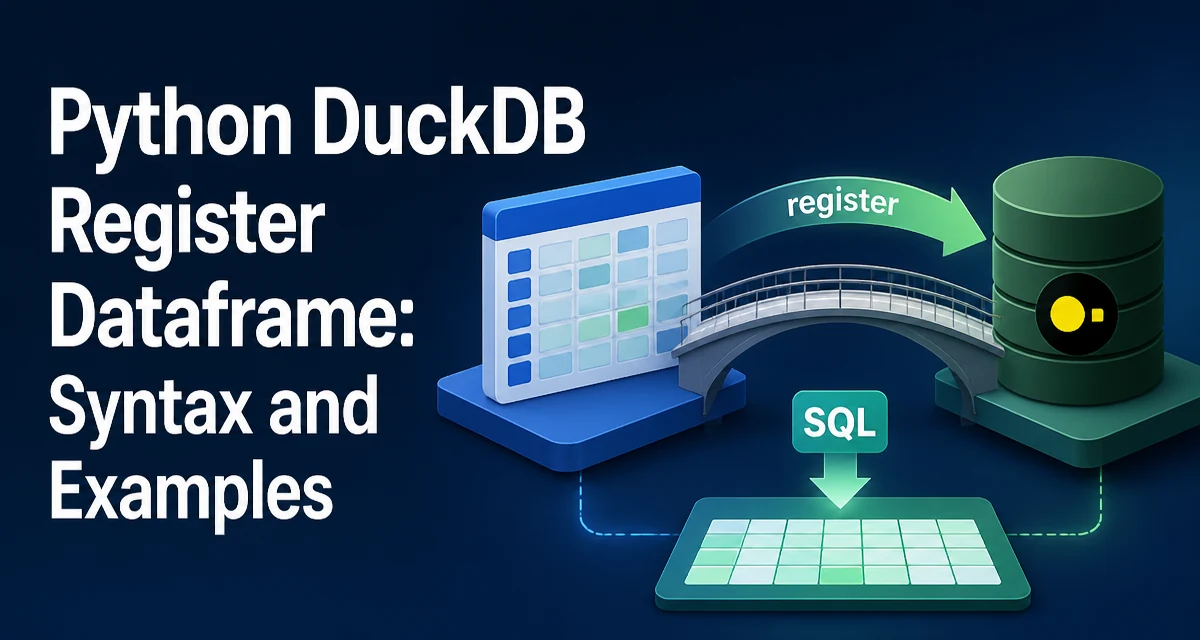
When you have a pandas dataframe in memory and you want to query it with SQL, DuckDB offers a straightforward way to expose that dataframe as a table: the register method. This is particularly useful when you already have data loaded in Python and want to use DuckDB's analytical SQL engine without copying the data into a separate database file.
The primary use case for python duckdb register dataframe is to make an in-memory dataframe queryable through DuckDB's SQL interface. This avoids writing the dataframe to disk or converting it to another format, and it lets you combine the dataframe with other tables or views in the same DuckDB session.
Registering a Pandas Dataframe
The core syntax is simple. You create a DuckDB connection and then call register with a name and the dataframe.
import duckdb
import pandas as pd

# Create a sample dataframe
df = pd.DataFrame({
    "id": [1, 2, 3],
    "name": ["Alice", "Bob", "Charlie"],
    "score": [95.5, 87.0, 91.2]
})

# Connect to an in-memory DuckDB instance
con = duckdb.connect()

# Register the dataframe as a table named 'students'
con.register("students", df)

# Now you can run SQL queries against it
result = con.execute("SELECT * FROM students WHERE score > 90").fetchdf()
print(result)
The register method takes two arguments: the table name (as a string) and the dataframe object. The name can be any valid SQL identifier, but it's a good practice to use lowercase names without spaces to avoid quoting issues.
After registration, the dataframe behaves like a regular DuckDB table. You can join it with other registered tables, use aggregations, window functions, and all other SQL features that DuckDB supports.
How Registration Works Under the Hood
When you call register, DuckDB does not copy the dataframe into its own storage. Instead, it creates a view that references the Python object directly. This means the dataframe remains in memory and DuckDB scans it on demand when you run a query.
This design has two important consequences. First, if you modify the dataframe after registering it, those changes are visible to subsequent queries. Second, the dataframe must remain alive in memory for the duration of the DuckDB connection; if the Python object is garbage-collected, the registered view may become invalid.
DuckDB uses its own type system internally, so it may need to convert pandas dtypes to DuckDB types when a query runs. This conversion is done lazily and does not create a full copy of the data, but it can introduce some overhead on the first query that touches the dataframe.
Querying the Registered Dataframe
Once registered, you can query the dataframe using standard SQL. DuckDB's Python API provides several ways to execute queries and retrieve results.
# Execute a query and fetch a pandas dataframe
result_df = con.execute("SELECT name, score FROM students ORDER BY score DESC").fetchdf()

# Execute a query and fetch a list of tuples
result_tuples = con.execute("SELECT COUNT(*) FROM students").fetchall()

# Execute a query and fetch a DuckDB relation
relation = con.execute("SELECT * FROM students WHERE score > 91")
# You can then use the relation for further operations
filtered_df = relation.df()
You can also use DuckDB's relational API directly on the registered view. For example, con.table("students") returns a relation object that you can chain operations on.
relation = con.table("students").filter("score > 90").project("name, score")
print(relation.df())
The registered view is visible to any subsequent execute calls on the same connection. If you open multiple connections to the same in-memory database, you need to register the dataframe on each connection separately, because the registration is connection-local.
Registering Other Dataframe Types
While pandas is the most common use case, DuckDB's register method can also handle other dataframe-like objects, such as Polars dataframes and Arrow tables. The syntax is identical, but you need to have the corresponding library installed.
import polars as pl
import duckdb

df_pl = pl.DataFrame({
    "a": [1, 2, 3],
    "b": ["x", "y", "z"]
})
ncon = duckdb.connect()
con.register("polars_df", df_pl)
nprint(con.execute("SELECT * FROM polars_df").fetchdf())
For Arrow tables, you can use con.register("arrow_table", arrow_table) as long as the Arrow table is in memory. DuckDB can also directly query Arrow data without registration using con.execute("SELECT * FROM arrow_table") if the variable is in scope, but registration provides a persistent view that can be referenced by name.
In all cases, the same underlying principle applies: DuckDB references the the external object and does not copy it into its own storage.
Performance and Memory Considerations
The main performance benefit of registering a dataframe is that it avoids a costly data import step. You don't need to write the dataframe to a file or use INSERT statements to load it into a DuckDB table. This is especially valuable when you have a large dataframe that would otherwise consume significant time and I/O.
However, there are tradeoffs. Because DuckDB scans the dataframe on each query, the query performance depends on the pandas memory layout and dtype. For example, object-dtype columns (strings) may be slower to scan than numeric columns. DuckDB may also need to convert data on the fly, which adds a small overhead per query.
If you plan to run many queries against the same dataframe, you might consider copying it into a DuckDB table using CREATE TABLE AS SELECT or con.execute("CREATE TABLE t AS SELECT * FROM df"). This gives DuckDB full control over the data layout and can improve query performance for repeated access. But it comes with the cost of duplicating the data in memory.
Another consideration is memory usage. When you register a dataframe, DuckDB does not allocate additional memory for the data itself, but it may allocate memory for query execution, such as intermediate results or hash tables for joins. This is similar to querying any table, but the source data remains in the Python process.
Common Registration Errors and Fixes
A frequent mistake is registering a dataframe with a name that conflicts with an existing table or view. DuckDB will raise an error if you try to register a name that already exists. You can either use a different name or drop the existing object first.
con.register("students", df1)
# This will fail if "students" already exists
try:
    con.register("students", df2)
except Exception as e:
n    print(e)
Another issue is registering a dataframe with unsupported types. DuckDB supports a wide range of types, but some pandas dtypes, such as category or datetime64[ns, tz], may require conversion. In most cases DuckDB handles this automatically, but if you encounter a type error, you can convert the column to a supported dtype before registration.
A third common problem is that the registered view becomes stale if the dataframe is modified in a way that changes its schema. If you add or remove columns after registration, the view may not reflect those changes. It's safer to register the dataframe after you've finalized its structure, or to re-register it after schema changes.
When to Use register Instead of Direct Query
DuckDB also allows you to query a pandas dataframe directly without explicit registration by using the dataframe's variable name in SQL, as long as the variable is in scope.
con.execute("SELECT * FROM df") # works if df is a pandas dataframe in the local scope
This direct query is convenient for quick ad-hoc analysis, but it has a limitation: the dataframe name must be a valid SQL identifier and it must be in the Python scope. Registration gives you a stable, named reference that can be used across multiple queries and even from other parts of your code without passing the dataframe object around.
Use register when you need to:
- Reference the dataframe by a specific name that is independent of the Python variable name.
- Use the dataframe in joins with other registered tables.
- Share the same named view across multiple parts of your application.
- Avoid the implicit scope-based lookup that direct query relies on.
Direct query is simpler for one-off scripts where you only run a few queries and the dataframe variable is always in scope. For larger projects or when the dataframe is passed between functions, registration is more explicit and maintainable.