Python DuckDB: SQL Joins, Aggregation, and Analytics
python duckdb sql joins aggregation and analytics: Use DuckDB in Python for SQL joins, aggregation, and analytical queries with practical examples covering GROUP BY, w...
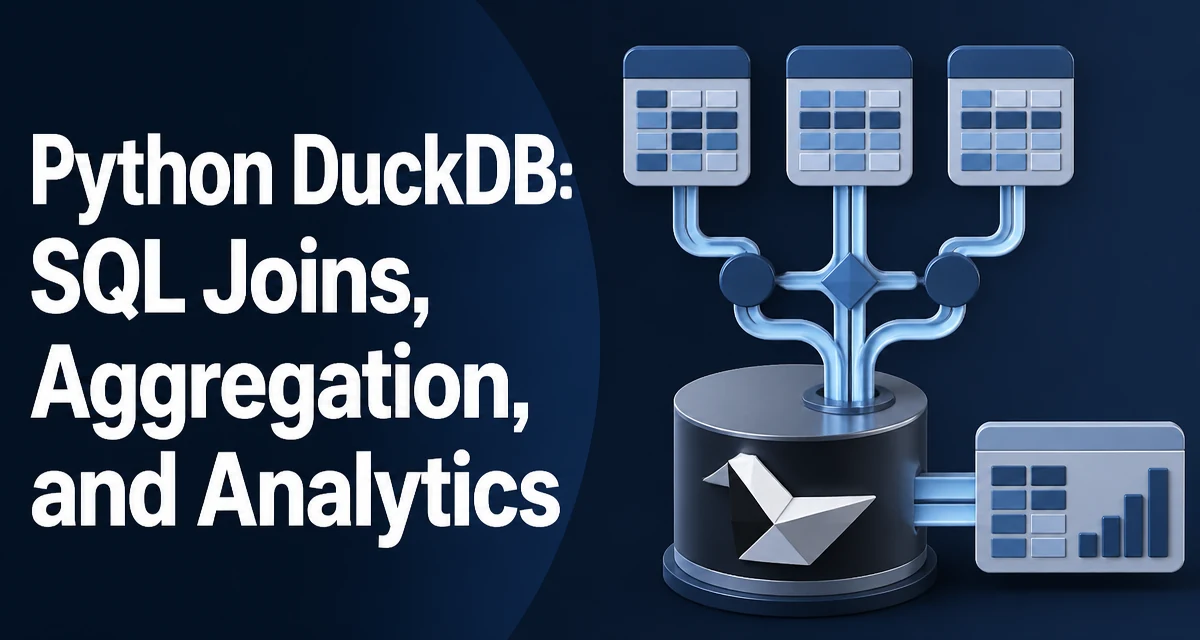
DuckDB is an in-process analytical database that runs SQL queries directly against data in Python. It is designed for analytical workloads—joins, aggregations, and window functions—without requiring a separate database server. When you need to combine python duckdb sql joins aggregation and analytics in a single workflow, DuckDB provides a SQL engine that operates on local data structures like pandas DataFrames and Parquet files.
Setting Up a DuckDB Connection in Python
DuckDB's Python API is built around a connection object. You can create an in-memory database or persist to a file:
import duckdb

# In-memory database
conn = duckdb.connect()

# File-backed database
# conn = duckdb.connect("analytics.duckdb")
The connection object executes SQL through execute() and returns results. You can also use the module-level duckdb.sql() function for quick queries without managing a connection object explicitly.
result = conn.execute("SELECT 42 AS answer").fetchall()
print(result)  # [(42,)]
For most analytical work, you will want to load data into DuckDB from existing Python objects. The register() method or direct SQL references to DataFrames make this straightforward.
Loading Data for Joins and Aggregation
Before running joins and aggregations, you need data in the database. DuckDB can query pandas DataFrames directly without copying them:
import pandas as pd

orders = pd.DataFrame({
    "order_id": [1, 2, 3, 4, 5],
    "customer_id": [101, 102, 101, 103, 102],
    "amount": [250.0, 100.0, 400.0, 75.0, 300.0],
    "region": ["east", "west", "east", "south", "west"]
})

customers = pd.DataFrame({
    "customer_id": [101, 102, 103, 104],
    "name": ["Alice", "Bob", "Carol", "Dave"],
    "tier": ["gold", "silver", "gold", "bronze"]
})

conn.register("orders", orders)
conn.register("customers", customers)
You can also load directly from CSV or Parquet files with read_csv() and read_parquet() functions inside SQL, which is useful when data is too large to fit comfortably in memory as a DataFrame.
Joining Tables with DuckDB SQL
DuckDB supports the standard SQL join types: INNER, LEFT, RIGHT, FULL OUTER, and CROSS. It also supports semi and anti joins, which are useful for filtering based on existence in another table.
Inner and Left Joins
SELECT
    o.order_id,
    c.name,
    o.amount,
    o.region
FROM orders o
INNER JOIN customers c ON o.customer_id = c.customer_id;
An inner join returns only rows where the join condition matches in both tables. A left join keeps all rows from the left table and fills NULLs where no match exists on the right.
Semi and Anti Joins
Semi joins return rows from the left table where a match exists in the right table, without duplicating rows. Anti joins return rows where no match exists:
-- Customers who have placed at least one order
SELECT customer_id, name
FROM customers
WHERE customer_id IN (SELECT DISTINCT customer_id FROM orders);

-- Customers who have never placed an order
SELECT customer_id, name
FROM customers
WHERE customer_id NOT IN (SELECT DISTINCT customer_id FROM orders);
DuckDB's optimizer can rewrite these IN/NOT IN subqueries into semi/anti joins internally, but you can also write them explicitly with SEMI JOIN and ANTI JOIN syntax when you want to control the plan.
Aggregating Data with GROUP BY
Aggregation in DuckDB follows standard SQL semantics. The GROUP BY clause collapses rows into groups and applies aggregate functions like SUM, COUNT, AVG, MIN, and MAX.
SELECT
    region,
    COUNT(*) AS order_count,
    SUM(amount) AS total_amount,
    AVG(amount) AS avg_order_value
FROM orders
GROUP BY region
ORDER BY total_amount DESC;
DuckDB also supports GROUP BY ALL, which groups by every column in the SELECT list that is not wrapped in an aggregate function. This reduces the risk of forgetting a column in the GROUP BY clause:
SELECT
    region,
    customer_id,
    SUM(amount) AS total_amount
FROM orders
GROUP BY ALL
ORDER BY total_amount DESC;
FILTER Clauses on Aggregates
A useful DuckDB feature is the FILTER clause, which applies an aggregate to a subset of rows without adding a WHERE clause that would eliminate rows from other aggregates:
SELECT
    region,
    COUNT(*) AS total_orders,
    COUNT(*) FILTER (WHERE amount > 200) AS large_orders,
    SUM(amount) FILTER (WHERE amount > 200) AS large_order_value
FROM orders
GROUP BY region;
This is more readable than the equivalent CASE WHEN pattern and lets you compute multiple conditional aggregates in a single pass.
Window Functions for Analytical Queries
Window functions extend aggregation by computing values across a set of rows related to the current row, without collapsing the result set. This is where DuckDB's analytical capabilities become especially useful.
SELECT
    order_id,
    customer_id,
    amount,
    region,
    SUM(amount) OVER (PARTITION BY region) AS region_total,
    RANK() OVER (PARTITION BY region ORDER BY amount DESC) AS region_rank,
    AVG(amount) OVER (PARTITION BY region) AS region_avg
FROM orders
ORDER BY region, region_rank;
The OVER clause defines the window: PARTITION BY splits rows into groups, and ORDER BY controls the ordering within each partition. Common window functions include ROW_NUMBER(), RANK(), DENSE_RANK(), LAG(), LEAD(), and cumulative aggregates like SUM() OVER (ORDER BY ...).
Running Totals and Moving Averages
A running total uses the default window frame, which extends from the start of the partition to the current row:
SELECT
    order_id,
    amount,
    SUM(amount) OVER (ORDER BY order_id) AS running_total
FROM orders
ORDER BY order_id;
For a moving average, you specify a frame with ROWS BETWEEN:
SELECT
    order_id,
    amount,
    AVG(amount) OVER (
        ORDER BY order_id
        ROWS BETWEEN 2 PRECEDING AND CURRENT ROW
    ) AS moving_avg_3
FROM orders
ORDER BY order_id;
Window functions are evaluated after joins and aggregation, so you can combine them with GROUP BY results by using a subquery or CTE.
Performance Considerations for Analytical Workloads
DuckDB is a columnar, vectorized engine. This means it processes data in batches of column values rather than row by row, which is efficient for the scan-heavy workloads that joins and aggregations typically involve.
A few practical points matter when running these queries from Python:
- Pushdown of filters: DuckDB pushes
WHEREpredicates down to the scan layer. When reading Parquet files, this can skip entire row groups. WritingWHEREclauses that filter early reduces the amount of data that reaches the join and aggregation stages. - Join order: DuckDB's optimizer chooses join order based on statistics. For large tables, keeping the smaller table on the right side of a join (as the build side) is generally beneficial, but the optimizer handles this automatically in most cases.
- Materialization: When you call
fetchall()ordf(), DuckDB materializes the entire result into Python memory. For very large results, consider usingfetchmany()or streaming withfetch_df_chunk()to avoid exhausting memory. - DataFrame registration: Registering a pandas DataFrame does not copy the data. DuckDB reads it in place. However, if the DataFrame is modified after registration, the query results may reflect the changes, so it is best to register data only when it is in a stable state.
Combining Joins, Aggregation, and Analytics in One Query
A realistic analytical query often chains these operations together. DuckDB lets you express the full pipeline in a single SQL statement using CTEs:
WITH customer_orders AS (
    SELECT
        c.customer_id,
        c.name,
        c.tier,
        o.order_id,
        o.amount,
        o.region
    FROM customers c
    LEFT JOIN orders o ON c.customer_id = o.customer_id
),
tier_summary AS (
    SELECT
        tier,
        COUNT(DISTINCT customer_id) AS customer_count,
        COUNT(order_id) AS order_count,
        SUM(amount) AS total_revenue
    FROM customer_orders
    GROUP BY tier
)
SELECT
    tier,
    customer_count,
    order_count,
    total_revenue,
    RANK() OVER (ORDER BY total_revenue DESC) AS revenue_rank
FROM tier_summary
ORDER BY revenue_rank;
This query joins customers to orders, aggregates by tier, and then applies a window function to rank tiers by revenue. The CTE structure keeps each stage readable and lets you reason about the data flow.
For iterative exploration, you can also use DuckDB's ability to reference Python variables in queries with parameters:
min_amount = 150.0
conn.execute(
    "SELECT region, SUM(amount) AS total FROM orders WHERE amount >= ? GROUP BY region",
    [min_amount]
).df()
The ? placeholder binds the Python value safely, avoiding string interpolation issues when values come from user input. This parameterized approach keeps the query plan reusable across different bound values, which matters when the same analytical query runs repeatedly with varying thresholds in a pipeline.