Using Python Executor Submit to Parallelize Tasks
python executor submit: Learn how to use Python's Executor.submit to run functions in parallel, retrieve results from Future objects, and handle exceptions cleanly.
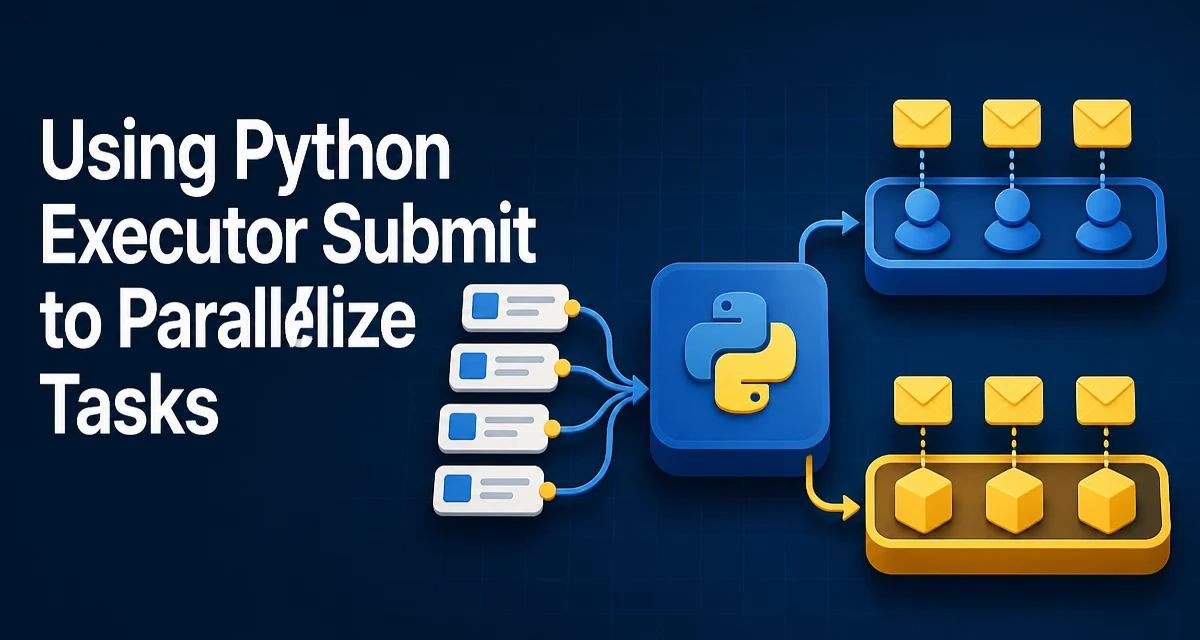
When you need to run a function in the background, Python's concurrent.futures module provides Executor.submit() as the primary way to schedule a single callable and get a Future back. This article explains exactly what python executor submit does, how to use it with thread and process pools, and how to handle results and errors correctly.
What Executor.submit Returns and Why It Matters
Executor.submit(fn, *args, **kwargs) schedules fn to be executed asynchronously and returns a Future object immediately. The Future represents the eventual result of the callable. You do not block on the call itself; instead, you call future.result() later to retrieve the value or wait for completion.
The key distinction from Executor.map() is that submit accepts a single callable with arbitrary arguments, while map applies a function to each item in an iterable. submit gives you finer control over individual tasks, especially when tasks have different arguments or you need to handle each one separately.
Submitting Tasks to a ThreadPoolExecutor
ThreadPoolExecutor runs tasks in a pool of worker threads. It is ideal for I/O-bound operations where threads can overlap waiting on network or disk. Here is a minimal example:
from concurrent.futures import ThreadPoolExecutor
import time

def fetch_url(url):
    time.sleep(1)  # simulate network latency
    return f"Fetched {url}"

with ThreadPoolExecutor(max_workers=3) as executor:
    future = executor.submit(fetch_url, "https://example.com")
    print(future.result())
The with block ensures the executor shuts down cleanly, waiting for all submitted tasks to finish. The submit call returns immediately, and future.result() blocks until the function completes. If you have many URLs, you can submit them all and collect the futures in a list:
urls = ["https://a.com", "https://b.com", "https://c.com"]
futures = [executor.submit(fetch_url, url) for url in urls]
results = [f.result() for f in futures]
Each submit schedules one task, and the executor distributes them among its workers. This pattern is common when task arguments differ or when you need to process results as they become available.
Submitting Tasks to a ProcessPoolExecutor
ProcessPoolExecutor uses separate processes instead of threads. It is suitable for CPU-bound work because it bypasses the Global Interpreter Lock (GIL) and allows true parallel execution on multiple cores. The usage is identical to ThreadPoolExecutor:
from concurrent.futures import ProcessPoolExecutor

def compute_square(n):
    return n * n

with ProcessPoolExecutor(max_workers=4) as executor:
    future = executor.submit(compute_square, 12)
    print(future.result())  # 144
Process pools have higher overhead than thread pools because each worker is a separate Python interpreter. The callable and its arguments must be picklable, and the result must also be picklable. This means you cannot submit lambdas or local functions defined inside another function, because they are not picklable. Use module-level functions or functions from importable modules.
Retrieving Results from a Future
The Future object has several methods to control how you wait for results:
result(timeout=None)returns the callable's return value, or raises the exception if the callable raised one. If a timeout is given and the result is not ready, it raisesTimeoutError.done()returnsTrueif the future has completed (success, exception, or cancellation).add_done_callback(fn)registers a callback that is called with the future when it completes.
Example with timeout:
future = executor.submit(slow_function)
try:
    value = future.result(timeout=5)
except TimeoutError:
    print("Task did not finish in time")
If you need to wait for multiple futures, use concurrent.futures.wait() or as_completed(). wait() blocks until a condition is met (all, first, etc.), while as_completed() yields futures as they finish, allowing you to process results in completion order:
from concurrent.futures import as_completed

futures = [executor.submit(task, i) for i in range(10)]
for future in as_completed(futures):
    result = future.result()
    print(result)
Handling Exceptions Raised by Submitted Tasks
When a submitted callable raises an exception, the exception is captured and re-raised when you call future.result(). This means you must wrap result() in a try/except to handle failures gracefully:
def risky_operation(x):
    if x < 0:
        raise ValueError("x must be non-negative")
    return x * 2

future = executor.submit(risky_operation, -1)
try:
    result = future.result()
except ValueError as e:
    print(f"Task failed: {e}")
If you do not call result(), the exception is silently ignored. This can hide bugs. Always call result() on every future you submit, or attach a callback that inspects the future, to ensure errors are not lost.
You can also inspect the exception without raising it using future.exception():
if future.done() and not future.cancelled():
    exc = future.exception()
    if exc is not None:
        print(f"Caught: {exc}")
This is useful when you are processing many futures and want to collect errors without interrupting the flow.
Cancelling or Waiting on Submitted Tasks
Future.cancel() attempts to cancel the task. It only succeeds if the task has not started running. If the task is already running, cancellation fails and returns False. Cancelled tasks raise CancelledError when you call result().
To wait for all submitted tasks without collecting results, use concurrent.futures.wait():
from concurrent.futures import wait, FIRST_COMPLETED

done, pending = wait(futures, return_when=FIRST_COMPLETED)
wait() returns two sets: done and pending. You can use this to implement early-exit patterns, such as stopping after the first successful result.
When to Use submit vs map
Executor.map() is convenient when you have a function and an iterable of arguments, and you want results in the same order. However, map blocks until all results are ready, and it does not allow per-task exception handling without wrapping the function itself.
submit is the better choice when:
- You need to pass different arguments to each call.
- You want to process results as they complete (using
as_completed). - You need to handle exceptions per task.
- You want to cancel or wait selectively.
Use map for simple, uniform batches where ordering matters and errors are unlikely. For anything more nuanced, submit gives you full control.
Common Mistakes and Runtime Considerations
One frequent mistake is submitting a function call instead of the function itself. For example, executor.submit(fetch_url(url)) executes fetch_url immediately and passes its return value to submit, which will then try to call that value as a callable. Always pass the function object and its arguments separately.
Another issue is mixing thread and process pools without understanding their constraints. Threads share memory and are lightweight, but they cannot speed up CPU-bound Python code due to the GIL. Processes bypass the GIL but require picklable data and have higher startup cost. Choose based on whether your workload is I/O-bound or CPU-bound.
When using a ProcessPoolExecutor, be careful with large data transfers. Each argument and result is serialized and sent through a pipe, so passing huge objects can become a bottleneck. For large datasets, consider using shared memory or a different parallelization library.
Finally, always use the executor as a context manager or call shutdown(wait=True) to ensure resources are released. Forgetting to shut down can leave worker threads or processes alive and cause resource leaks in long-running applications.