Python Extended Slicing: Step and Negative Indexes
python extended slicing: Understand Python extended slicing with step, negative indexes, slice objects, and memory behavior for lists and custom containers.
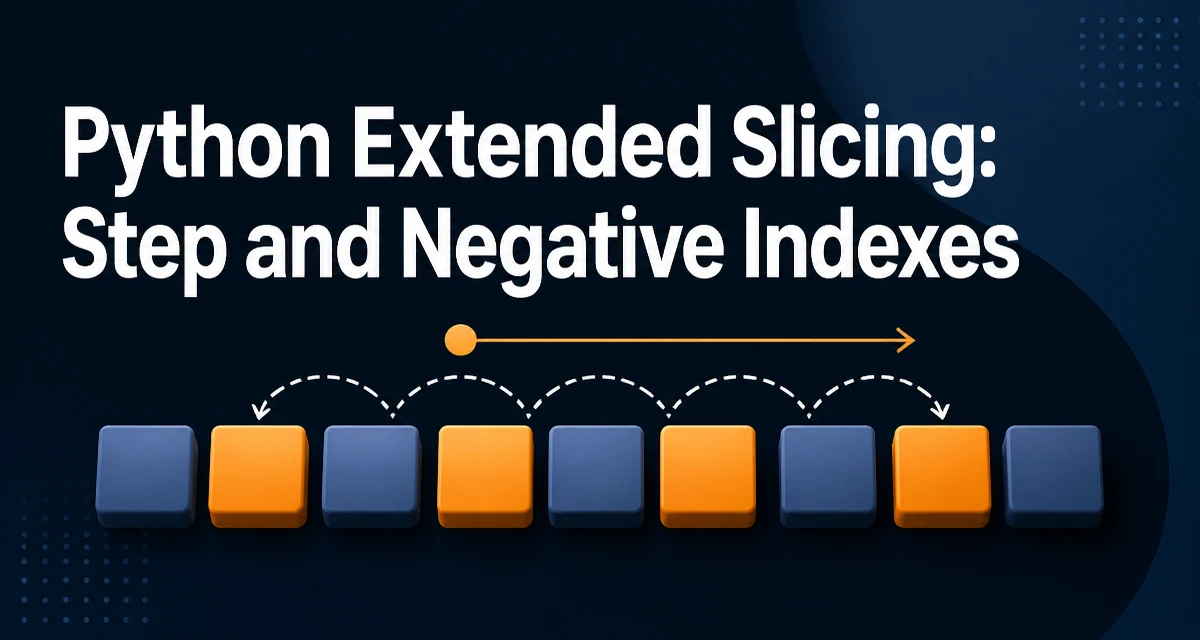
Python extended slicing refers to the three-part slice syntax seq[start:stop:step]. The third component, step, distinguishes it from the basic two-part form, and it changes how elements are selected in ways that are easy to misread at first glance.
The Step Parameter and How It Works
The step determines the stride between selected elements. seq[1:8:2] picks every second element starting at index 1 and stopping before index 8.
numbers = [0, 1, 2, 3, 4, 5, 6, 7, 8, 9]
print(numbers[1:8:2])  # [1, 3, 5, 7]
The start and stop positions follow the same half-open rule as basic slicing: the element at start is included, and the element at stop is not. The step only controls which indices between those bounds are visited.
When step is positive, the slice moves from left to right. When step is negative, the direction reverses, and the meaning of start and stop also reverses.
Negative Steps and Reversing Sequences
A negative step makes Python traverse the sequence backward. seq[::-1] is the canonical way to reverse a list.
numbers = [0, 1, 2, 3, 4, 5]
print(numbers[::-1])  # [5, 4, 3, 2, 1, 0]
With a negative step, start must be greater than stop for the slice to produce any elements. seq[5:1:-1] begins at index 5 and moves down to index 2, because the stop index is exclusive here as well.
numbers = [0, 1, 2, 3, 4, 5]
print(numbers[5:1:-1])  # [5, 4, 3, 2]
A common mistake is assuming that seq[0:5:-1] returns a reversed prefix. It returns an empty list, because index 0 is not greater than index 5, so no indices satisfy the traversal direction.
Slice Objects and the __getitem__ Protocol
When Python evaluates seq[1:8:2], it constructs a slice object and passes it to the sequence's __getitem__ method. The slice object has three attributes: start, stop, and step.
s = slice(1, 8, 2)
print(s.start, s.stop, s.step)  # 1 8 2
You can create slice objects explicitly and reuse them. This is useful when the same slicing pattern appears in several places.
every_third = slice(0, None, 3)
data = [10, 20, 30, 40, 50, 60, 70, 80, 90]
print(data[every_third])  # [10, 40, 70]
The None values in the slice object correspond to omitted bounds. Python resolves them against the sequence length at access time, which is why the same slice object can be applied to sequences of different lengths.
Memory Behavior: Copies, Not Views
A slice of a list produces a new list. The elements are copied into the new container, so modifying the result does not affect the original.
original = [1, 2, 3, 4, 5]
subset = original[::2]
subset[0] = 99
print(original)  # [1, 2, 3, 4, 5]
print(subset)    # [99, 3, 5]
This is different from NumPy arrays, where extended slicing returns a view that shares memory with the original array. The distinction matters when you write code that mutates the result of a slice and expect the change to propagate.
For large lists, a full copy can be expensive. If you only need to iterate over every second element, itertools.islice avoids building a new list, though it does not support negative steps.
from itertools import islice

for value in islice(data, 0, None, 2):
    print(value)
Common Edge Cases and Off-by-One Traps
The stop index is exclusive for both positive and negative steps, which causes the most frequent off-by-one errors.
letters = ["a", "b", "c", "d", "e"]
print(letters[3:0:-1])  # ["d", "c", "b"]
Here the slice starts at index 3 and stops before index 0, so index 0 is excluded. To include the first element while traversing backward, omit the stop entirely: letters[3::-1].
print(letters[3::-1]) # ["d", "c", "b", "a"]
A step of zero raises ValueError: slice step cannot be zero. This is the one step value that is rejected outright.
numbers[::0] # ValueError: slice step cannot be zero
Out-of-range indices do not raise errors. They are clamped to the sequence bounds, which can silently produce shorter slices than expected.
Implementing Extended Slicing in Custom Classes
When you define a class that supports slicing, __getitem__ must handle both integer indices and slice objects.
class RingBuffer:
    def __init__(self, items):
        self._items = list(items)

    def __getitem__(self, key):
        if isinstance(key, slice):
            return self._items[key]
        if isinstance(key, int):
            return self._items[key]
        raise TypeError("Invalid index type")
The slice object is passed as a single argument. Inspecting its start, stop, and step attributes lets you implement custom behavior, such as wrapping indices for a circular buffer.
class CircularBuffer:
    def __init__(self, items):
        self._items = list(items)

    def __getitem__(self, key):
        if isinstance(key, slice):
            indices = range(*key.indices(len(self._items)))
            return [self._items[i % len(self._items)] for i in indices]
        return self._items[key % len(self._items)]
The slice.indices(length) method resolves the slice against a given sequence length and returns a three-tuple (start, stop, step) with all values normalized to valid indices. Using it avoids reimplementing bound clamping and direction handling yourself.
s = slice(1, 8, 2)
print(s.indices(10))  # (1, 8, 2)
print(s.indices(3))   # (1, 3, 2)
This is the most reliable way to handle extended slicing in a custom container, because it delegates the normalization rules to the standard library rather than duplicating them.